Quantum Corporation · NASDAQ:QMCO
Quantum — Technical Presentation (May 2012)
57 slides from Quantum's technical presentation, May 15, 2012
Slide 1: This presentation is being recorded
This presentation is being RECORDED To help make things easier, here are a few quick tips:
Slide 2: MySQL Bootcamp
MySQL BOOTCAMP StorNext Engineering May 15-17, 2012 | Quantum Confidential
Slide 3: Purpose and Class Structure
Purpose and Class Structure Target Audience: Tech Support and Professional Services Goal: Prepare teams to support the new MySQL database when it is released with StorNext 4.3 Class Structure: Lecture and Labs Student Feedback will be collected by Educational Services each day 3 | Quantum Co
Slide 4: What We're Going to Cover
What We’re Going to Cover What is MySQL? How does MySQL impact StorNext? How do you install/upgrade the new database (MySQL)? 4 | Quantum Confidential
Slide 5: Agenda: Day 1
Agenda: DAY 1 Sources of MySQL Information MySQL Software in StorNext 4.3 MySQL Overview Differences/Limitations of MySQL Versus Linter Demo: Using mysql client Demo: Install and Configure StorNext 4.3 Lab 1: Install and Configure StorNext 4.3 Changes Within the StorNext Source Tree
Slide 6: Agenda: Day 2
Agenda: DAY 2 Upgrade StorNext 4.3 Convert Linter to MySQL Database Feasibility Test Procedure Upgrade Options Conversion Log Files Monitor Progress of Conversion Lab 2: Perform a Conversion 6 | Quantum Confidential
Slide 7: Agenda: Day 3
Agenda: DAY 3 Database Backups Lab 3: Perform Backups Tuning MySQL Access to Oracle Support Troubleshooting MySQL 7 | Quantum Confidential
Slide 8: Sources of MySQL Information
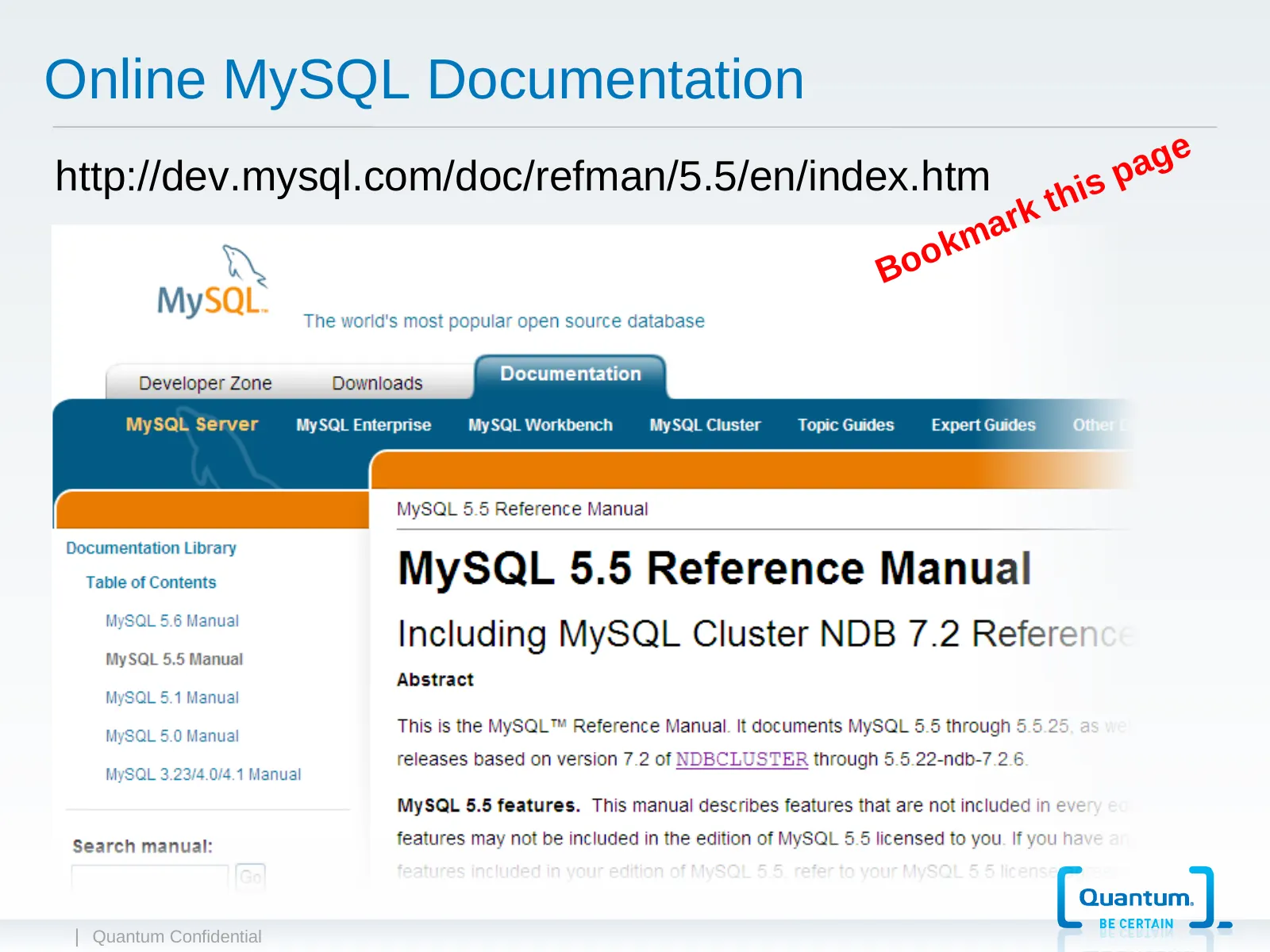
Sources of MySQL Information Online MySQL Documentation: http://dev.mysql.com/doc/refman/5.5/en/index.html Official MySQL support website: http://support.oracle.com Internet search using your favorite search engine 8 | Quantum Confidential
Slide 9: Online MySQL Documentation
Online MySQL Documentation a g e http://dev.mysql.com/doc/refman/5.5/en/index.htm h is p rk t ma o k Bo | Quantum Confidential
Slide 10: MySQL Software in StorNext 4.3
MySQL Software in StorNext 4.3 5.5.22-enterprise-commercial version of the MySQL server 5.1.10 version of the MySQL ODBC connector library 5.1.14 version of the MySQL JDBC connector library 2.3.0 version of the unixODBC library 3.5 version of the MySQL Enterprise Backup SNAPI Server vers
Slide 11: MySQL Overview
MySQL OVERVIEW With StorNext 4.3 | Quantum Confidential
Slide 12: What is MySQL?
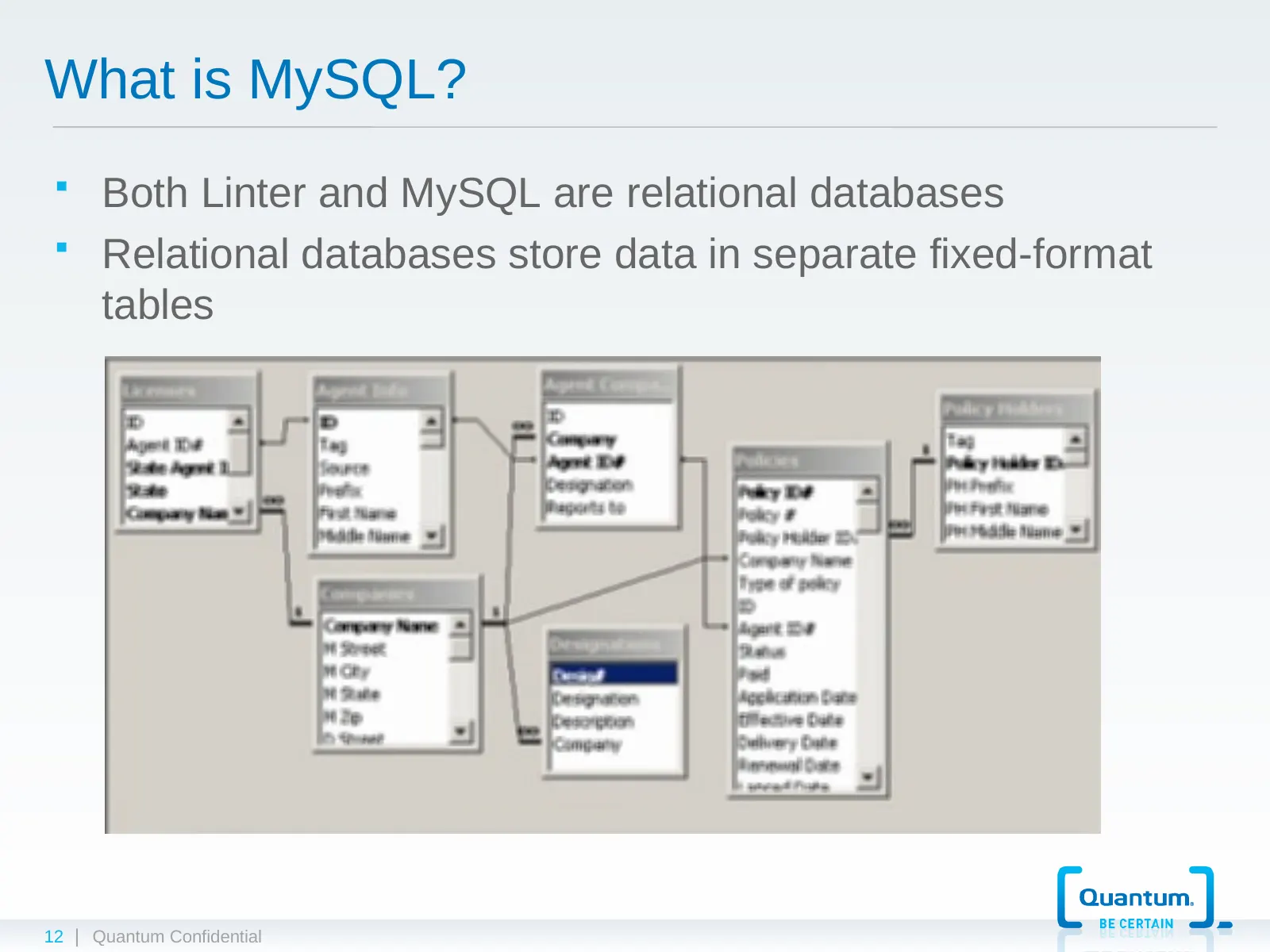
What is MySQL? Both Linter and MySQL are relational databases Relational databases store data in separate fixed-format tables 12 | Quantum Confidential
Slide 13: How is MySQL Configured?
How is MySQL Configured? Uses a flat file (my.cnf) and command line options to determine user selectable configuration settings. my.cnf file within StorNext is located in /usr/adic/mysql/my.cnf and is broken up into sections for the different mysql processes (including the mysqld server, mysql c
Slide 14: Storage Engines
Storage Engines There are multiple storage engines. They act as handlers for individual tables. Tables can be created to use a specific type of storage engine. InnoDB supports transactions. With MySQL 5.5.5, the default storage engine is InnoDB. All tables within StorNext use the InnoDB
Slide 15: More Information on Storage Engines
More Information on Storage Engines For an overview on the different storage engines, see section 14.1 of the online MySQL documentation For a complete write up on the InnoDB storage engine, see section 14.3 of the online MySQL documentation 15 | Quantum Confidential
Slide 16: InnoDB
InnoDB InnoDB tables and indexes are stored in the “system tablespace” file. InnoDB tables and indexes are a set of data files that stores all the table data for a database as well as all the metadata for InnoDB-related objects. StorNext with MySQL uses the single “system tablespace” configura
Slide 17: MySQL Versus Linter Data Files
MySQL Versus Linter Data Files Linter had separate files for each table’s data and indexes. 17 | Quantum Confidential
Slide 18: my.cnf
my.cnf my.cnf file contains configuration settings that define certain attributes for the InnoDB storage engine. – innodb_data_home_dir – innodb_data_file_path – innodb_log_group_home_dir – innodb_log_files_in_group – innodb_log_file_size – innodb_buffer_pool_size 18 | Quantum Confidential
Slide 19: MySQL Disk Space Usage
MySQL Disk Space Usage Each database corresponds to a single directory. Directory contents: table format files (.frm) InnoDB storage engine has its own “tablespace” and log files: Ibdata files, Ib_logfile0 and ib_logfile1 files The general server log and status files: /usr/adic/mysql/logs/my
Slide 20: MySQL Memory Usage
MySQL Memory Usage Buffer caches: hold information in memory to minimize disk access Internal temporary tables in memory: during query processing Several buffers for each client connection 20 | Quantum Confidential
Slide 21: MySQL Limitations
MySQL Limitations No limit on the number of databases. No limit on the number of tables (InnoDB: up to 4 billion tables) InnoDB storage engine: maximum tablespace size of 64TB Section 14.3.6 “Adding, Removing, or Resizing InnoDB Data and Log Files” in online documentation Every table: maxi
Slide 22: Review / Questions
Review / Questions What if... How does… Can I… When will… 22 | Quantum Confidential
Slide 23: MySQL Differences
MySQL DIFFERENCES With StorNext 4.3 | Quantum Confidential
Slide 24: Differences: MySQL Versus Linter (1 of 3)
Differences: MySQL Versus Linter (1 of 3) MySQL is multi-threaded. The database_control script has been replaced by the mysql_control script The following database aliases no longer exist: – dbstart – dbstop – dblog – dbup – cddb The incremental database backups are now binary in nature vers
Slide 25: Differences: MySQL Versus Linter (2 of 3)
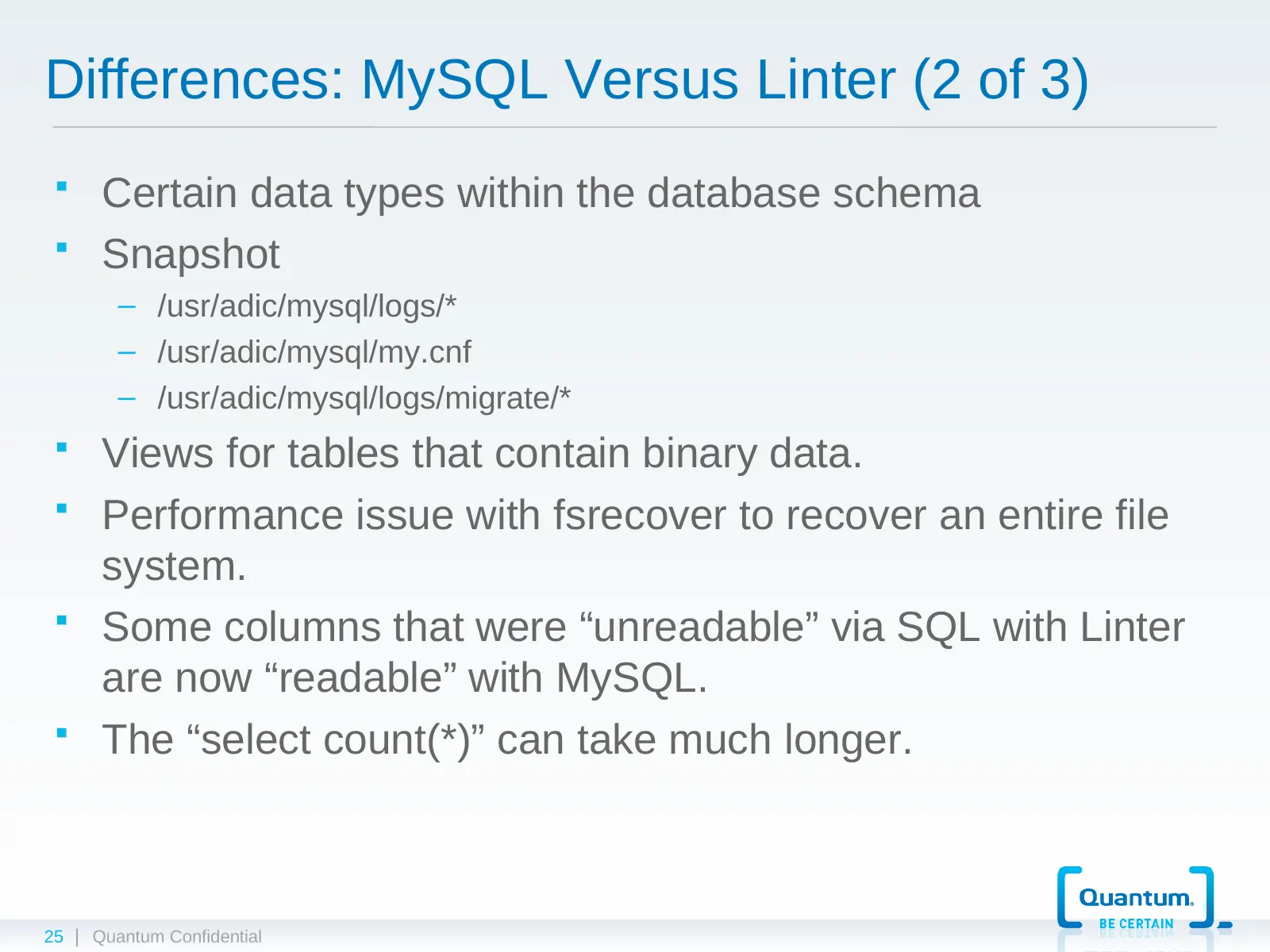
Differences: MySQL Versus Linter (2 of 3) Certain data types within the database schema Snapshot – /usr/adic/mysql/logs/* – /usr/adic/mysql/my.cnf – /usr/adic/mysql/logs/migrate/* Views for tables that contain binary data. Performance issue with fsrecover to recover an entire file system.
Slide 26: Differences: MySQL Versus Linter (3 of 3)
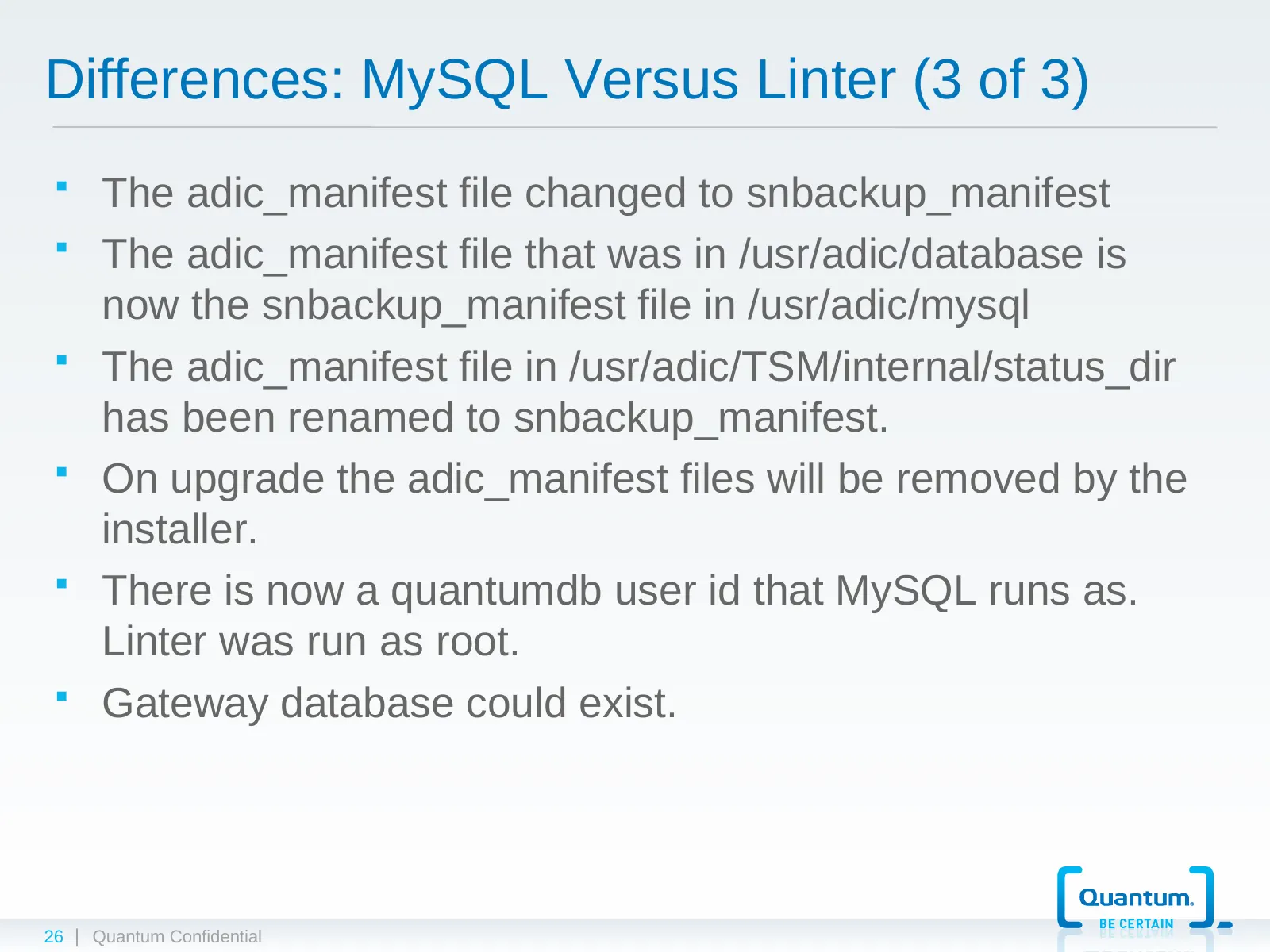
Differences: MySQL Versus Linter (3 of 3) The adic_manifest file changed to snbackup_manifest The adic_manifest file that was in /usr/adic/database is now the snbackup_manifest file in /usr/adic/mysql The adic_manifest file in /usr/adic/TSM/internal/status_dir has been renamed to snbackup_mani
Slide 27: Demo: mysql client
DEMO mysql client | Quantum Confidential
Slide 28: Demo: Using mysql client
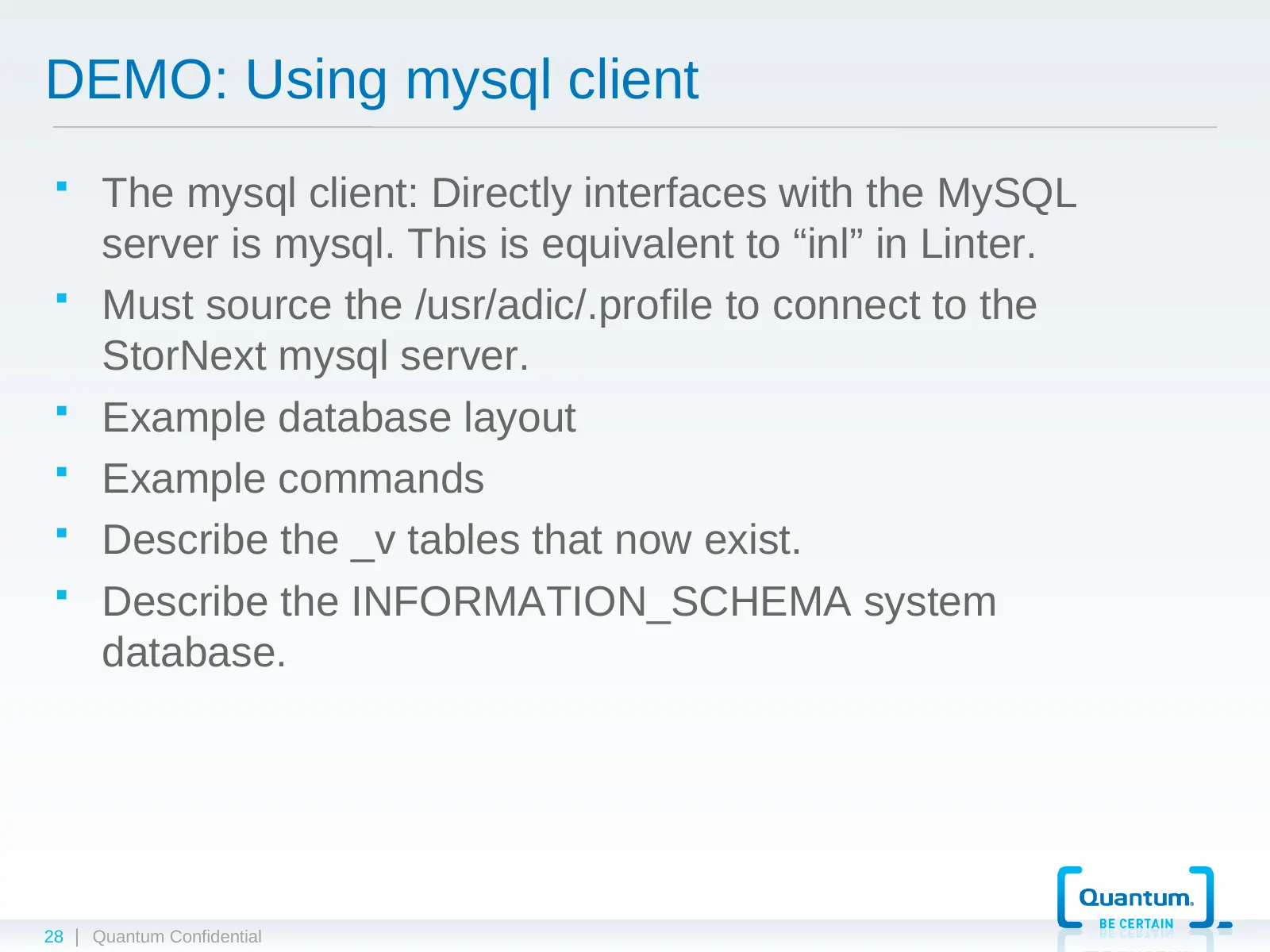
DEMO: Using mysql client The mysql client: Directly interfaces with the MySQL server is mysql. This is equivalent to “inl” in Linter. Must source the /usr/adic/.profile to connect to the StorNext mysql server. Example database layout Example commands Describe the _v tables that now exist.
Slide 29: Demo: Install and Configure StorNext 4.3
DEMO Install and Configure StorNext 4.3 | Quantum Confidential
Slide 30: Demo: Install and Configure StorNext 4.3
DEMO: Install and Configure StorNext 4.3 Perform basic configuration of a simple StorNext system Locate the installed components indicating differences between 4.3 and previous versions Discuss disk space requirements Discuss memory requirements 30 | Quantum Confidential
Slide 31: Lab 1
LAB 1 Install and Configure StorNext 4.3 | Quantum Confidential
Slide 32: Lab 1: Install and Configure StorNext 4.3
LAB 1: Install and Configure StorNext 4.3 Perform a new installation and configuration Browse the MySQL installed system looking at what was presented earlier Do some interactive SQL using the MySQL command line client mysql 32 | Quantum Confidential
Slide 33: Changes, Cautions, Improvements
CHANGES, CAUTIONS, IMPROVEMENTS StorNext 4.3 | Quantum Confidential
Slide 34: Changes Within StorNext Source Tree
Changes Within StorNext Source Tree Most mainline Storage Manager code base converted to use the ODBC interface to interact with the MySQL database. SNAPI does not use the ODBC interface. A new “dbinterfaces” api library has been created. Changes made within the different Storage Manager com
Slide 35: Notes of Caution
Notes of Caution MySQL can have a larger impact on system resources versus Linter. Be aware that another instance of MySQL could be installed on the MDC. ERROR 2002 (HY000): Can’t connect to local MySQL server through socket ‘/var/lib/mysql/mysql.sock’ (2) If you have your own scripts that w
Slide 36: Improvements
Improvements The fsclean code was modified to function under MySQL. SQL update to deal with truncation Doing binary partial backups of the database with MySQL. With Linter, we were only capturing Journal files for partials. Better database isolation within the code 36 | Quantum Confidential
Slide 37: Review / Questions
Review / Questions What if... How does… Can I… When will… 37 | Quantum Confidential
Slide 38: Upgrades and Conversions
UPGRADES AND CONVERSIONS StorNext 4.3 | Quantum Confidential
Slide 39: Upgrade to SN 4.3 and Convert Linter to MySQL
Upgrade to SN 4.3 and Convert Linter to MySQL linter2mysql script Usage and option of linter2mysql script Performance Tuning options Creating tables Exporting Linter Converting .lod files to .csv files Importing into MySQL Creating indexes in MySQL tables Customer database conversi
Slide 40: Database Feasibility Test Procedure
Database Feasibility Test Procedure Overview of procedure Steps to do off production system conversion test 40 | Quantum Confidential
Slide 41: Upgrade Options
Upgrade Options Seemless upgrade to StorNext 4.3 Staged upgrade to 4.3 Reverting back to 4.2.X or 4.1.X 41 | Quantum Confidential
Slide 42: Conversion Log File
Conversion Log File convert_times.log linter2mysql.pid linter2mysql.dump linter2mysql.log 42 | Quantum Confidential
Slide 43: Monitor Progress of Conversion
Monitor Progress of Conversion Watch .lod file creation Watch .csv file creation 43 | Quantum Confidential
Slide 44: Review / Questions
Review / Questions What if... How does… Can I… When will… 44 | Quantum Confidential
Slide 45: Lab 2
LAB 2 Perform a Conversion | Quantum Confidential
Slide 46: Lab 2: Perform a Conversion
LAB 2: Perform a Conversion Perform a conversion Run through of the changes in the install.stornext and related commands 46 | Quantum Confidential
Slide 47: Database Backups
DATABASE BACKUPS StorNext 4.3 | Quantum Confidential
Slide 48: Database Backups
Database Backups Both full and incremental backups are hot Temporary directory where backups are created has changed mysqlbackup process Times for backups Space requirements for backups 48 | Quantum Confidential
Slide 49: Lab 3
LAB 3 Perform Backups | Quantum Confidential
Slide 50: Lab 3: Perform Backups
LAB 3: Perform Backups Perform full and partial backups Look at the bkplist tables differences 50 | Quantum Confidential
Slide 51: Support and Troubleshooting
SUPPORT AND TROUBLESHOOTING MySQL | Quantum Confidential
Slide 52: Tuning MySQL
Tuning MySQL Performance tuning MySQL within StorNext 4.3 Do not modify any MySQL tuning parameters unless directed to do so by Engineering 52 | Quantum Confidential
Slide 53: Access to Oracle Support
Access to Oracle Support Access the Oracle’s support site and create an account. Information available through Oracle website: http:// support.oracle.com Open problem tickets How Oracle Support has dealt with issue 53 | Quantum Confidential
Slide 54: Troubleshooting MySQL
Troubleshooting MySQL Available logs Available tools for checking state of database tables – Checktable – InnoDB startup validation (See note at bottom on Crash Recovery) MySQL crash output dumped into mysqld.log file 54 | Quantum Confidential
Slide 55: Questions
Questions ??? What if... How does… Can I… When will… 55 | Quantum Confidential
Slide 56: Feedback
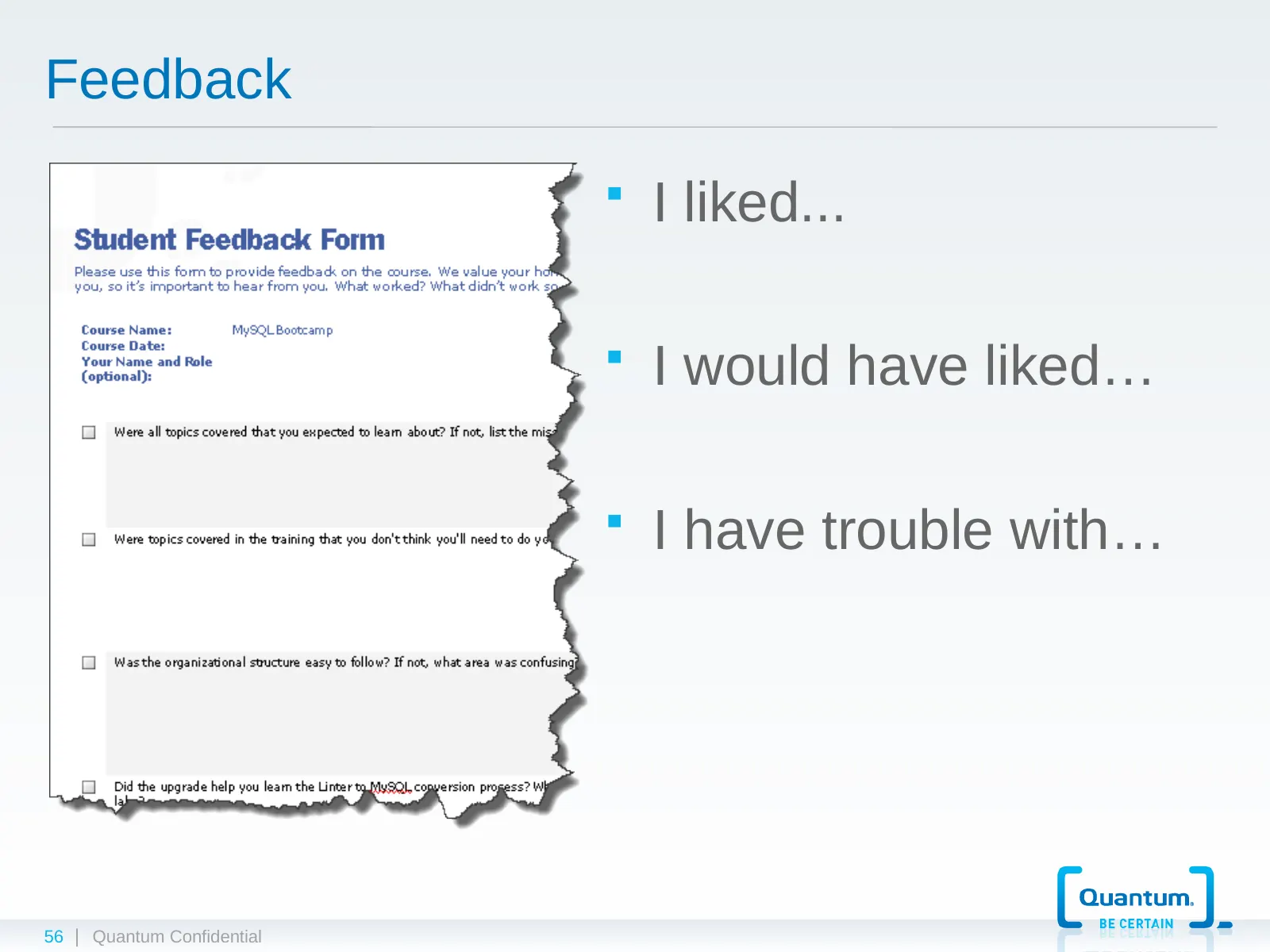
Feedback I liked... I would have liked… I have trouble with… 56 | Quantum Confidential

Slide 57: | Quantum Confidential
© 2012 Quantum Corporation. Company Confidential. Forward-looking information is based upon multiple assumptions and uncertainties, does not necessarily represent the company’s outlook and is for planning purposes only. | Quantum Confidential
Source: Internet Archive copy of qsupport.quantum.com
More decks from Quantum Corporation
 Investor Presentation (February 2021)27 slides · Feb 3, 2021
 Proxy Contest (January 2017)29 slides · Jan 12, 2017
 Technical Presentation (2017)21 slides · 2017
 Investor Presentation (November 2016)30 slides · Nov 2, 2016
 Investor Presentation (September 2016)32 slides · Sep 13, 2016
 Technical Presentation (September 2011)9 slides · September 2011