Quantum Corporation · NASDAQ:QMCO
Quantum — Technical Presentation (September 2011)
9 slides from Quantum's technical presentation, September 2011
Slide 1: StorNext 4.2 – EDLM with the Scalar i6k
StorNext 4.2 – EDLM with the Scalar i6k Transfer of Information, Denver, CO, Sept 13-14, 2011 Eric Hawkins © 2011 Quantum Corporation. Company Confidential. Forward-looking information is 1 based upon multiple assumptions and uncertainties, does not necessarily represent the company’s outlook and is
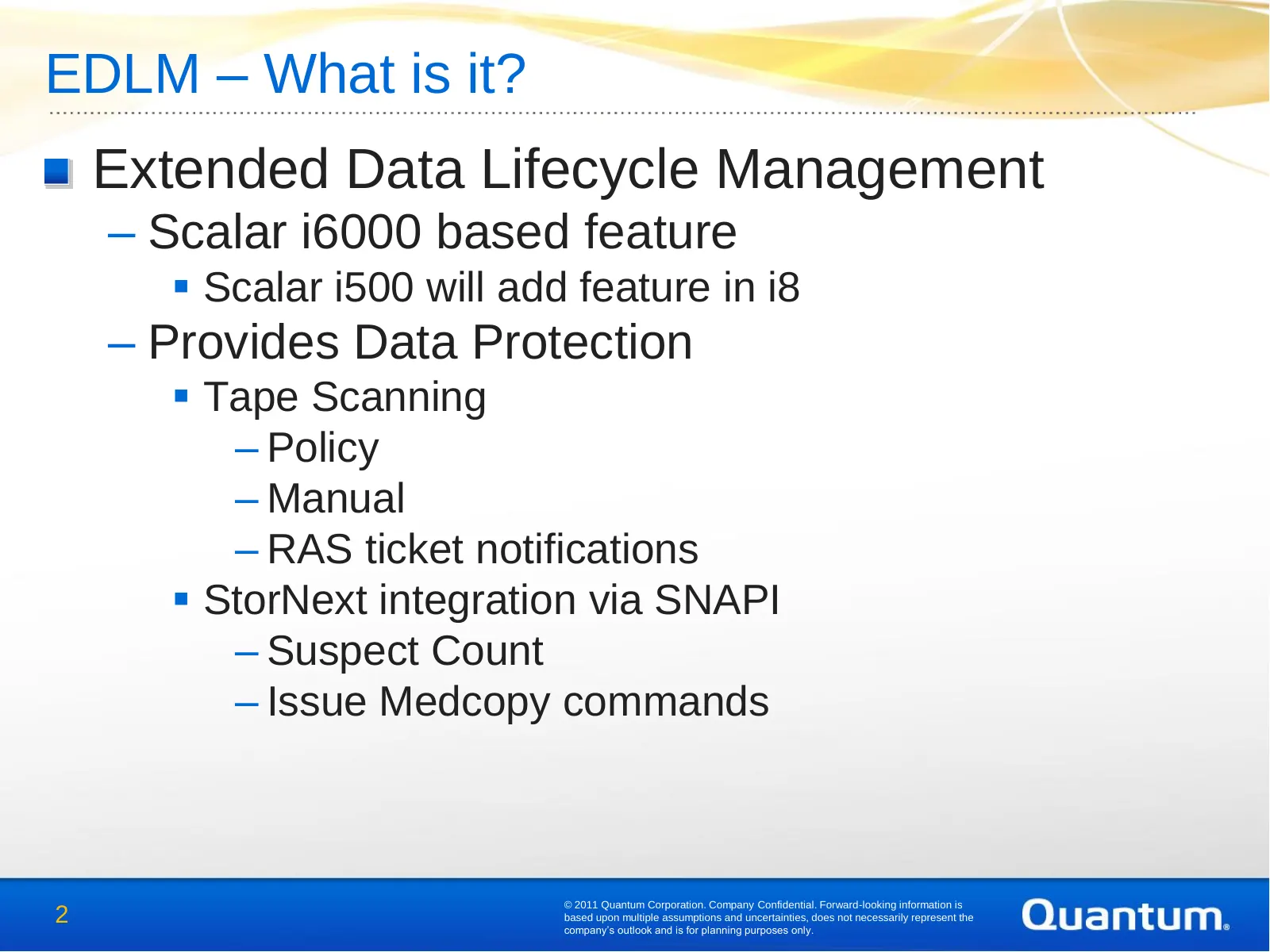
Slide 2: EDLM – What is it?
EDLM – What is it? Extended Data Lifecycle Management – Scalar i6000 based feature Scalar i500 will add feature in i8 – Provides Data Protection Tape Scanning – Policy – Manual – RAS ticket notifications StorNext integration via SNAPI – Suspect Count – Issue Medcopy commands © 2011 Quantum Cor
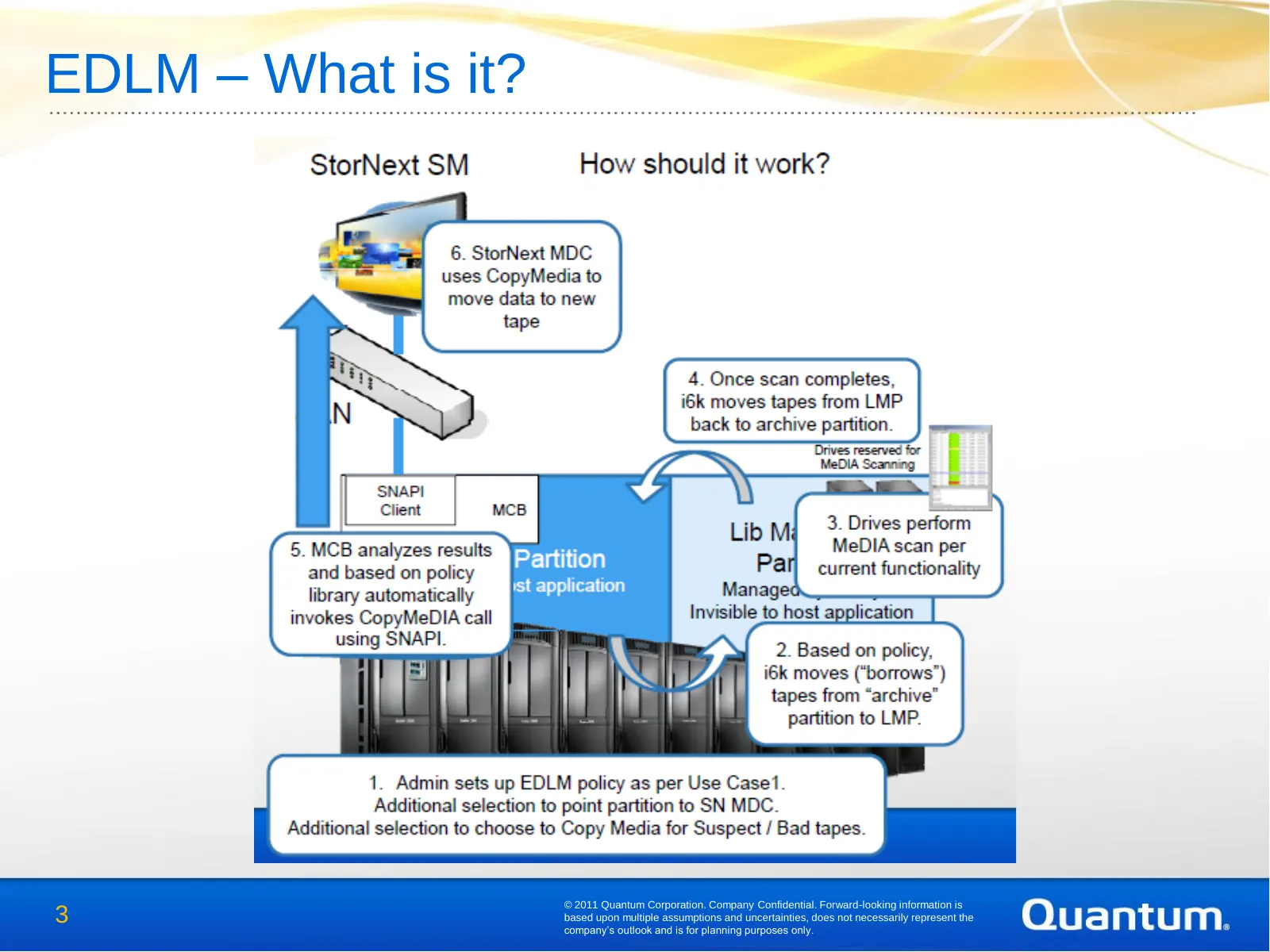
Slide 3: EDLM – What is it?
EDLM – What is it? © 2011 Quantum Corporation. Company Confidential. Forward-looking information is 3 based upon multiple assumptions and uncertainties, does not necessarily represent the company’s outlook and is for planning purposes only.
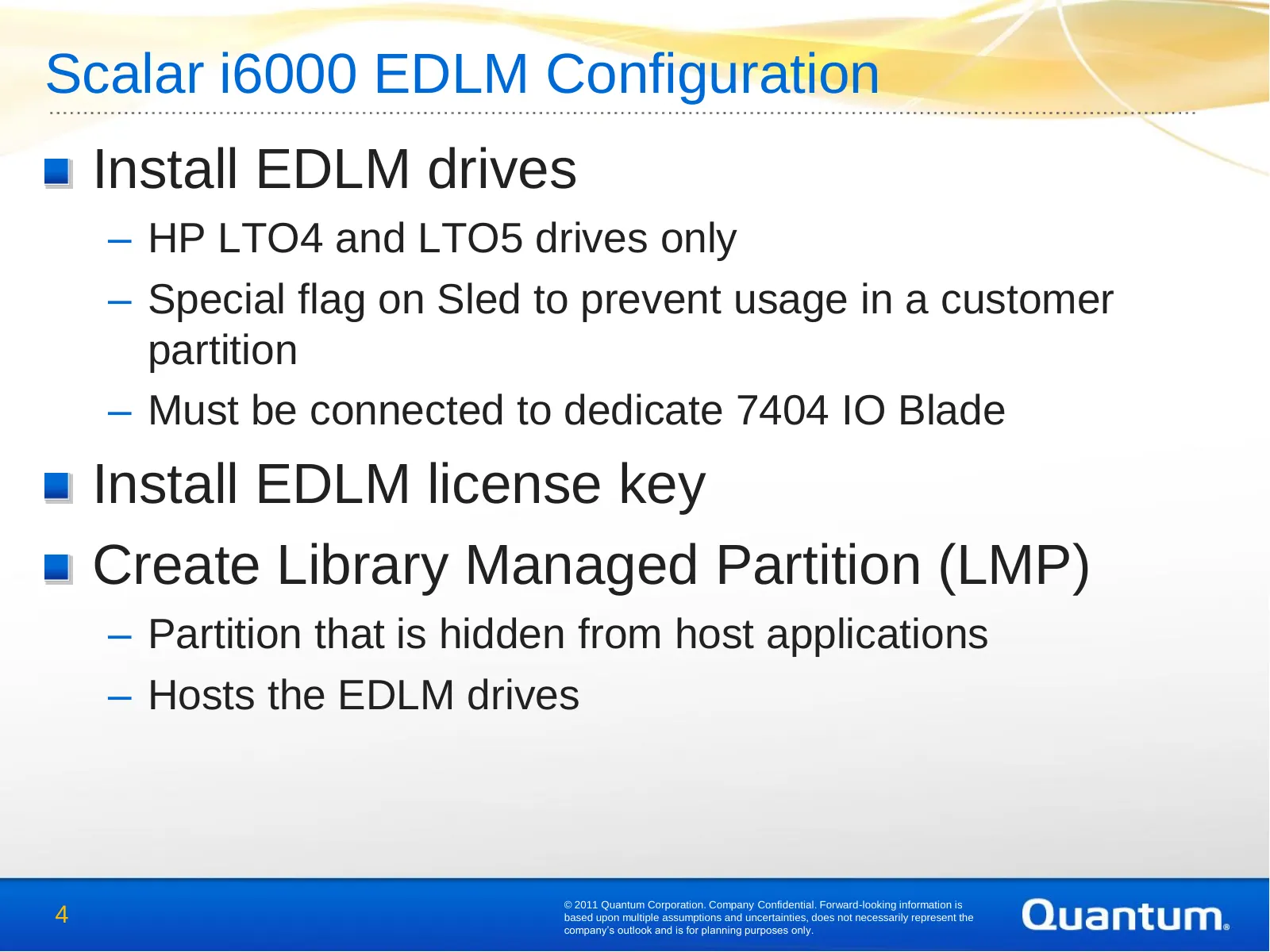
Slide 4: Scalar i6000 EDLM Configuration
Scalar i6000 EDLM Configuration Install EDLM drives – HP LTO4 and LTO5 drives only – Special flag on Sled to prevent usage in a customer partition – Must be connected to dedicate 7404 IO Blade Install EDLM license key Create Library Managed Partition (LMP) – Partition that is hidden from host applic
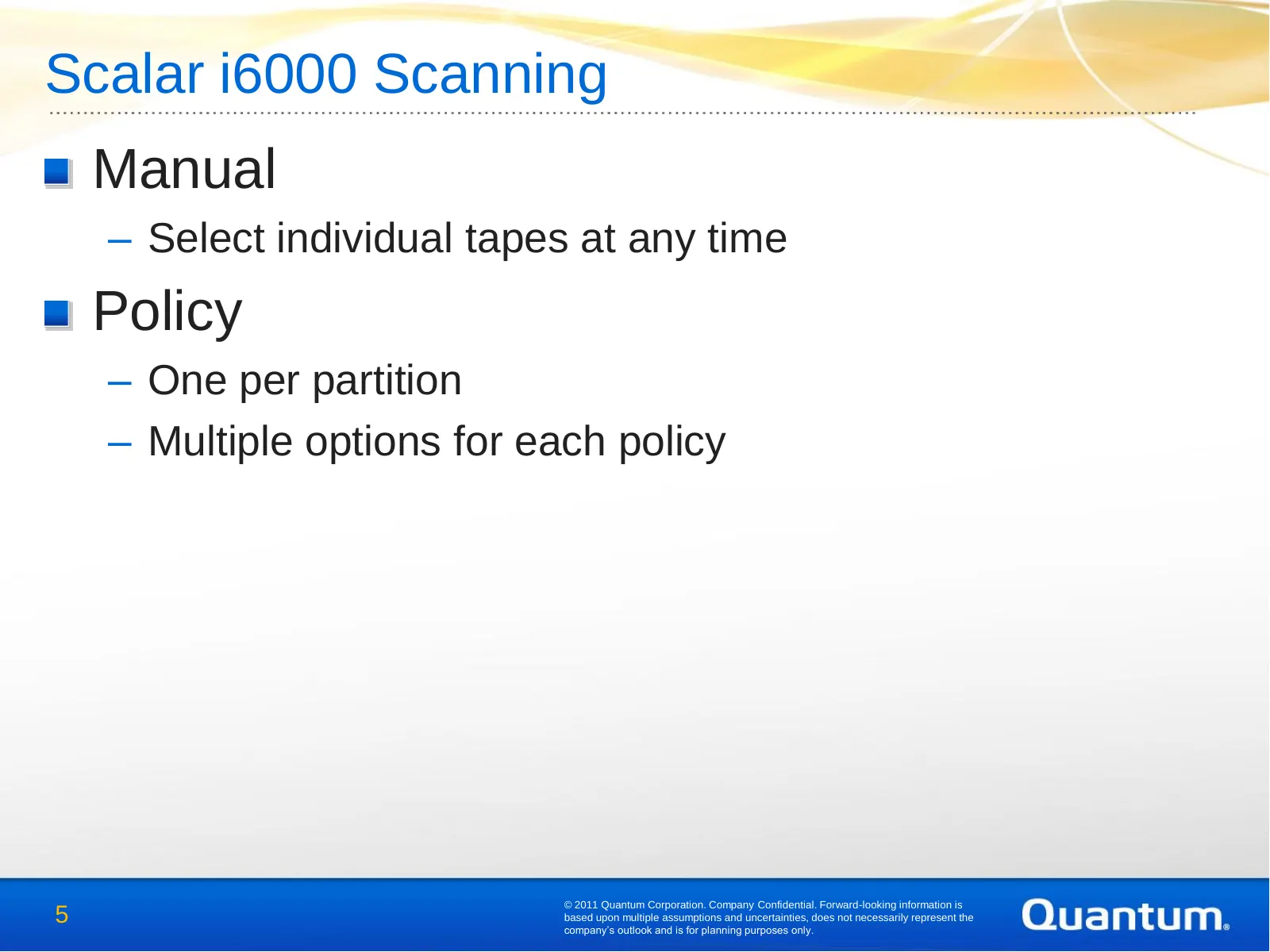
Slide 5: Scalar i6000 Scanning
Scalar i6000 Scanning Manual – Select individual tapes at any time Policy – One per partition – Multiple options for each policy © 2011 Quantum Corporation. Company Confidential. Forward-looking information is 5 based upon multiple assumptions and uncertainties, does not necessarily represent the co
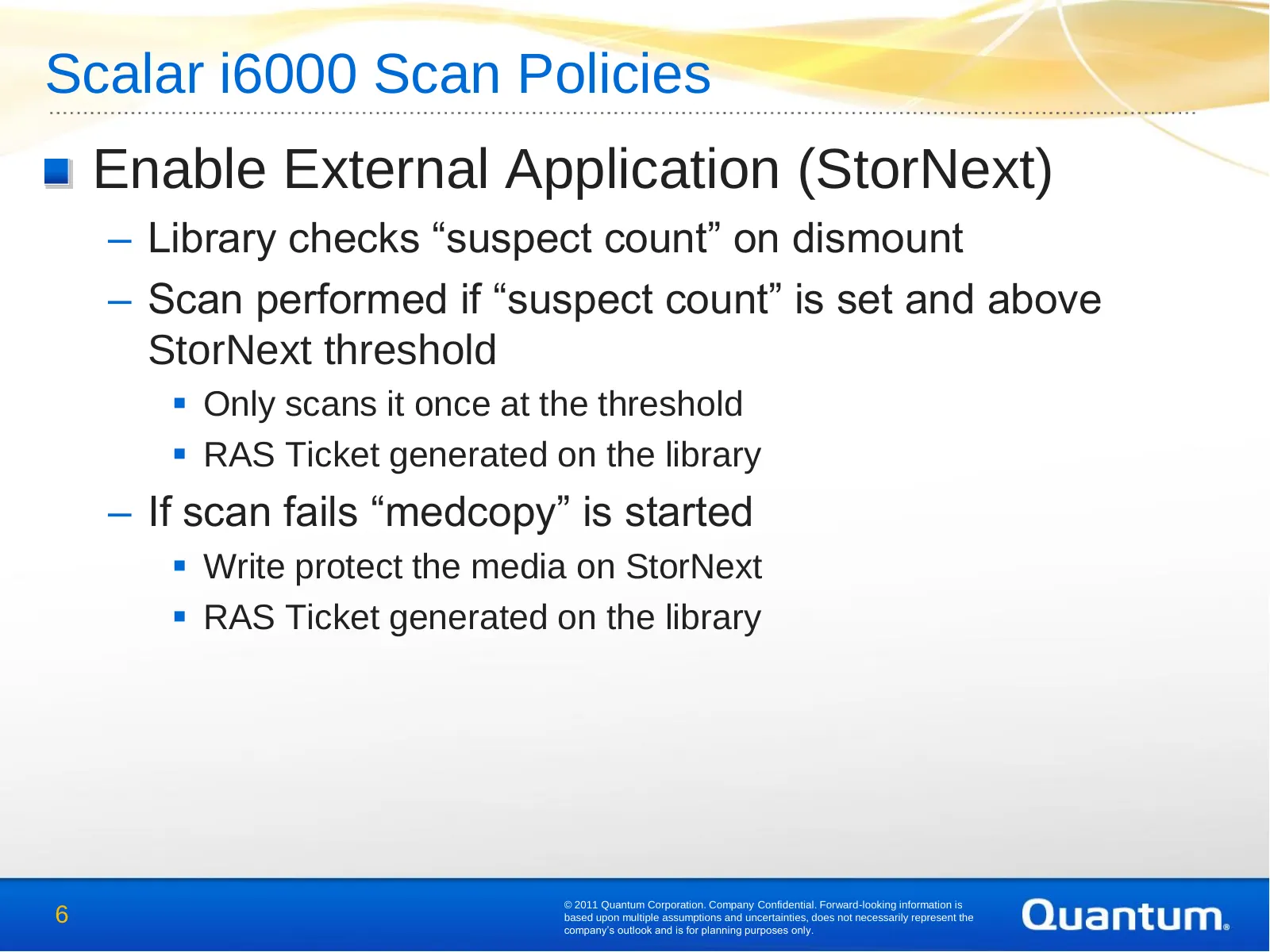
Slide 6: Scalar i6000 Scan Policies
Scalar i6000 Scan Policies Enable External Application (StorNext) – Library checks “suspect count” on dismount – Scan performed if “suspect count” is set and above StorNext threshold Only scans it once at the threshold RAS Ticket generated on the library – If scan fails “medcopy” is started Wr
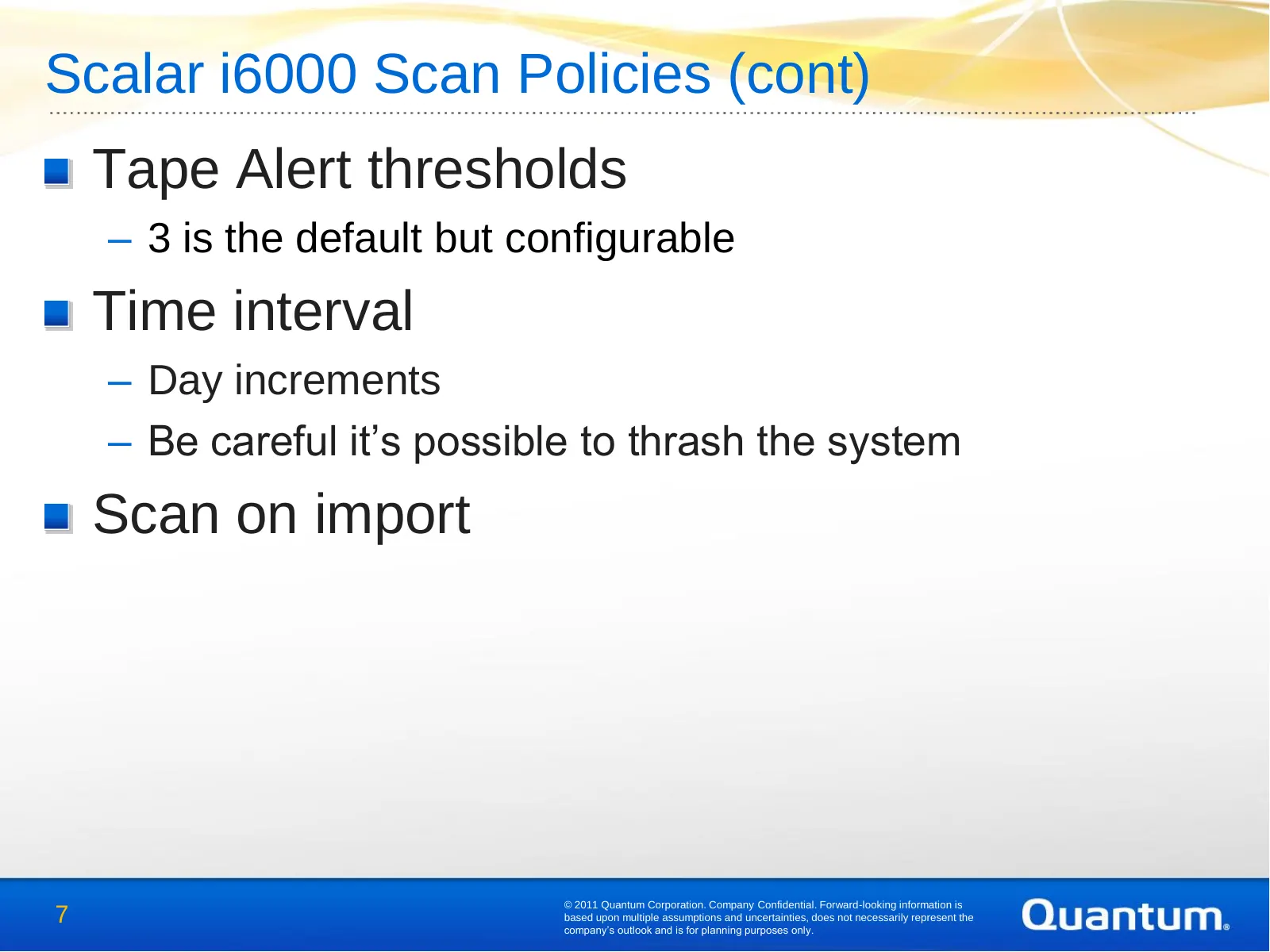
Slide 7: Scalar i6000 Scan Policies (cont)
Scalar i6000 Scan Policies (cont) Tape Alert thresholds – 3 is the default but configurable Time interval – Day increments – Be careful it’s possible to thrash the system Scan on import © 2011 Quantum Corporation. Company Confidential. Forward-looking information is 7 based upon multiple assumptions
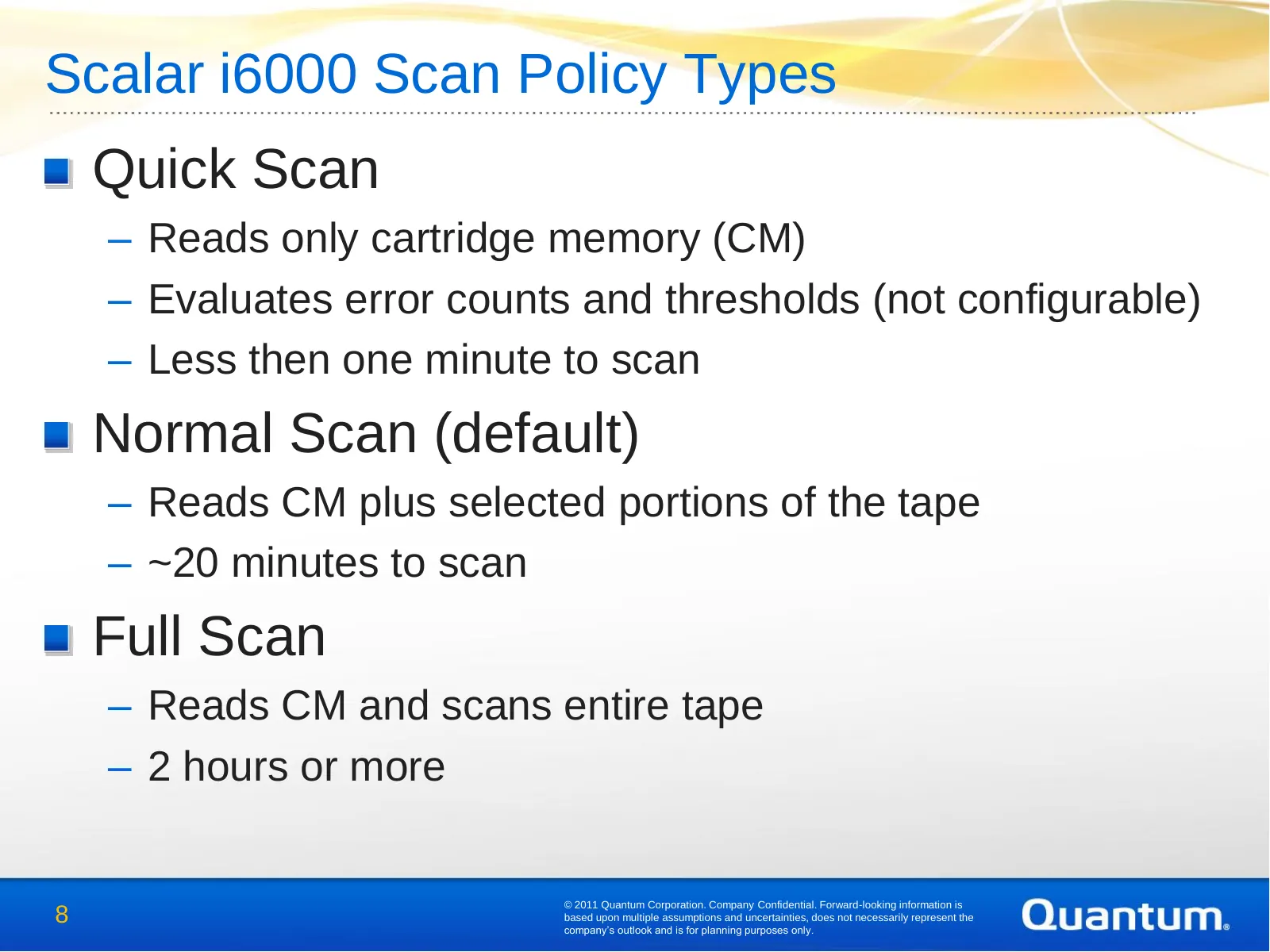
Slide 8: Scalar i6000 Scan Policy Types
Scalar i6000 Scan Policy Types Quick Scan – Reads only cartridge memory (CM) – Evaluates error counts and thresholds (not configurable) – Less then one minute to scan Normal Scan (default) – Reads CM plus selected portions of the tape – ~20 minutes to scan Full Scan – Reads CM and scans entire tape
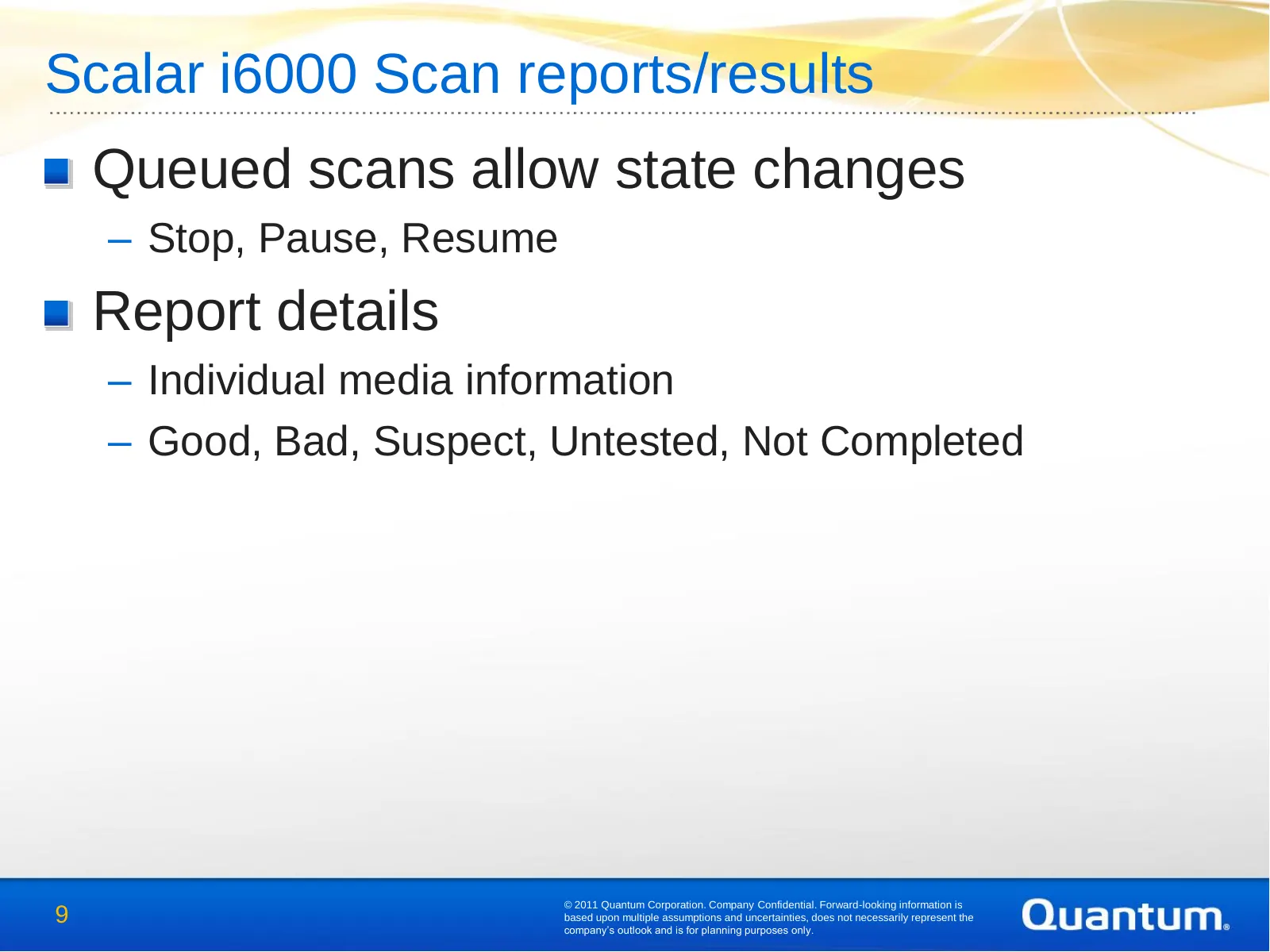
Slide 9: Scalar i6000 Scan reports/results
Scalar i6000 Scan reports/results Queued scans allow state changes – Stop, Pause, Resume Report details – Individual media information – Good, Bad, Suspect, Untested, Not Completed © 2011 Quantum Corporation. Company Confidential. Forward-looking information is 9 based upon multiple assumptions and
Source: Internet Archive copy of qsupport.quantum.com
More decks from Quantum Corporation
 Investor Presentation (February 2021)27 slides · Feb 3, 2021
 Proxy Contest (January 2017)29 slides · Jan 12, 2017
 Technical Presentation (2017)21 slides · 2017
 Investor Presentation (November 2016)30 slides · Nov 2, 2016
 Investor Presentation (September 2016)32 slides · Sep 13, 2016
 Technical Presentation (May 2012)57 slides · May 15, 2012