Molina Healthcare Inc · NYSE:MOH
Molina Healthcare — Investor Presentation (April 2015)
95 slides from Molina Healthcare's investor presentation, April 2015
Slide 1: Electronic Visit Verification Reason Code Training
Electronic Visit Verification Reason Code Training Health and Human Services Commission and Department of Aging and Disability Services April 2015 Page 1
Slide 2: Objectives
Objectives • This presentation is for providers who are required to use Health and Human Services Commission (HHSC) Electronic Visit Verification (EVV) and are contracted with: • HHSC and enrolled with Texas Medicaid Healthcare Partnership (TMHP) • Department of Aging and Disability Services (DADS)
Slide 3: Objectives
Objectives • It is intended to provide a basic understanding of: • HHSC EVV 101 • HHSC EVV Visit Maintenance • HHSC EVV Reason Codes • This material reflects a collaboration between HHSC, TMHP, DADS, and MCOs. • The information in this presentation is for all provider agencies required to use HHSC E
Slide 4: Schedule
Schedule • Section I – EVV 101 • Section II – EVV Visit Maintenance • Section III – EVV Reason Codes • Section IV – Reason Code Summary • Section V – Best Practices • Section VI – Contact Information Page 4
Slide 5: Section I: EVV 101
BS TEXAS gy Health ani Human f Services Commission Section I EVV 101 Page 5
Slide 6: HHSC EVV Implementation Dates
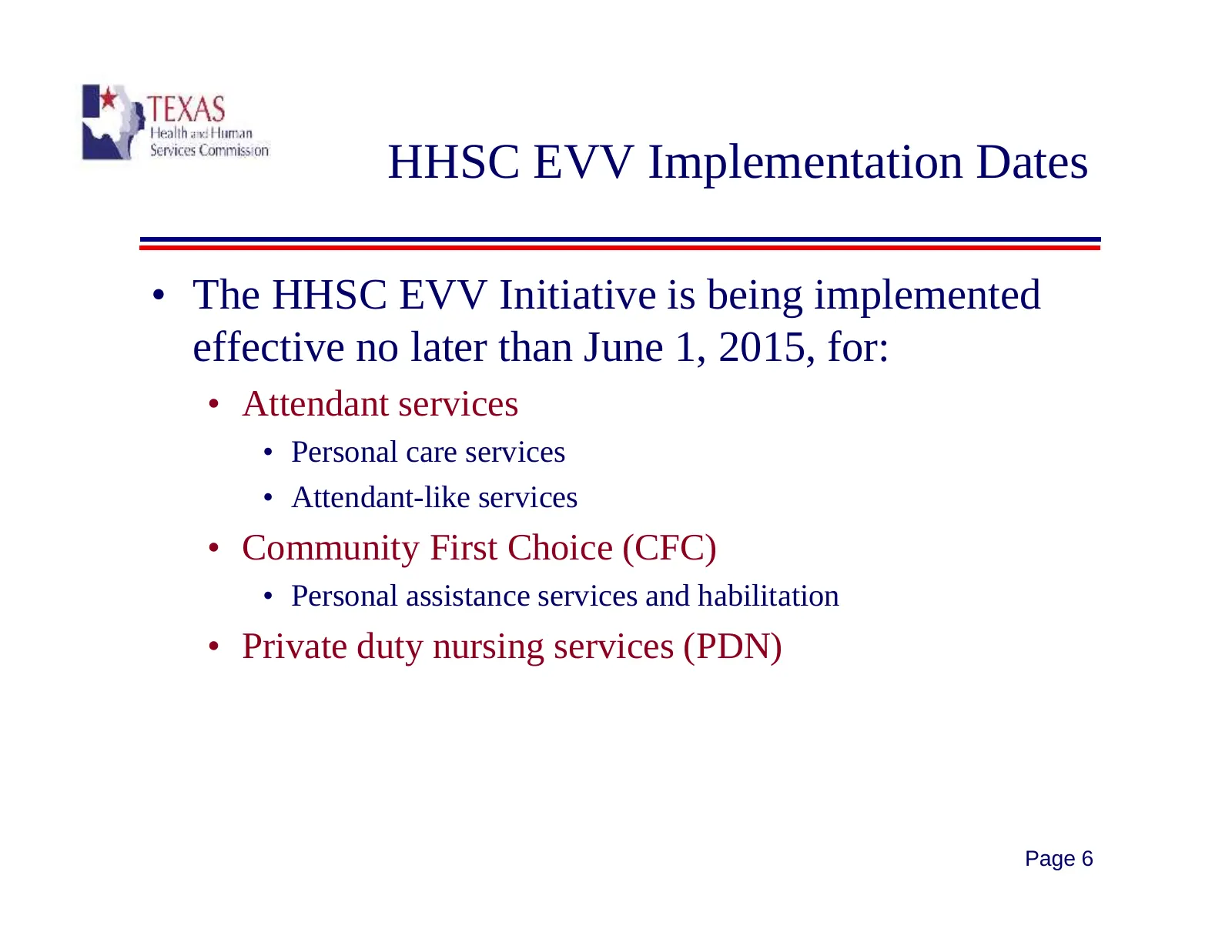
HHSC EVV Implementation Dates • The HHSC EVV Initiative is being implemented effective no later than June 1, 2015, for: • Attendant services • Personal care services • Attendant-like services • Community First Choice (CFC) • Personal assistance services and habilitation • Private duty nursing servic
Slide 7: HHSC EVV Implementation Dates
HHSC EVV Implementation Dates • For detailed HHSC EVV implementation information, please review the current Medicaid Provider Notification regarding HHSC EVV implementation dates at www.dads.state.tx.us/evv. Page 7
Slide 8: Which HHSC Programs Are Affected?
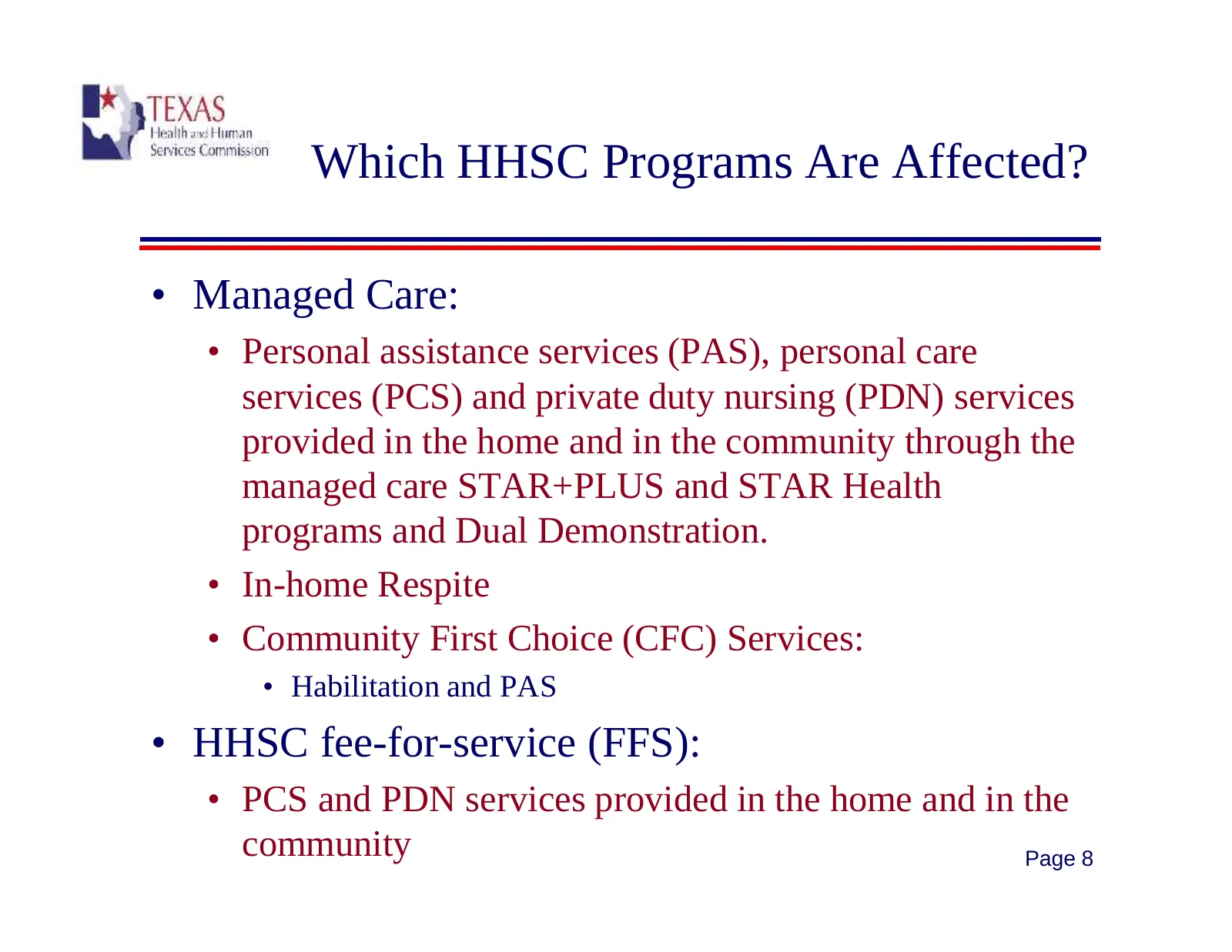
Which HHSC Programs Are Affected? • Managed Care: • Personal assistance services (PAS), personal care services (PCS) and private duty nursing (PDN) services provided in the home and in the community through the managed care STAR+PLUS and STAR Health programs and Dual Demonstration. • In-home Respite
Slide 9: Which DADS Programs Are Affected?
Which DADS Programs Are Affected? • Attendant-like services provided in the home and in the community for the following programs: • Community Living Assistance and Support Services (CLASS) • Residential habilitation and in-home respite services • CFC services provided in the home and in the communit
Slide 10: What Is EVV?
What Is EVV? • EVV is a telephone and computer-based system that: • Electronically verifies that service visits occur; and • Documents the precise time service provision begins and ends Page 10
Slide 11: What Does EVV Do?
What Does EVV Do? • EVV replaces paper timesheets • EVV electronically documents the: • Individual or member receiving services • Attendant or private duty nurse providing services • Provider agency information • Precise time the attendant or private duty nurse begins and ends service delivery Page
Slide 12: How Does EVV Work? Home Landline Telephone Calls
How Does EVV Work? Home Landline Telephone Calls • The attendant or private duty nurse must use the individual’s or member’s home landline telephone to document the times service begins and service ends. • An individual’s or member’s cell phone can not be used in place of his or her home landline. •
Slide 13: What Is a Home Landline Telephone?
What Is a Home Landline Telephone? • A home landline telephone is a phone line that: • Is provided only at a single specified address (the individual’s or member’s home), and • Cannot be used away from that location without contacting a third party to transfer the service to a new specified location
Slide 14: Home Landline Telephone Examples
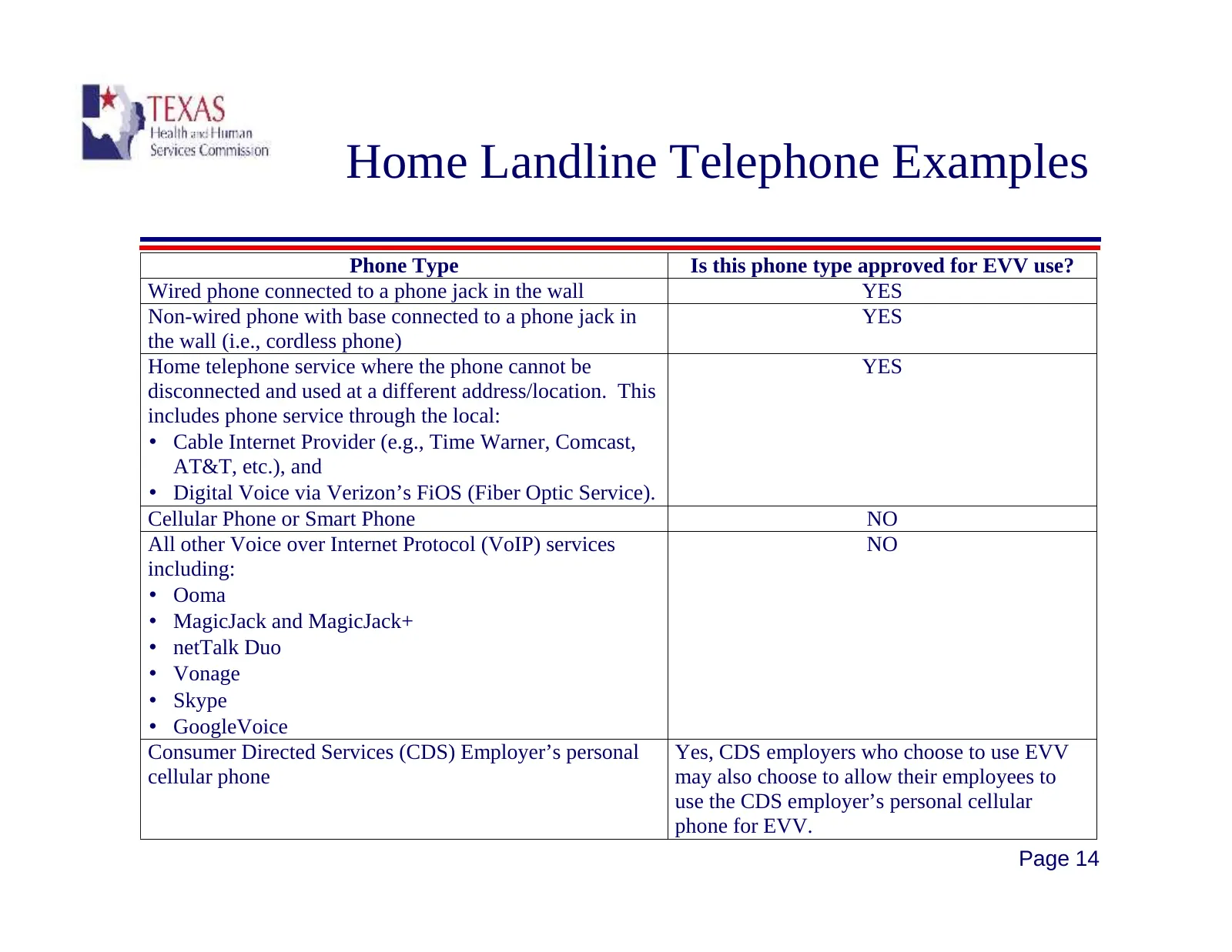
Home Landline Telephone Examples Phone Type Is this phone type approved for EVV use? Wired phone connected to a phone jack in the wall YES Non-wired phone with base connected to a phone jack in YES the wall (i.e., cordless phone) Home telephone service where the phone cannot be YES disconnected and
Slide 15: How Does EVV Work? Small Alternative Devices
How Does EVV Work? Small Alternative Devices • If the home landline is unavailable, the individual or member must complete, sign, and date the Medicaid EVV Small Alternative Device Agreement Form to request a small alternative device to be installed in the individual’s or member’s home. • The attend
Slide 16: How Does EVV Work? Small Alternative Devices
How Does EVV Work? Small Alternative Devices • When the attendant or private duty nurse uses a small alternative device, it generates unique numbers on the screen that represents a specific date and time. This is called the small alternative device value. • The attendant or private duty nurse must e
Slide 17: How Does EVV Work? Small Alternative Devices
How Does EVV Work? Small Alternative Devices • All small alternative device values must be entered into the EVV system before they expire. • Contact your EVV vendor for details on their small alternative device and instructions on entering small alternative device values. Page 17
Slide 18: How Does EVV Work? Optional Mobile Applications
How Does EVV Work? Optional Mobile Applications • Some EVV vendors offer an optional mobile application that may be used on a voluntary basis by an attendant or private duty nurse on his or her personal smartphone. • The attendant or private duty nurse cannot be required to use the mobile applicatio
Slide 19: How Does EVV Work? Optional Mobile Applications
How Does EVV Work? Optional Mobile Applications • These optional mobile applications: • Must be approved by HHSC. • May only be used in the event that both the individual's or member’s home landline phone and the small alternative device cannot be used. • Require a written agreement between the prov
Slide 20: Special Notes for CLASS Providers
Special Notes for CLASS Providers • CLASS providers (including those providing CFC habilitation services beginning June 1, 2015) are required to use EVV only when completing tasks. • If the attendant is required to attend a service plan team meeting or other meeting with the individual, the use of E
Slide 21: Special Notes for MDCP and PDN Services
Special Notes for MDCP and PDN Services • When a DADS provider agency provides both MDCP and PDN services: • If you bill using DADS service group 18, the attendant is required to use EVV. • If you have a contract with HHSC and are enrolled with TMHP and provide PDN, the nurse is required to use EVV.
Slide 22: Special Notes for MDCP and PDN Services
Special Notes for MDCP and PDN Services • Example: • An individual is receiving 20 hours of nursing services. • Ten of those hours are for flexible family support through MDCP (DADS service group 18). • The other 10 hours are PDN services billed through the HHSC contract/comprehensive care program (
Slide 23: Special Notes for CDS Employers
Special Notes for CDS Employers • EVV is optional for individuals or members who choose the consumer directed services (CDS) option. • CDS employers may choose how they want to use the EVV system. The three participation options are: • Phone and computer (full participation) • Phone only (partial pa
Slide 24: Special Notes for CDS Employers
Special Notes for CDS Employers • Only CDS employers have the option to allow their employees to use the CDS employer’s personal cell phone. • If a CDS employer chooses to let his or her employees use the CDS employer’s personal cell phone for EVV, the CDS employer will be responsible for cell phone
Slide 25: Special Situations: Companion Cases
Special Situations: Companion Cases • When two or more individuals or members receive services from the same attendant or private duty nurse in the same home, the attendant or nurse must use the EVV system to call in and out for each individual or member. • EXAMPLE: Nurse Smith provides services to
Slide 26: Special Situations: Suspended Eligibility or Authorization
Special Situations: Suspended Eligibility or Authorization • When Medicaid eligibility or service authorization has been suspended for an individual or member: • IF the provider agency voluntarily chooses to continue providing services which require EVV documentation in anticipation of the eligibili
Slide 27: Special Situations: Suspended Eligibility or Authorization
Special Situations: Suspended Eligibility or Authorization • EXAMPLE: Ms. Thompson has lost her Medicaid eligibility due to failure to submit documentation on time, but the provider agency has voluntarily chosen to continue providing services in anticipation of Ms. Thompson’s eligibility being reins
Slide 28: Special Situations: Suspended Eligibility or Authorization
Special Situations: Suspended Eligibility or Authorization • IMPORTANT: If the Medicaid eligibility or service authorization is not reinstated retroactively, the provider agency will not be reimbursed for those visits. • Provider agencies are not required to provide services to individuals or member
Slide 29: Section II: EVV Visit Maintenance
Section II EVV Visit Maintenance Page 29
Slide 30: Visit Maintenance
Visit Maintenance • Visit maintenance allows designated staff in a provider agency to edit records of EVV visits by reviewing, modifying, and correcting visit information. • If the EVV system cannot automatically verify an attendant or private duty nurse’s visit, the visit information must be correc
Slide 31: Visit Maintenance Exceptions
Visit Maintenance Exceptions • Exceptions can occur when the attendant or private duty nurse: • Calls from a phone number not registered to any individual or member in the EVV system (e.g., a cell phone) • Forgets to call-in or call-out • Delivers service outside the home • Exceptions are indicated
Slide 32: Visit Maintenance Exceptions
Visit Maintenance Exceptions • Correcting exceptions in visit maintenance is similar to correcting an attendant or private duty nurse’s paper time sheet. • For a single visit, there may be more than one exception. • Providers must enter the most appropriate reason code(s) and any required free text
Slide 33: Visit Maintenance Requirements
Visit Maintenance Requirements • All visit maintenance must be completed within 21 calendar days of the date of service. • All situations that require documentation must be documented according to program policy. Page 33
Slide 34: Visit Maintenance and Billing Deadlines
Visit Maintenance and Billing Deadlines • A visit may not be billed until all exceptions have been cleared in the EVV system and visit maintenance is complete. • Billing deadlines remain the same. • DADS contracted providers have up to one year from date of service to bill for a visit. • MCO provide
Slide 35: Rounding Rules in EVV
Rounding Rules in EVV • The EVV system applies rounding rules to the total actual hours for every visit per program rule and policy. • Provider agencies should bill in quarter-hour increments (0, 15, 30 or 45 minutes past the hour) based on the actual hours. • Within each quarter-hour increment, pro
Slide 36: Rounding Rules in EVV Examples
Rounding Rules in EVV Examples • Examples: • If an attendant or private duty nurse actually works 2 hours and 53 minutes for a scheduled shift, the adjusted pay hours will round to 3.00 hours. • If an attendant or private duty nurse actually works 2 hours and 52 minutes, the adjusted pay hours will
Slide 37: Section III: EVV Reason Codes
Section III EVV Reason Codes Page 37
Slide 38: EVV Reason Codes
EVV Reason Codes • Reason codes are used in visit maintenance when making corrections to a visit. • Reason code explain the specific reason a change was made to the visit. • In addition to the reason code, the provider can enter free text in the EVV system. • Providers must associate the most approp
Slide 39: Reason Codes
Reason Codes • As of April 16, 2015, there are a total of 25 reason codes in the HHSC-approved EVV systems. • 20 Preferred Reason Codes • Any reason code with a number less than 900 is a preferred reason code. • 5 Non-preferred Reason Codes • Any reason codes with a number greater than or equal to 9
Slide 40: Reason Code Categories
Reason Code Categories • The reason codes have been grouped into categories in order to: • Assist providers in quickly identifying which reason codes may apply to a particular situation in order to facilitate visit maintenance. • Example: • A private duty nurse or attendant reports that there was a
Slide 41: Reason Code Categories
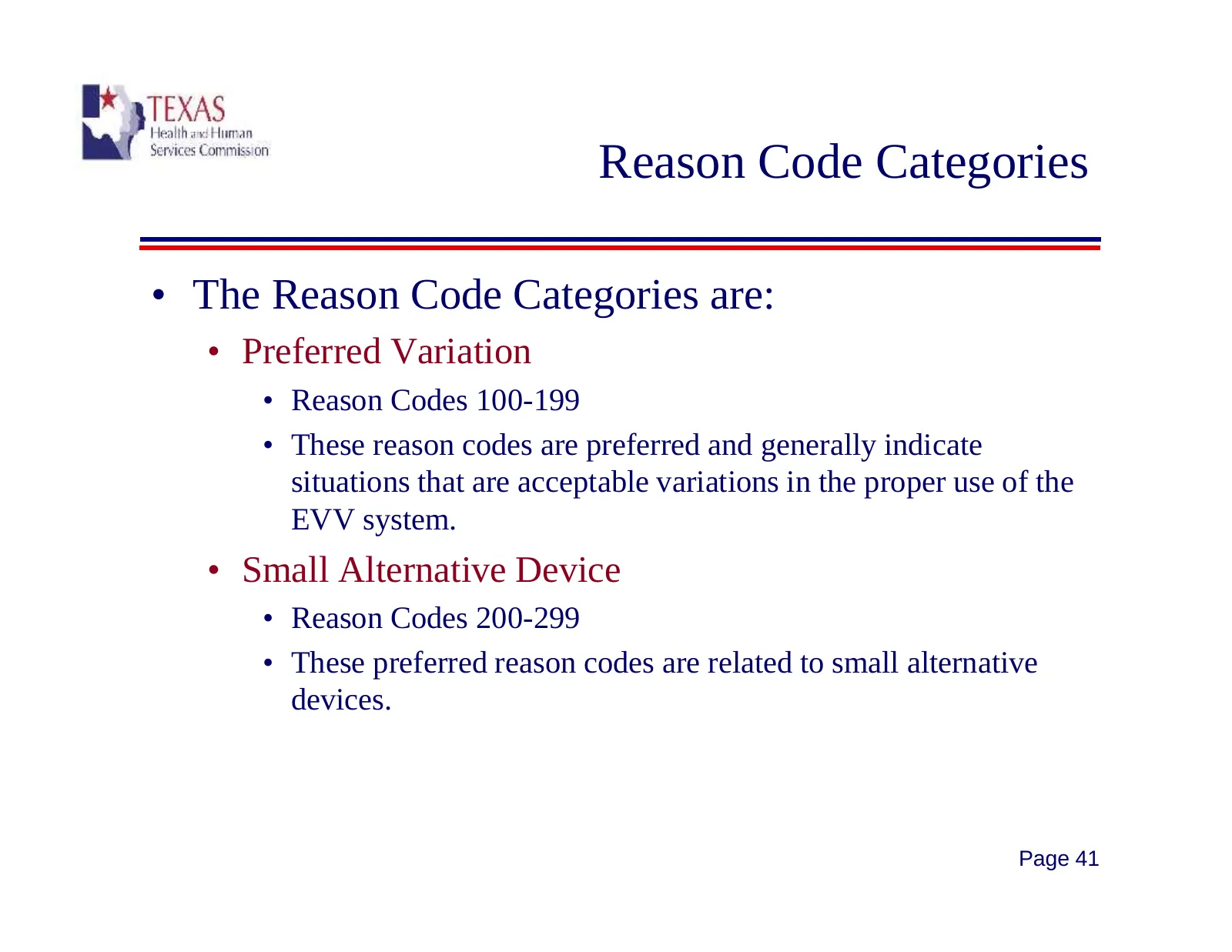
Reason Code Categories • The Reason Code Categories are: • Preferred Variation • Reason Codes 100-199 • These reason codes are preferred and generally indicate situations that are acceptable variations in the proper use of the EVV system. • Small Alternative Device • Reason Codes 200-299 • These pre
Slide 42: Reason Code Categories
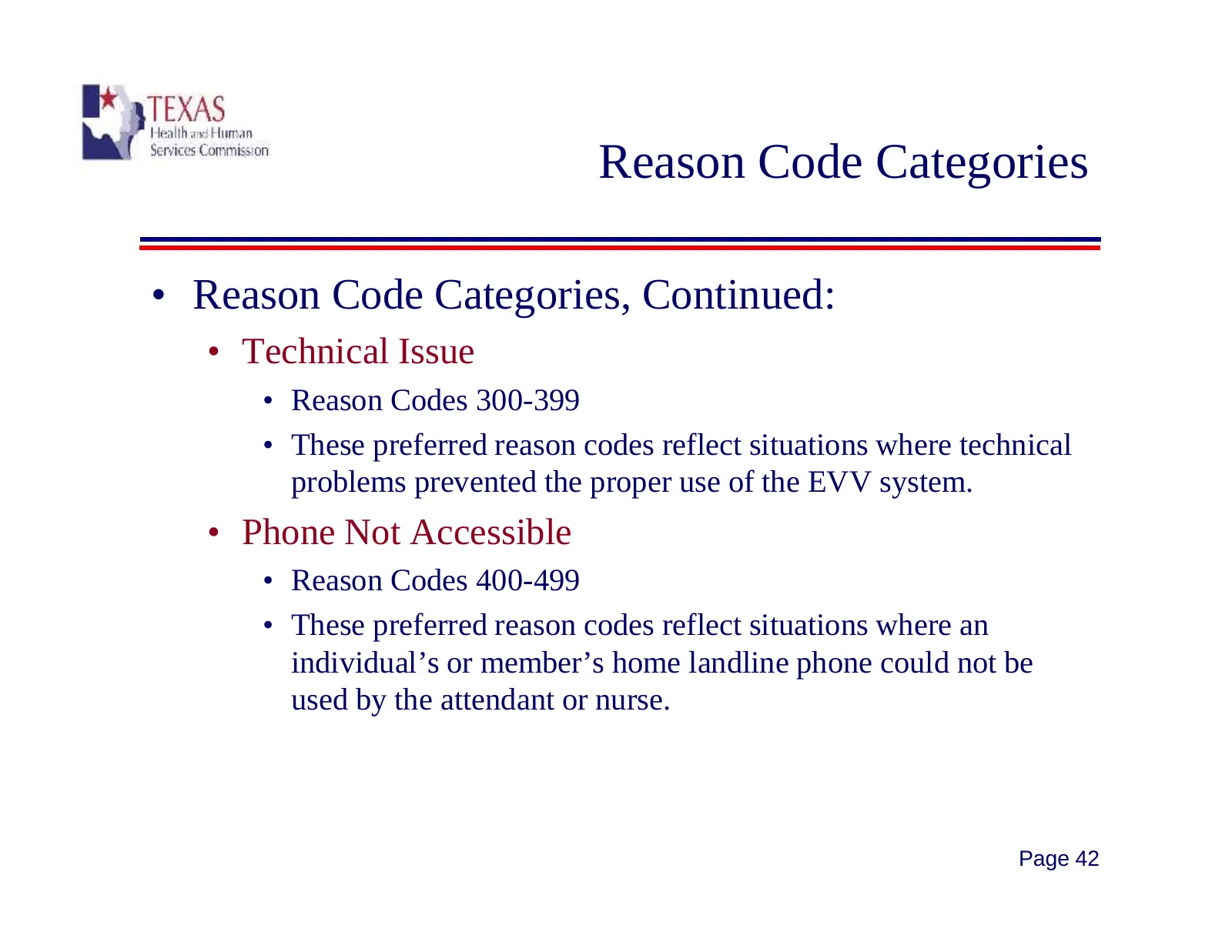
Reason Code Categories • Reason Code Categories, Continued: • Technical Issue • Reason Codes 300-399 • These preferred reason codes reflect situations where technical problems prevented the proper use of the EVV system. • Phone Not Accessible • Reason Codes 400-499 • These preferred reason codes ref
Slide 43: Reason Code Categories
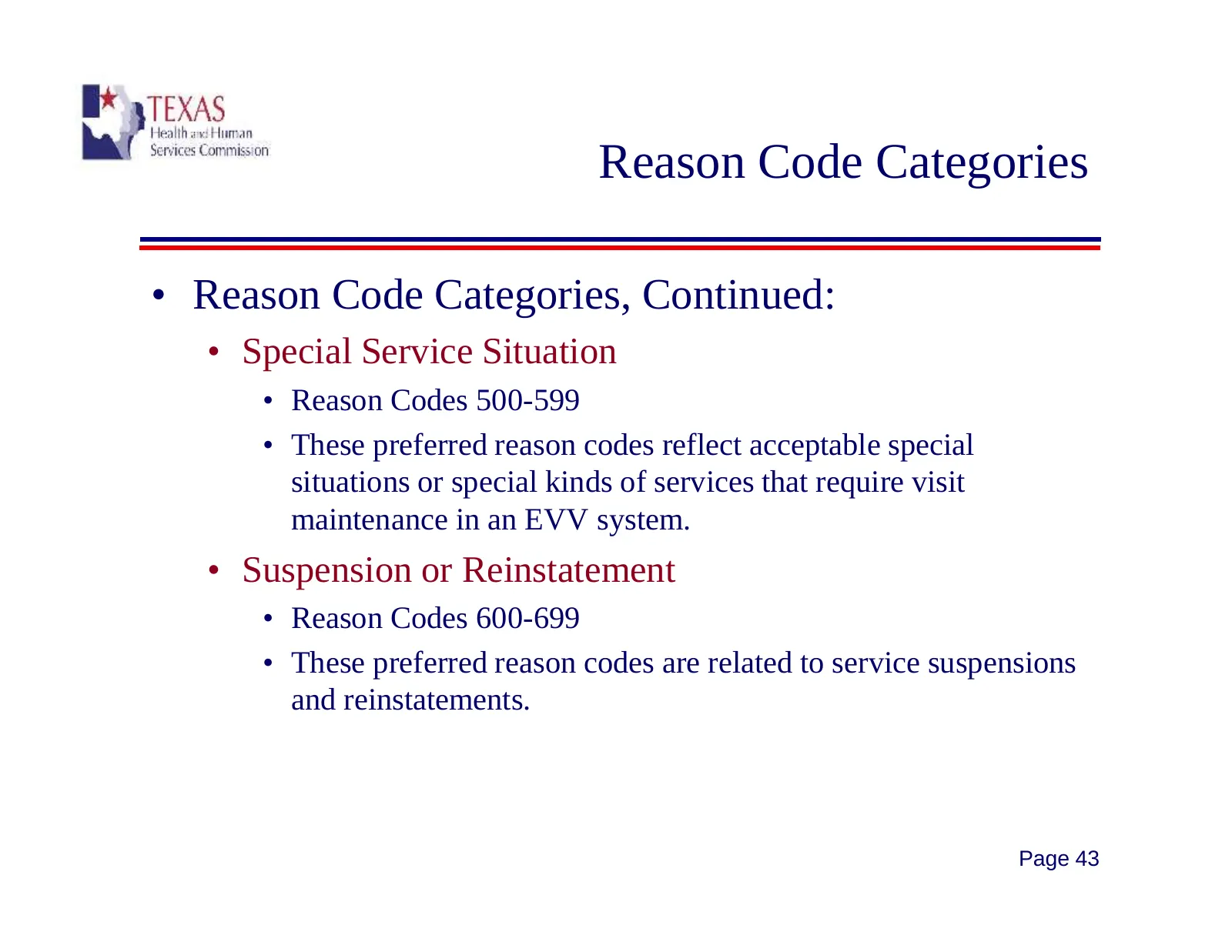
Reason Code Categories • Reason Code Categories, Continued: • Special Service Situation • Reason Codes 500-599 • These preferred reason codes reflect acceptable special situations or special kinds of services that require visit maintenance in an EVV system. • Suspension or Reinstatement • Reason Cod
Slide 44: Reason Code Categories
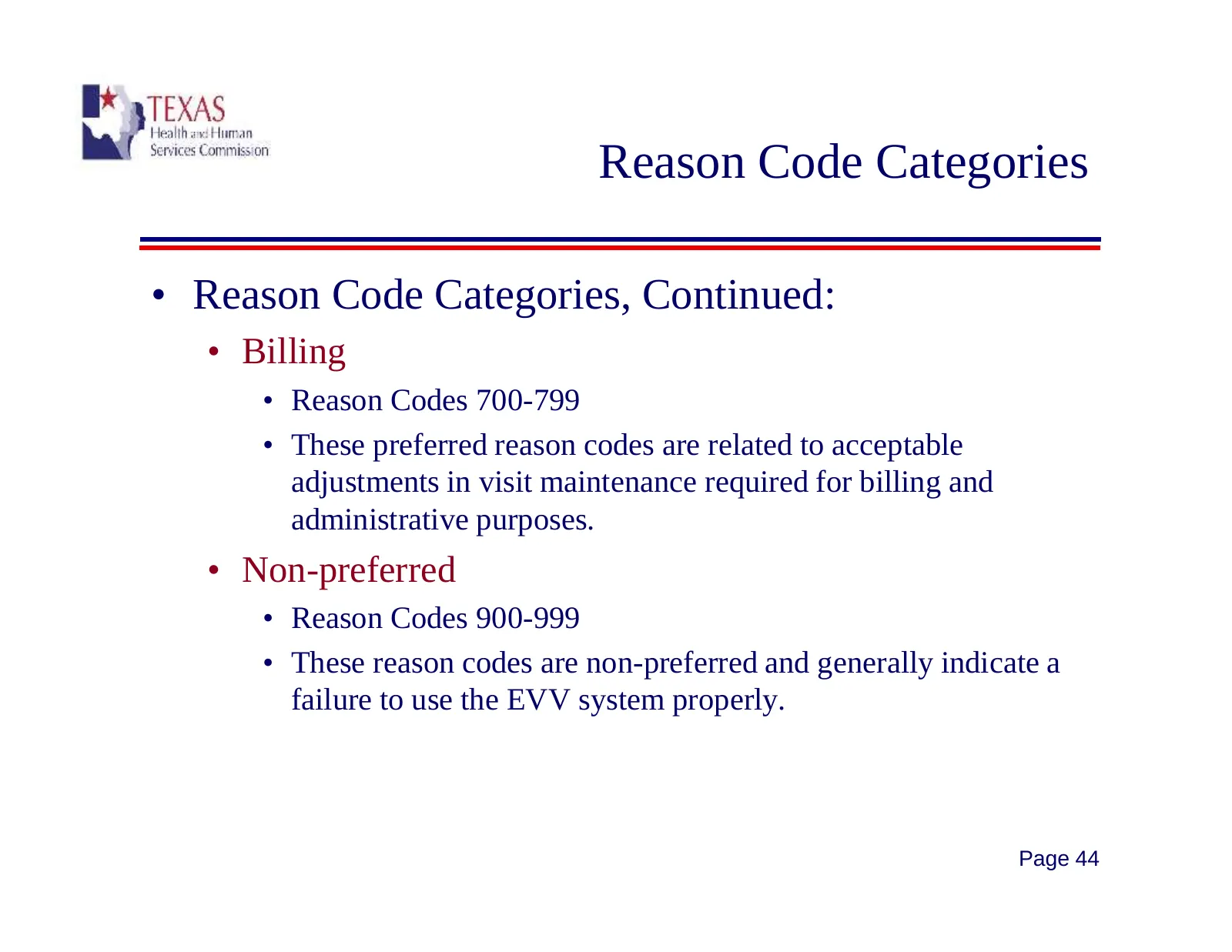
Reason Code Categories • Reason Code Categories, Continued: • Billing • Reason Codes 700-799 • These preferred reason codes are related to acceptable adjustments in visit maintenance required for billing and administrative purposes. • Non-preferred • Reason Codes 900-999 • These reason codes are non
Slide 45: Reason Codes and Verification
Reason Codes and Verification • Some reason codes include the requirement to verify that services were delivered. • Other reason codes list specific information to be verified, such as the identity of the attendant or private duty nurse providing the services. • Provider agencies must follow program
Slide 46: Reason Code 100 – Schedule Variation
Reason Code 100 • Reason Code 100 (Formerly reason code 27) – Schedule Variation • Category: Preferred Variation • Use reason code 100 when the attendant or private duty nurse provides more or fewer hours of service to the individual or member than scheduled. • All situations that require documentat
Slide 47: Reason Code 105 – Services Provided Outside the Home
Reason Code 105 • Reason Code 105 (Formerly reason code 15) – Services Provided Outside the Home – Supported By Service Plan or Verified with Individual or Member Receiving Services • Category: Preferred Variation • Use reason code 105 when the attendant or private duty nurse cannot call in or call
Slide 48: Reason Code 110 – Fill-in for Regular Attendant or Nurse
Reason Code 110 • Reason Code 110 (Formerly reason code 08) – Fill-in for Regular Attendant or Nurse • Category: Preferred Variation • Use reason code 110 when someone other than the scheduled attendant or private duty nurse provides services. This is a preferred reason code. Page 48
Slide 49: Reason Code 115
Reason Code 115 • Reason Code 115 (Formerly reason code 22) – Individual or Member Agreed or Requested Attendant or Nurse Not Work Schedule • Category: Preferred Variation • Use reason code 115 when the attendant or private duty nurse does not work and the individual or member was contacted and agre
Slide 50: Reason Code 120
Reason Code 120 • Reason Code 120 (Formerly reason code 02) – Invalid Attendant or Nurse or Individual or Member ID Entered – Attendant or Nurse Verified • Category: Preferred Variation • Use reason code 120 when an attendant or private duty nurse does not accurately or completely enter his or her e
Slide 51: Reason Code 125 – Multiple Calls for One Visit
Reason Code 125 • Reason Code 125 (Formerly reason code 05) – Multiple Calls for One Visit • Category: Preferred Variation • Use reason code 125 when an attendant or private duty nurse makes multiple calls for a single scheduled visit. • Reason code 125 is not used if technical issues with the phone
Slide 52: Reason Code 130 – Disaster or Emergency
Reason Code 130 • Reason Code 130 (New) – Disaster or Emergency • Category: Preferred Variation • Use reason code 130 when an attendant or private duty nurse is unable to provide all or part of the scheduled services to an individual or member due to: • A disaster (e.g., flood, tornado, ice storm, f
Slide 53: Continued Reason Code 130
Continued Reason Code 130 • Reason Code 130 (New) – Disaster or Emergency • Free text is required in the comment field, and the provider must document the nature of the disaster or emergency and the actual time service delivery begins or ends in the comment field. This is a preferred reason code. Pa
Slide 54: Reason Code 200
Reason Code 200 • Reason Code 200 (Formerly reason code 16) – Small Alternative Device Has Been Ordered – (Initial or Replacement Order) • Category - Small Alternative Device • Use reason code 200 when a small alternative device has been ordered, but the provider has not yet received the device. Thi
Slide 55: Reason Code 205
Reason Code 205 • Reason Code 205 (Formerly reason code 29) – Small Alternative Device Pending Installation • Category - Small Alternative Device • Use reason code 205 when a small alternative device has been received by the provider, but the provider has not yet installed the device in the individu
Slide 56: Reason Code 210 – Missing Small Alternative Device
Reason Code 210 • Reason Code 210 (New) – Missing Small Alternative Device • Category - Small Alternative Device • Use reason code 210 when the small alternative device cannot be located in the individual's or member's home. • If the small alternative device is not located within 14 calendar days, t
Slide 57: Reason Code 300
Reason Code 300 • Reason Code 300 (Formerly reason code 18) – Phone Lines Not Working – Attendant or Nurse Not Able to Call – Verified Services Were Delivered • Category - Technical Issues • Use reason code 300 to document service delivery when call in or call out is not available due to technical p
Slide 58: Reason Code 305
Reason Code 305 • Reason Code 305 (Formerly reason code 28) – Malfunctioning Small Alternative Device and/or Invalid Small Alternative Device Value – Verified Services Were Delivered • Category - Technical Issues • Use reason code 305 when a small alternative device malfunctions or provides invalid
Slide 59: Continued Reason Code 305
Continued Reason Code 305 • Reason Code 305 (Formerly reason code 28) – Malfunctioning Small Alternative Device and/or Invalid Small Alternative Device Value – Verified Services Were Delivered • NOTE: If reason code 305 is used for the same individual or member over a period greater than 14 calendar
Slide 60: Reason Code 310 – Mobile Application Problems
Reason Code 310 • Reason Code 310 (New) – Mobile Application Problems • Category - Technical Issues • Use reason code 310 when a problem with an EVV mobile application prevents an attendant or private duty nurse from documenting the time service delivery begins and/or ends in the EVV system. • Free
Slide 61: Reason Code 400
Reason Code 400 • Reason Code 400 (Formerly reason code 10) – Individual or Member Does Not Have Home Phone – Verified Services Were Delivered • Category - Phone Not Accessible • Use reason code 400 when an individual or member qualifies for and requires the use of a small alternative device, but on
Slide 62: Reason Code 405
Reason Code 405 • Reason Code 405 (Formerly reason code 03) – Phone Unavailable – Verified Services Were Delivered • Category - Phone Not Accessible • Use reason code 405 when the attendant or private duty nurse cannot use the phone to call-in or call-out because the phone is in use when the service
Slide 63: Continued Reason Code 405
Continued Reason Code 405 • Reason Code 405 (Formerly reason code 03) – Phone Unavailable – Verified Services Were Delivered • NOTE: Use of reason code 405 for the same individual or member over a period greater than 14 calendar days may constitute misuse of this preferred reason code. • If this bec
Slide 64: Reason Code 410
Reason Code 410 • Reason Code 410 (Formerly reason code 13) – Individual or Member Refused Attendant or Nurse Use of Phone – Verified Services Were Delivered • Category - Phone Not Accessible • Use reason code 410 when an attendant or private duty nurse cannot use the phone to call-in or call-out of
Slide 65: Continued Reason Code 410
Continued Reason Code 410 • Reason Code 410 (Formerly reason code 13) – Individual or Member Refused Attendant or Nurse Use of Phone – Verified Services Were Delivered • Example: • The individual or member does not trust the fill-in attendant or private duty nurse and chooses not to allow the fill-i
Slide 66: Reason Code 500 – In-Home Respite Services
Reason Code 500 • Reason Code 500 (Formerly reason code 25) – In- Home Respite Services • Category - Special Service Situation • Use reason code 500 when in-home respite services are provided. This is a preferred reason code. Page 66
Slide 67: Reason Code 505
Reason Code 505 • Reason Code 505 (Formerly reason code 14) – Consumer Directed Services (CDS) Employer Time Correction • Category - Special Service Situation • Only used by individuals or members self-directing their services using the CDS option who need to correct an EVV entry. • This reason code
Slide 68: Reason Code 600 – Service Suspension
Reason Code 600 • Reason Code 600 (Formerly reason code 12) – Service Suspension • Category - Suspension or Reinstatement • Use reason code 600 when the provider has suspended the individual’s or member’s services per program policy. (e.g., the individual or member is in the hospital or temporarily
Slide 69: Reason Code 700 – Downward Adjustment to Billed Hours
Reason Code 700 • Reason Code 700 (Formerly reason code 24) – Downward Adjustment to Billed Hours • Category – Billing • Use reason code 700 when the time billed is adjusted downward to offset rounding. The EVV system applies rounding rules to the total actual hours for each visit. Each visit is rou
Slide 70: Reason Code 900
Reason Code 900 • Reason Code 900 (Formerly reason code 20) – Attendant or Nurse Failed to Call-In – Verified Services Were Delivered • Category: Non-Preferred • Use reason code 900 when an attendant or private duty nurse fails to use the EVV system to call in. • Free text is required in the comment
Slide 71: Reason Code 905
Reason Code 905 • Reason Code 905 (Formerly reason code 21) – Attendant or Nurse Failed to Call-Out – Verified Services Were Delivered • Category: Non-Preferred • Use reason code 905 when an attendant or private duty nurse fails to use the EVV system to call out. • Free text is required in the comme
Slide 72: Reason Code 910
Reason Code 910 • Reason Code 910 (Formerly reason code 06) - Attendant or Nurse Failed to Call-In and Call-Out – Verified Services Were Delivered • Category: Non-Preferred • Used reason code 910 when an attendant or private duty nurse fails to use the EVV system to call in and call out. • Free text
Slide 73: Reason Code 910 Continued
Reason Code 910 Continued • Reason Code 910 (Formerly reason code 06) - Attendant or Nurse Failed to Call-In and Call-Out – Verified Services Were Delivered • Examples: • The attendant or private duty nurse fails to call in and call out on the individual’s/member’s home landline. • The attendant or
Slide 74: Reason Code 915 – Wrong Phone Number
Reason Code 915 • Reason Code 915 (Formerly reason code 01) – Wrong Phone Number – Verified Services Were Delivered • Category: Non-Preferred • Use reason code 915 when calls for a visit are received from a number that is not recognized by the EVV system. This is a non-preferred reason code. Page 74
Slide 75: Reason Code 999 – Other
Reason Code 999 • Reason Code 999 (Formerly reason code 99) – Other • Category: Non-Preferred • Use reason code 999 when a provider must address an EVV system exception that cannot be addressed using any of the other reason codes. • Free text is required in the comment field explaining why use of th
Slide 76: Section IV: Reason Code Summary
Section IV Reason Code Summary Page 76
Slide 77: Preferred Reason Codes Summary
Preferred Reason Codes Summary • There are 20 preferred reason codes. • Most of the EVV reason codes are preferred. Preferred reason codes are used when standard EVV visit documentation was not possible due to: • Permissible actions by the attendant or private duty nurse (e.g., reason code 110) • Fa
Slide 78: Non-Preferred Reason Codes Summary
Non-Preferred Reason Codes Summary • There are five non-preferred reason codes. • Four of the five non-preferred reason codes document situations where the electronic record does not accurately document when service began and when service ended because the attendant or private duty nurse failed to c
Slide 79: Non-Preferred Reason Codes Summary
Non-Preferred Reason Codes Summary • Reason Code 900 – Not calling in • Free text comments required to document actual time in • Reason Code 905 – Not calling out • Free text comments required to document actual time out • Reason Code 910 – Not calling in and not calling out • Free text comments req
Slide 80: Non-Preferred Reason Codes Summary
Non-Preferred Reason Codes Summary • One non-preferred reason code is used for situations that cannot be described by any other reason code. • Reason Code 999 – Other • Is used for situations that cannot be described by any other reason code. • It is non-preferred because the code prevents accurate
Slide 81: Summary of Reason Codes Requiring Free Text
Summary of Reason Codes Requiring Free Text • Seven reason codes require free text entry in the comment field. They are: • Reason Code 130 – Disaster or Emergency • Free text comments required to document the nature of the disaster or emergency and actual time in and/or time out • Reason Code 305 –
Slide 82: Summary of Reason Codes Requiring Free Text - Continued
Summary of Reason Codes Requiring Free Text - Continued • Reason Code 310 – Mobile Application Problems • Free text comments required to document the nature of the problem and actual time in and time out • Reason Code 900 – Attendant or Nurse Failed to Call In – Verified Services Were Delivered • Fr
Slide 83: Summary of Reason Codes Requiring Free Text - Continued
Summary of Reason Codes Requiring Free Text - Continued • Reason Code 910 – Attendant or Nurse Failed to Call In and Out – Verified Services Were Delivered • Free text comments required to document actual time in and time out • Reason Code 999 – Other • Providers must enter free text in the comments
Slide 84: Service Delivery Documentation Outside EVV System
Service Delivery Documentation Outside EVV System • Program rule and policy govern service delivery documentation requirements and must be used in conjunction with EVV to determine if documentation outside the EVV system is required. • All situations that require documentation must be documented acc
Slide 85: Section V: Best Practices
Section V Best Practices Page 85
Slide 86: Best Practices
Best Practices • Become familiar with the EVV system and operations and develop a relationship with your selected EVV vendor. • Call your EVV vendor for issues concerning EVV system problems, not DADS, MCOs, or TMHP. However, if you do not receive a response or the issue is not fixed, please call th
Slide 87: Best Practices
Best Practices • Become familiar with rules and program policies regarding EVV requirements. • Learn the different categories of reason codes and their descriptions. • Ensure your attendants and private duty nurses are trained and understand the importance of using the EVV system. • Always document
Slide 88: Best Practices
Best Practices • Ask questions. • Check the HHSC, DADS, MCOs, and TMHP websites for updates frequently. • Provider agencies are encouraged to sign-up for email updates and alerts at: https://public.govdelivery.com/accounts/TXHHSC/subscriber/new Page 88
Slide 89: Section VI: Contacts
BS TEXAS gy Health ani Human [ Services Commission Section VI Contacts Page 89
Slide 90: DADS Contracted Providers
DADS Contracted Providers • DADS EVV mailbox • [email protected] • DADS EVV Website • http://www.dads.state.tx.us/evv Page 90
Slide 91: TMHP and Managed Care
TMHP and Managed Care • TMHP • 1-800-925-9126, Option 5 • Email general managed care policy questions to: • [email protected] Page 91
Slide 92: MCO Contracted Providers
MCO Contracted Providers • Amerigroup • 1-855-817-5790 • Cigna HealthSpring • 1-877-653-0331 • Email: [email protected] • Molina • 1-866-449-6849 • Superior • 1-877-391-5921 • United • 1-888-887-9003 • Email: [email protected] Page 92
Slide 93: EVV Vendor CARE Monitoring 2000, LLC (CM2000)
EVV Vendor CARE Monitoring 2000, LLC (CM2000) • Technical Support • 1-855-899-1667 • Email: [email protected] • Website: • http://www.cm2000.com/texas.aspx Page 93
Slide 94: EVV Vendor Data Logic (Vesta) Software, Inc.
EVV Vendor Data Logic (Vesta) Software, Inc. • Gloria Garza, Ph.D. • Business Development Director • Email: [email protected] • (956) 412-1424 • Angela Byrd • Vesta EVV Specialist • Email: [email protected] • (956) 412-1424 • Website: • www.vestaevv.com Page 94
Slide 95: EVV Vendor MEDsys Software Solution, LLC
EVV Vendor MEDsys Software Solution, LLC • Texas Dedicated Support and Sales Number • (877) 698-9392; Option 2 for sales • Jeff Calcaterra • Email: [email protected] • (419) 491-3335 Ext. 722 • Hank Hernly • Email: [email protected] • (419) 491-3335 Ext. 702 • Website: • www.medsyshcs.co
Source: Internet Archive copy of molinahealthcare.com
More decks from Molina Healthcare Inc
 Investor Presentation (August 2026)31 slides · August 2026
 Investor Day (May 2026)76 slides · May 8, 2026
 Investor Presentation (January 2026)54 slides · January 2026
 Investor Presentation (2026)56 slides · 2026
 Investor Presentation (June 2025)29 slides · Jun 30, 2025
 Molina Healthcare of Illinois — MHIL 2025 Provider Orientation Webinar70 slides · Mar 20, 2025