Molina Healthcare Inc · NYSE:MOH
Molina Healthcare — Investor Presentation (February 2021)
82 slides from Molina Healthcare's investor presentation, February 2021

Slide 1: Provider Education Training
Provider Education Training February 2021 VA-ALL-PRV-20060-21
Slide 2: Agenda
Agenda Introduction to MCC Appeals & grievances Claims and billing Compliance and integrity Electronic Funds Transfer (EFT) MCC of VA (HMO SNP) Provider portal General Information / Q&A Authorization information 2
Slide 3: Webinar etiquette
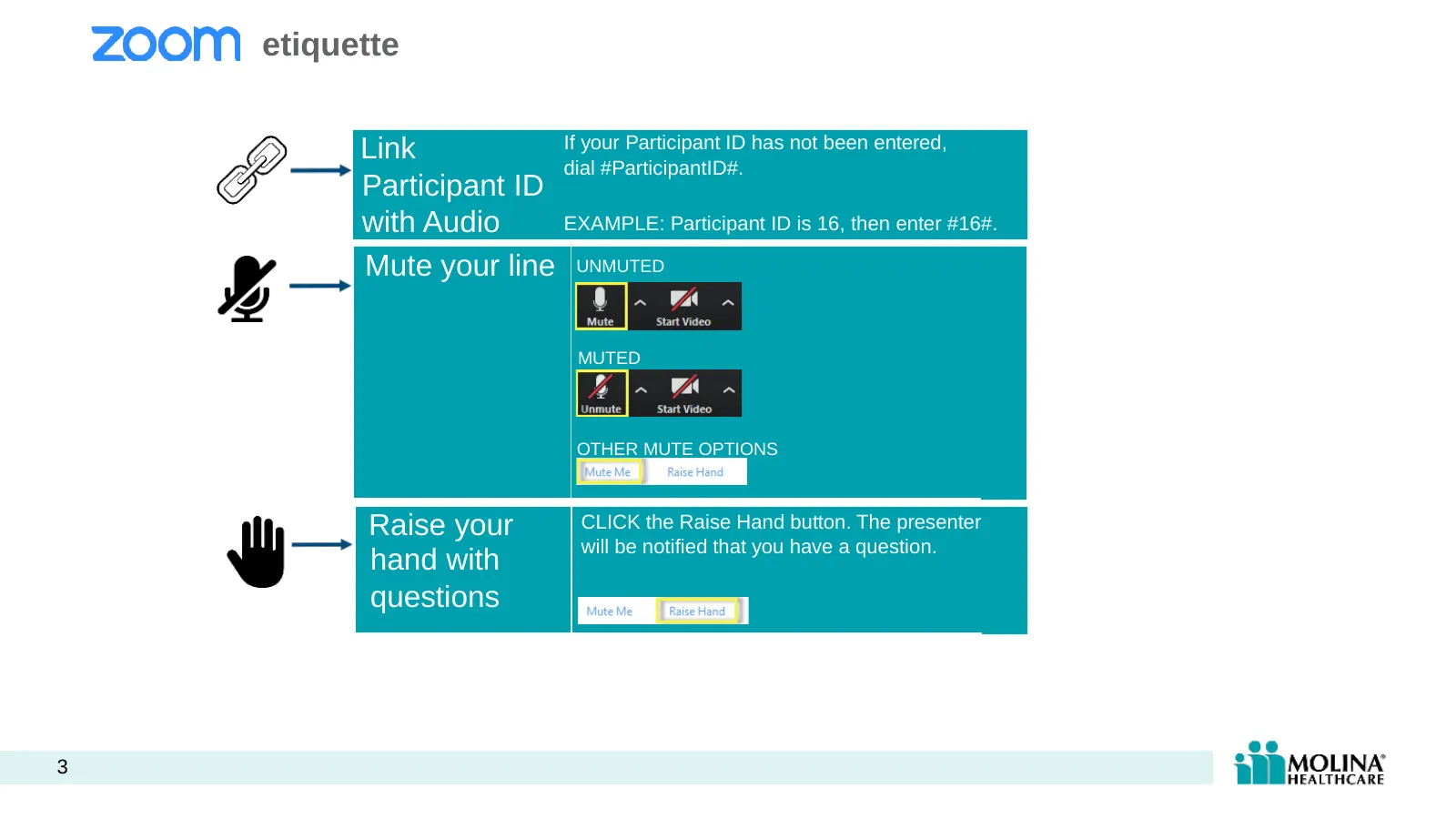
etiquette Link If your Participant ID has not been entered, dial #ParticipantID#. Participant ParticipantID ID with Audio EXAMPLE: Participant ID is 16, then enter #16#. Mute your line UNMUTED MUTED OTHER MUTE OPTIONS Raise your CLICK the Raise Hand button. The presenter will be notified that you ha
Slide 4: Molina Complete Care's Mission
Molina Complete Care’s Mission Our mission is to provide quality health services to financially vulnerable families and individuals covered by government programs. 4
Slide 5: Introductions
Introductions Customer Service • CCC Plus: 1-800-424-4524 • Medallion 4.0: 1-800-424-4518 Please reach out to us anytime. We’re here to assist you any way we can. 5
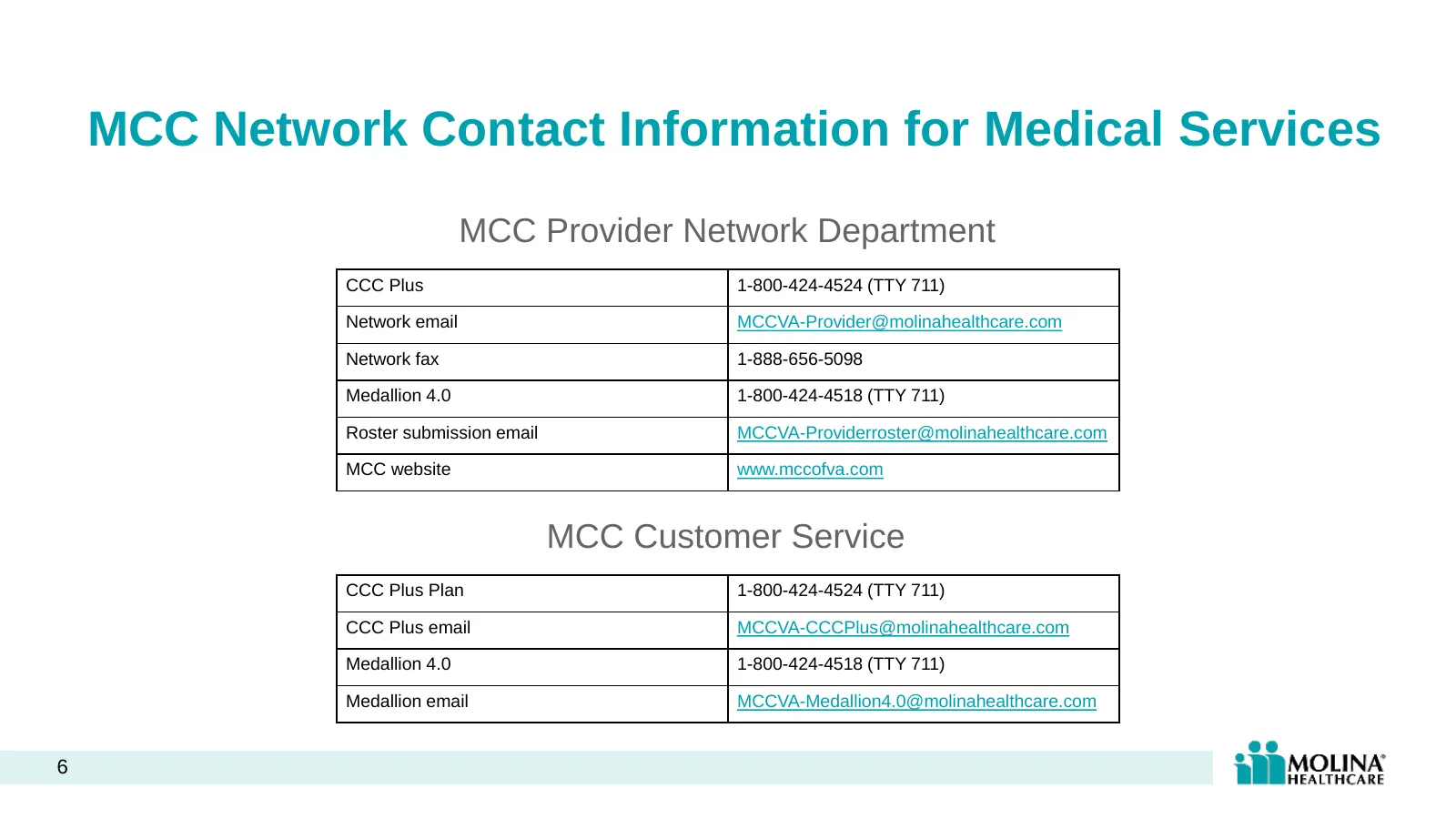
Slide 6: MCC Network Contact Information for Medical Services
MCC Network Contact Information for Medical Services MCC Provider Network Department CCC Plus 1-800-424-4524 (TTY 711) Network email [email protected] Network fax 1-888-656-5098 Medallion 4.0 1-800-424-4518 (TTY 711) Roster submission email [email protected]
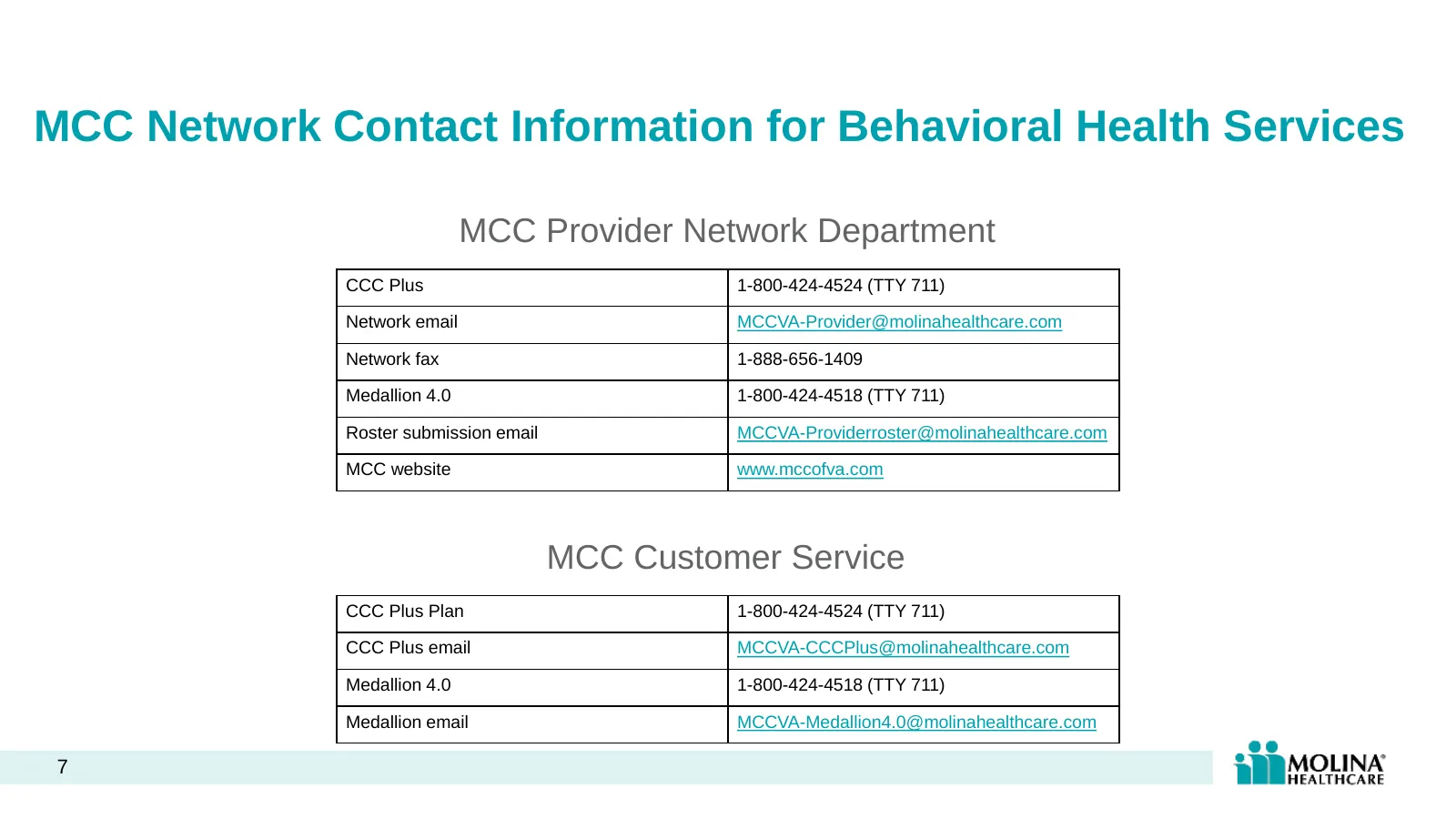
Slide 7: MCC Network Contact Information for Behavioral Health Services
MCC Network Contact Information for Behavioral Health Services MCC Provider Network Department CCC Plus 1-800-424-4524 (TTY 711) Network email [email protected] Network fax 1-888-656-1409 Medallion 4.0 1-800-424-4518 (TTY 711) Roster submission email MCCVA-Providerroster@molinaheal
Slide 8: Claims Submission and Reimbursement
Claims Submission and Reimbursement 8
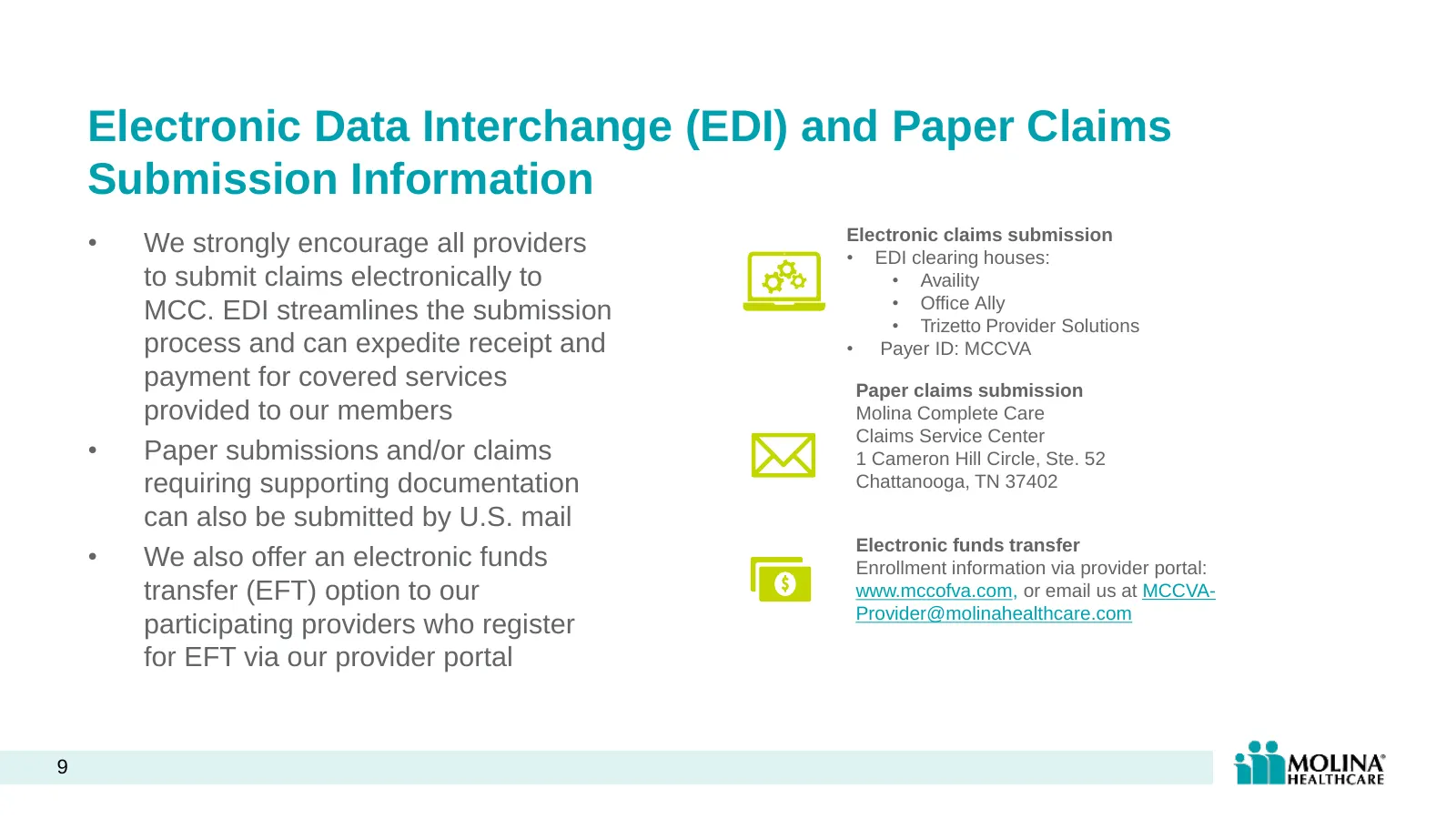
Slide 9: EDI and Paper Claims Submission Information
Electronic Data Interchange (EDI) and Paper Claims Submission Information • We strongly encourage all providers Electronic claims submission • EDI clearing houses: to submit claims electronically to • Availity • Office Ally MCC. EDI streamlines the submission • Trizetto Provider Solutions process an
Slide 10: Advantages of Electronic (EDI) Claims
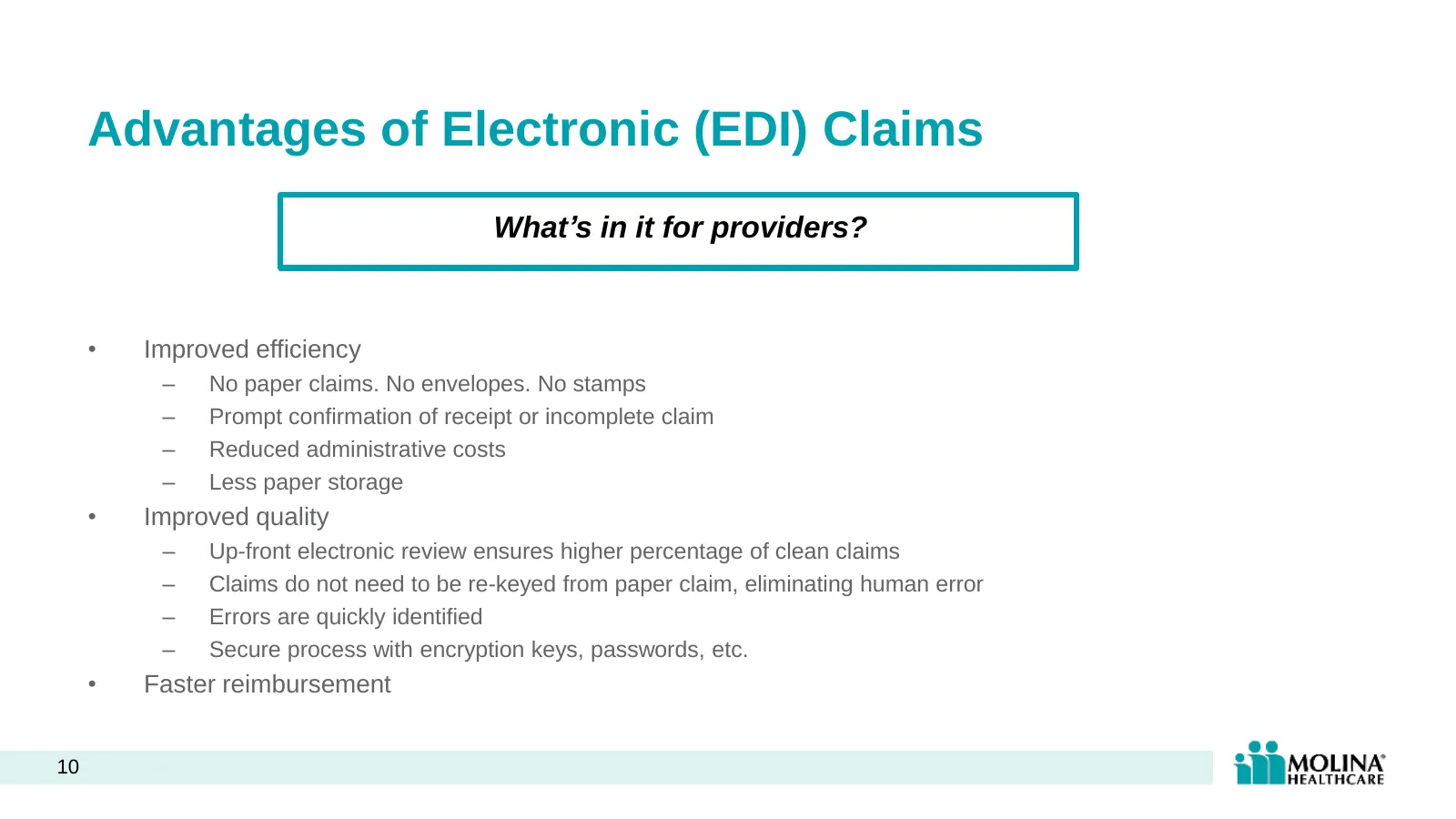
Advantages of Electronic (EDI) Claims What’s in it for providers? • Improved efficiency – No paper claims. No envelopes. No stamps – Prompt confirmation of receipt or incomplete claim – Reduced administrative costs – Less paper storage • Improved quality – Up-front electronic review ensures higher p
Slide 11: Tips for Filing a Clean Claim
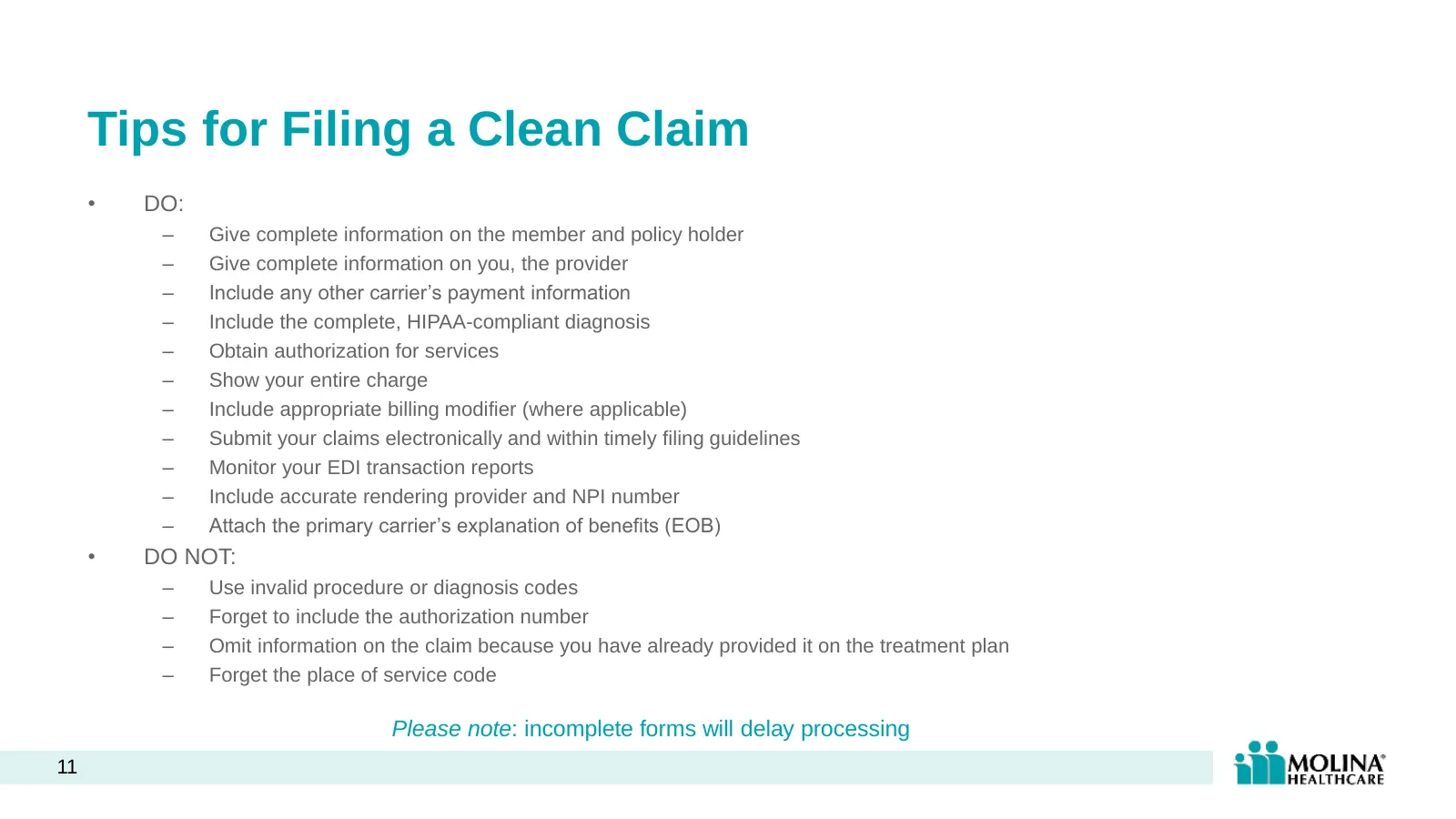
Tips for Filing a Clean Claim • DO: – Give complete information on the member and policy holder – Give complete information on you, the provider – Include any other carrier’s payment information – Include the complete, HIPAA-compliant diagnosis – Obtain authorization for services – Show your entire
Slide 12: Standard Code Sets, Claim Forms and Data Elements
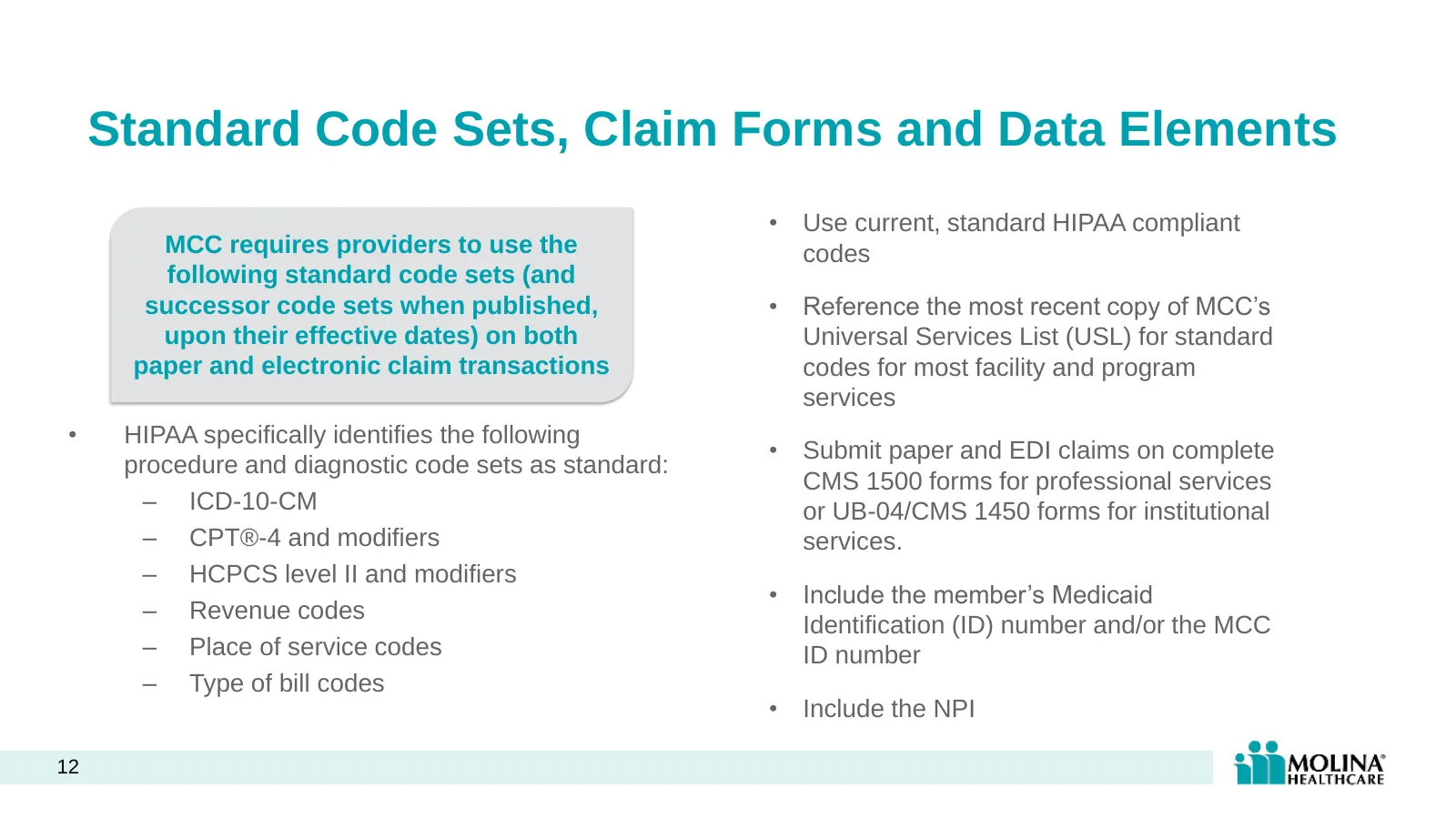
Standard Code Sets, Claim Forms and Data Elements • Use current, standard HIPAA compliant MCC requires providers to use the codes following standard code sets (and successor code sets when published, • Reference the most recent copy of MCC’s upon their effective dates) on both Universal Services Lis
Slide 13: National Provider Identifier (NPI) and Tax Identification Number (TIN)
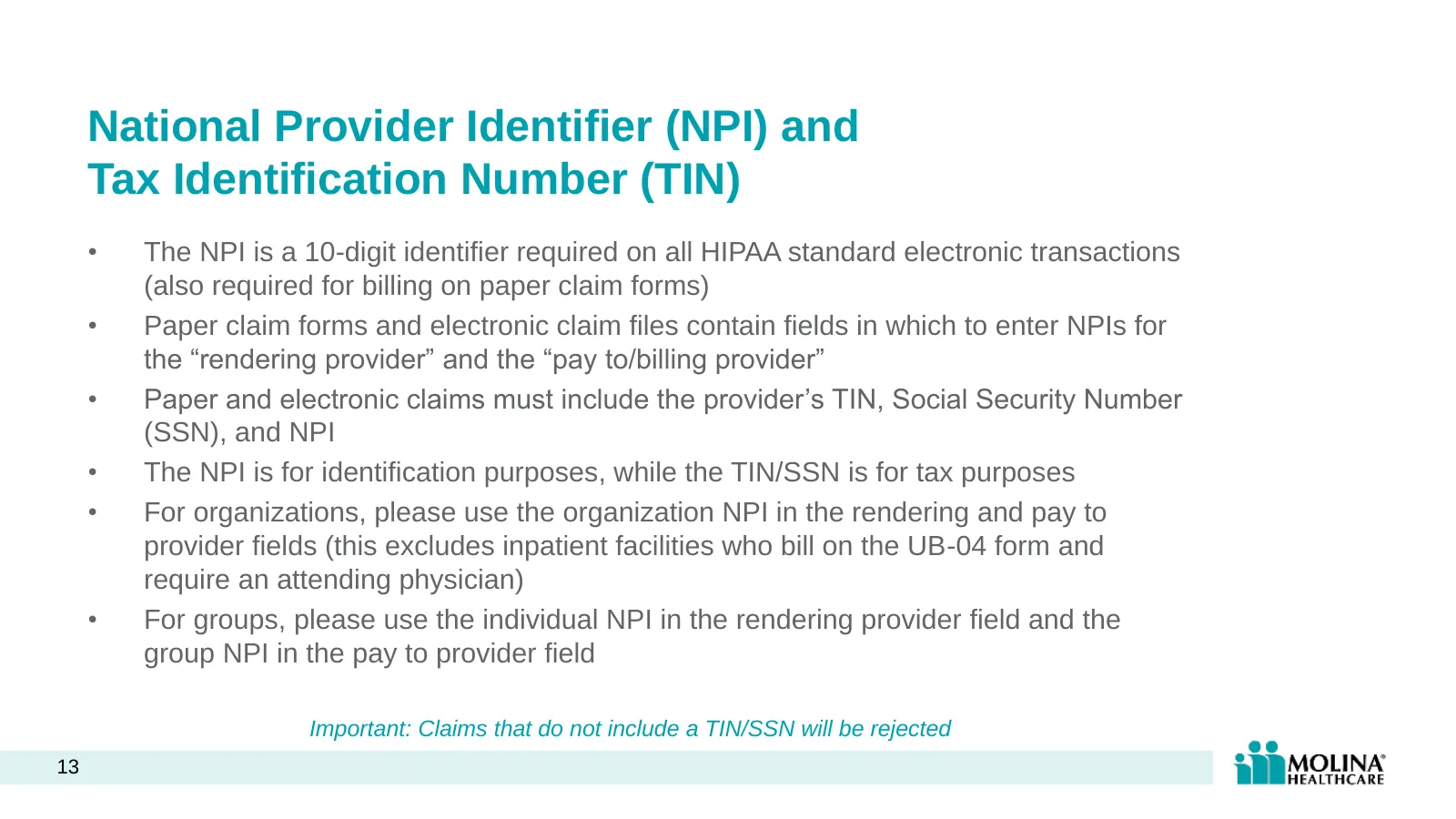
National Provider Identifier (NPI) and Tax Identification Number (TIN) • The NPI is a 10-digit identifier required on all HIPAA standard electronic transactions (also required for billing on paper claim forms) • Paper claim forms and electronic claim files contain fields in which to enter NPIs for t
Slide 14: Timely Filing and Payment Timeframes
Timely Filing and Payment Timeframes • MCC commits to the timely processing of claims for covered services provided to our members • We have established guidelines and infrastructure that ensures timely processing and payment within both federal and state guidelines • Clean claims for covered servic
Slide 15: Timely Filing and Payment Timeframes (continued)
Timely Filing and Payment Timeframes (continued) • Processing and payment for covered services are generally made within 30 days upon receipt of clean claim and any required supporting documentation • Processing and payment for clean claims for Nursing Facilities, LTSS (including when LTSS services
Slide 16: Submission Order, Dual-Eligible Members and Coordination of Benefits
Submission Order, Dual-Eligible Members and Coordination of Benefits • Providers should follow traditional claims submission order in accordance with industry standard coordination of benefit rules • Claims for services provided to members who have another primary insurance carrier must be submitted
Slide 17: Submitting a Corrected Claim
Submitting a Corrected Claim • Corrected claims can be submitted electronically by selecting the appropriate data as shown Need assistance? below We can help! • Corrected paper claims—paper claims will only be an accepted method of submission when technical difficulties or temporary extenuating MCC
Slide 18: Most Frequent Reasons for Claims Non-Payment
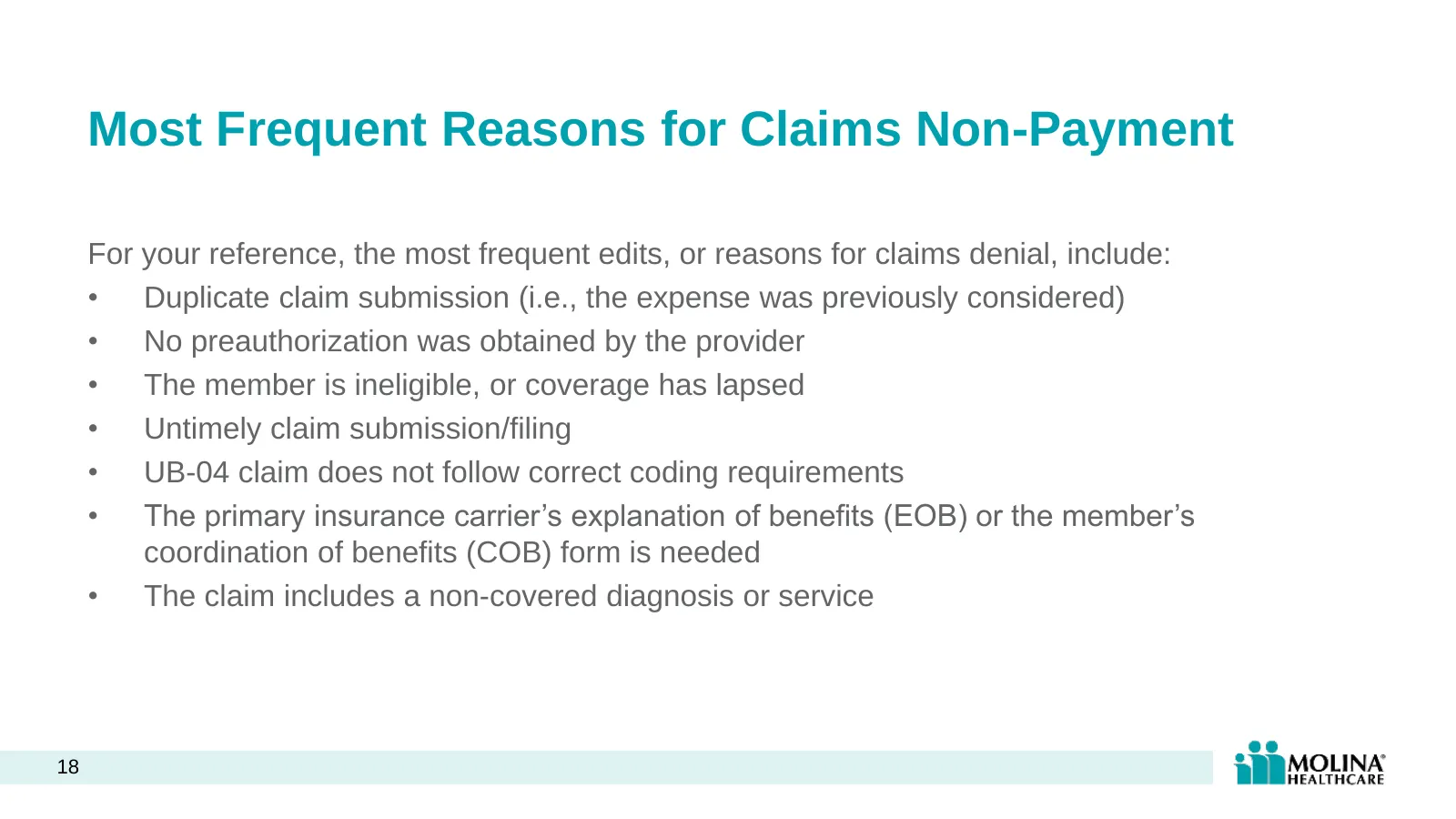
Most Frequent Reasons for Claims Non-Payment For your reference, the most frequent edits, or reasons for claims denial, include: • Duplicate claim submission (i.e., the expense was previously considered) • No preauthorization was obtained by the provider • The member is ineligible, or coverage has l
Slide 19: Electronic Funds Transfer (EFT)
Electronic Funds Transfer (EFT) 19
Slide 20: Enrolling in Electronic Funds Transfer (EFT)
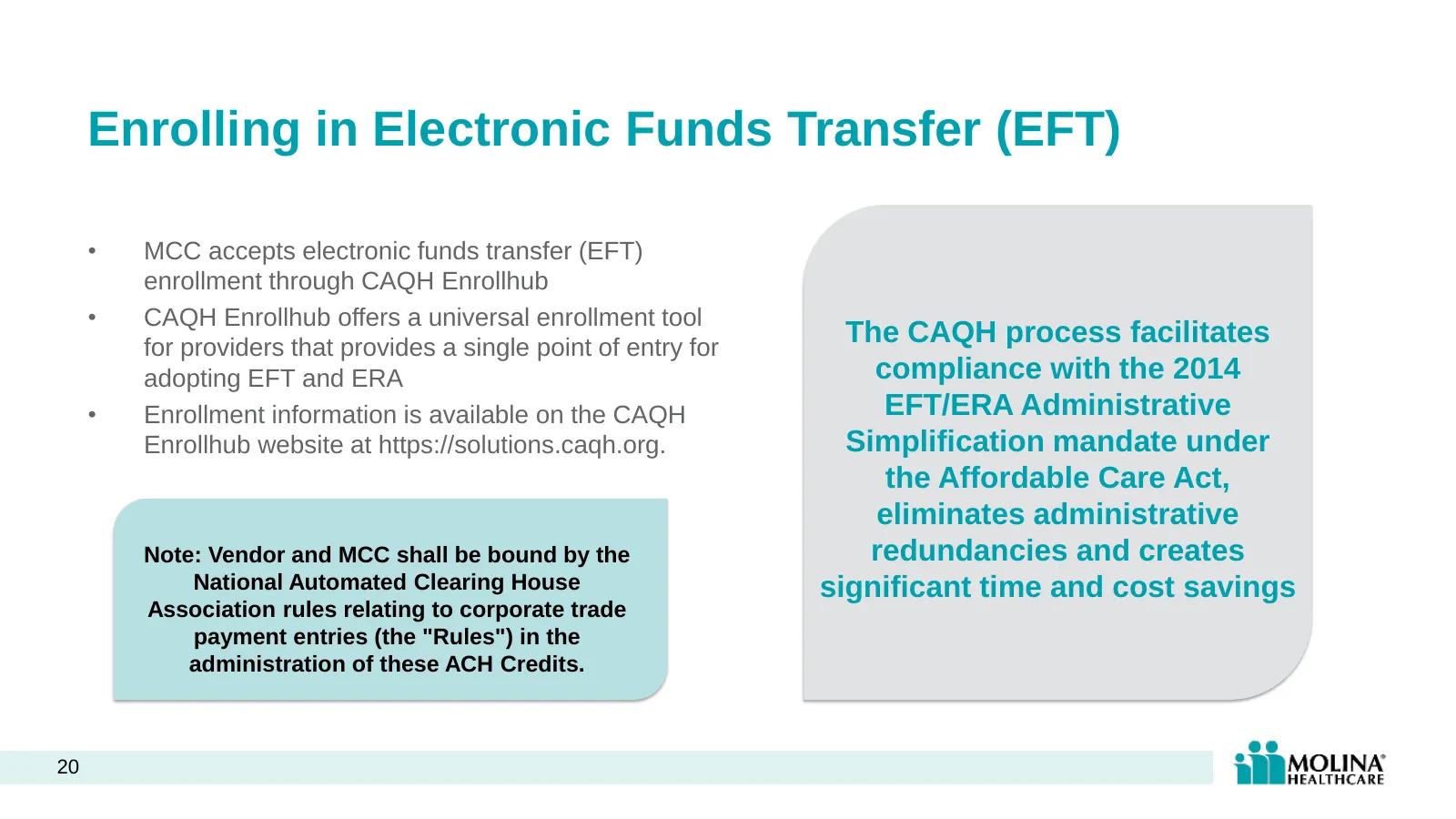
Enrolling in Electronic Funds Transfer (EFT) • MCC accepts electronic funds transfer (EFT) enrollment through CAQH Enrollhub • CAQH Enrollhub offers a universal enrollment tool for providers that provides a single point of entry for The CAQH process facilitates adopting EFT and ERA compliance with t
Slide 21: Using Electronic Funds Transfer
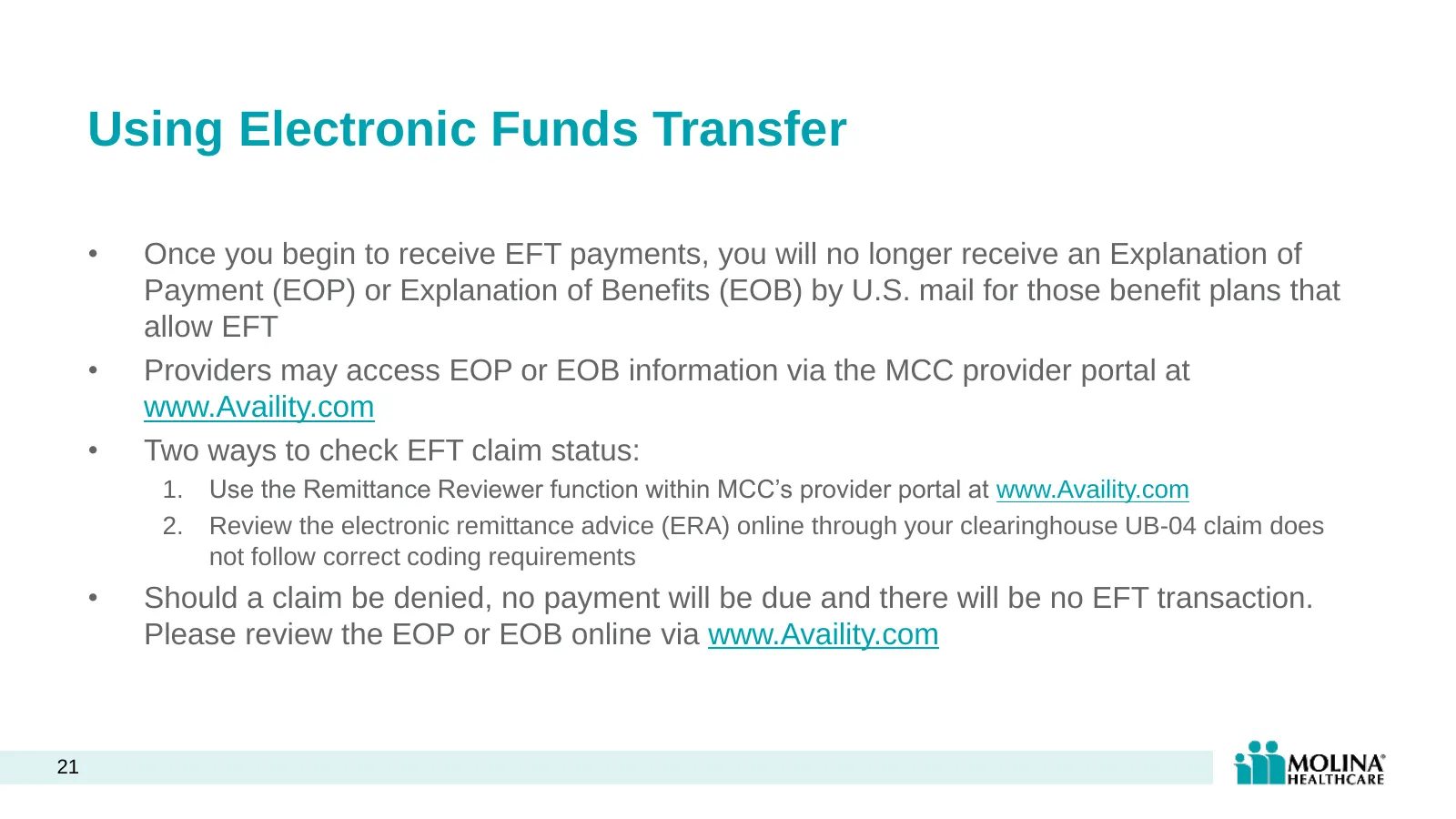
Using Electronic Funds Transfer • Once you begin to receive EFT payments, you will no longer receive an Explanation of Payment (EOP) or Explanation of Benefits (EOB) by U.S. mail for those benefit plans that allow EFT • Providers may access EOP or EOB information via the MCC provider portal at www.A
Slide 22: Claims Check Cycle, EOPs and Remittances
Claims Check Cycle, EOPs and Remittances • Upon receipt of a claim, MCC reviews the documentation and makes a payment determination • As a result of this determination, a remittance advice, known as an Explanation of Payment (EOP) or Explanation of Benefits (EOB) is sent to the provider • The Remitt
Slide 23: MCC Encourages EFT
MCC Encourages EFT • Upon receipt of a claim, MCC reviews the documentation and makes a payment determination • Providers can take advantage of MCC’s online feature—Electronic Funds Transfer (EFT)—for claims payments. You can request to have certain claims payments directly deposited to your busines
Slide 24: MCC's Provider Portal for Medical and Behavioral Health
MCC’s Provider Portal for Medical and Behavioral Health 24
Slide 25: Availity: MCC's Provider Portal Solution
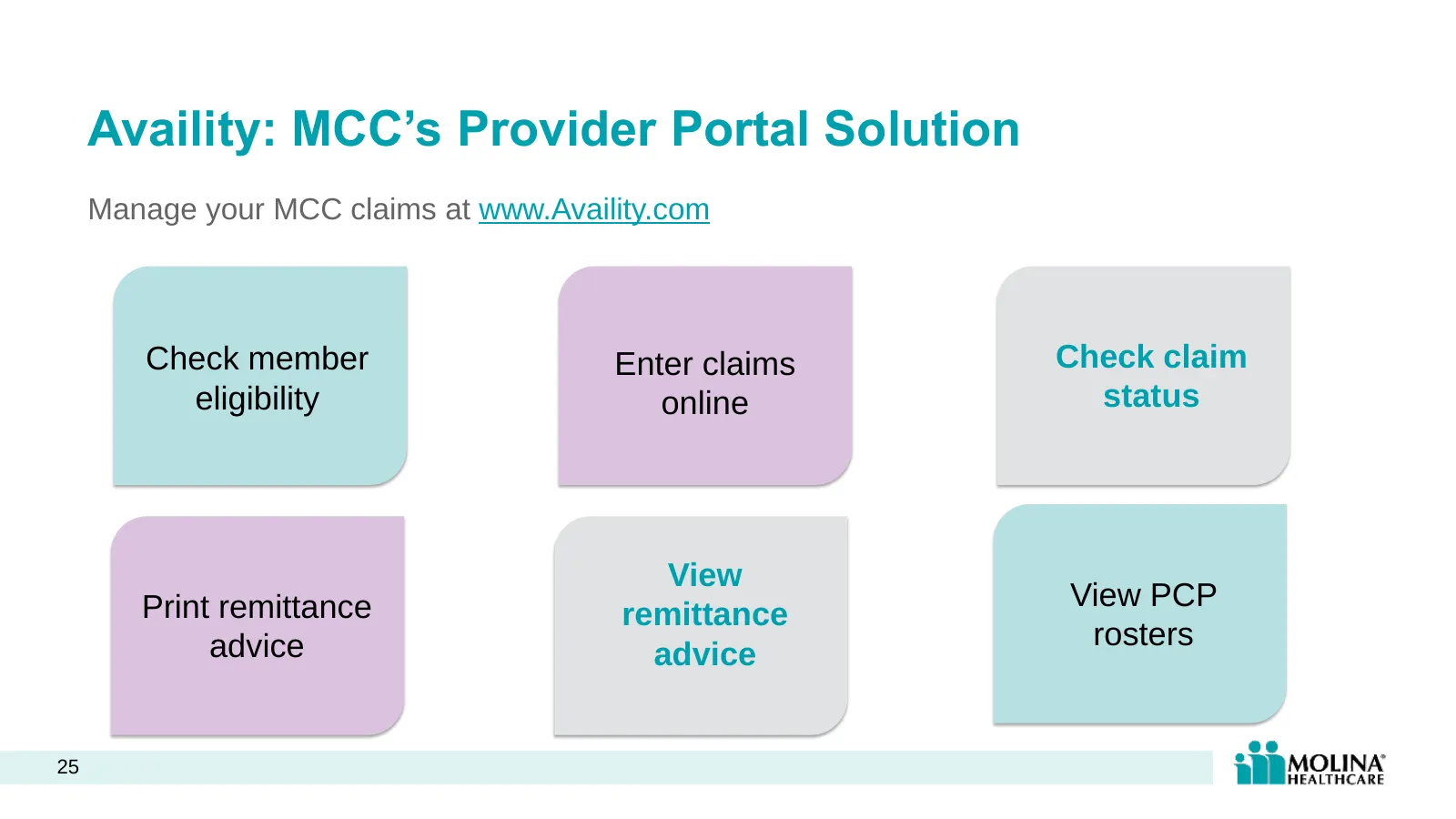
Availity: MCC’s Provider Portal Solution Manage your MCC claims at www.Availity.com Check member Enter claims Check claim eligibility online status View Print remittance View PCP remittance advice rosters advice 25
Slide 26: Availity Provider Portal
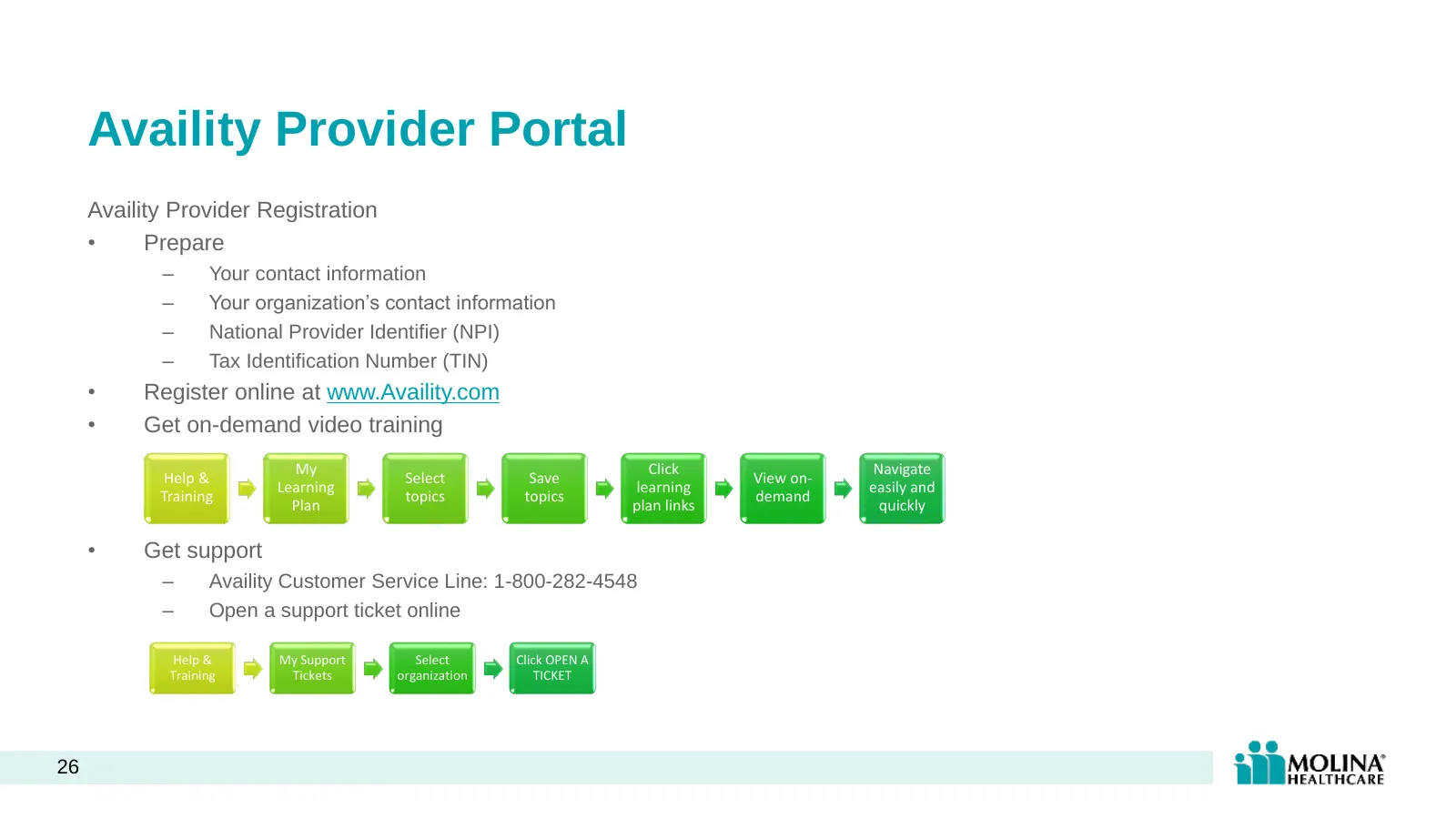
Availity Provider Portal Availity Provider Registration • Prepare – Your contact information – Your organization’s contact information – National Provider Identifier (NPI) – Tax Identification Number (TIN) • Register online at www.Availity.com • Get on-demand video training My Click Navigate Help &
Slide 27: Availity Provider Portal (continued)
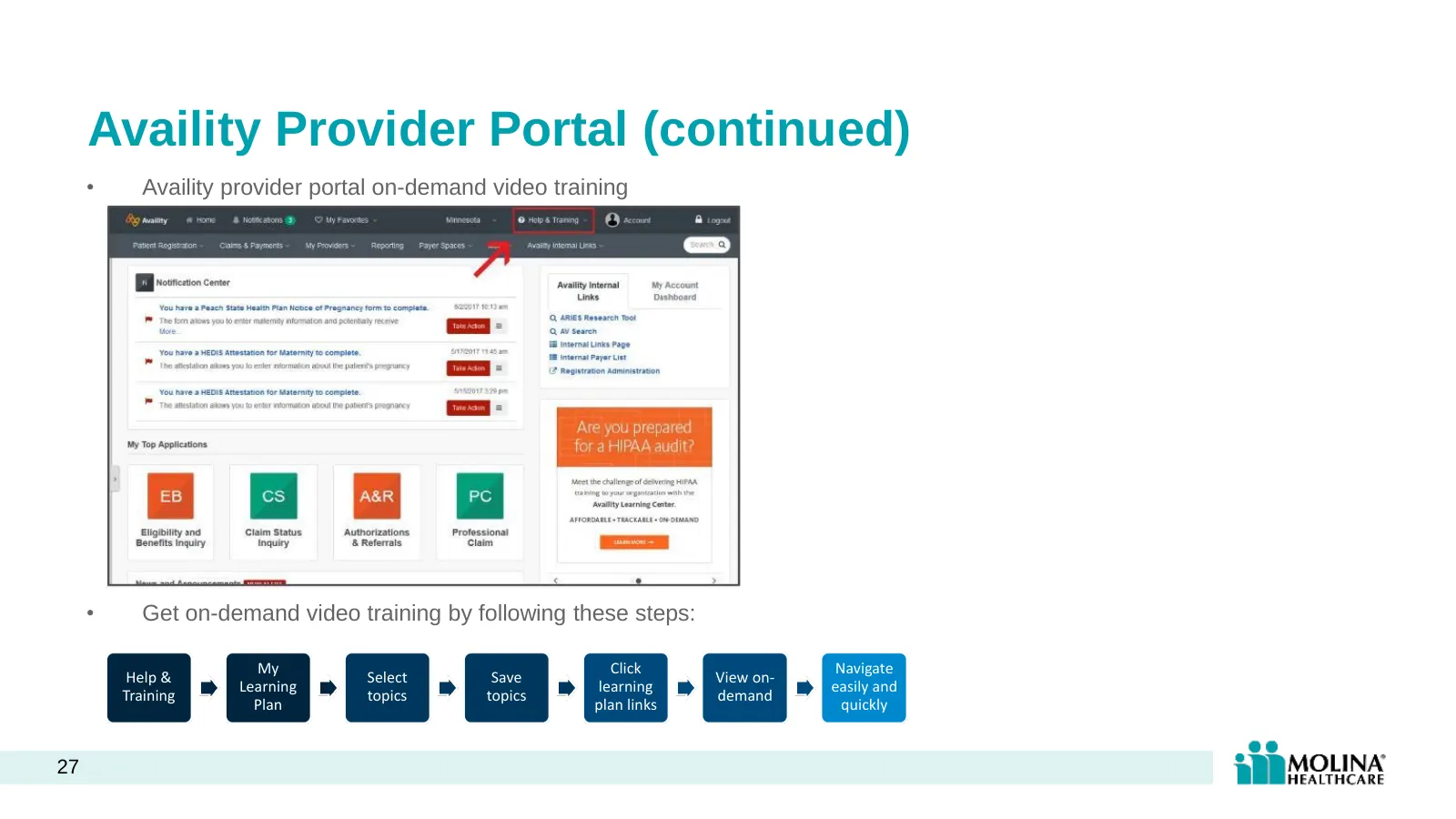
Availity Provider Portal (continued) • Availity provider portal on-demand video training • Get on-demand video training by following these steps: My Click Navigate Help & Select Save View on- Learning learning easily and Training topics topics demand Plan plan links quickly 27
Slide 28: Availity Provider Portal (continued)
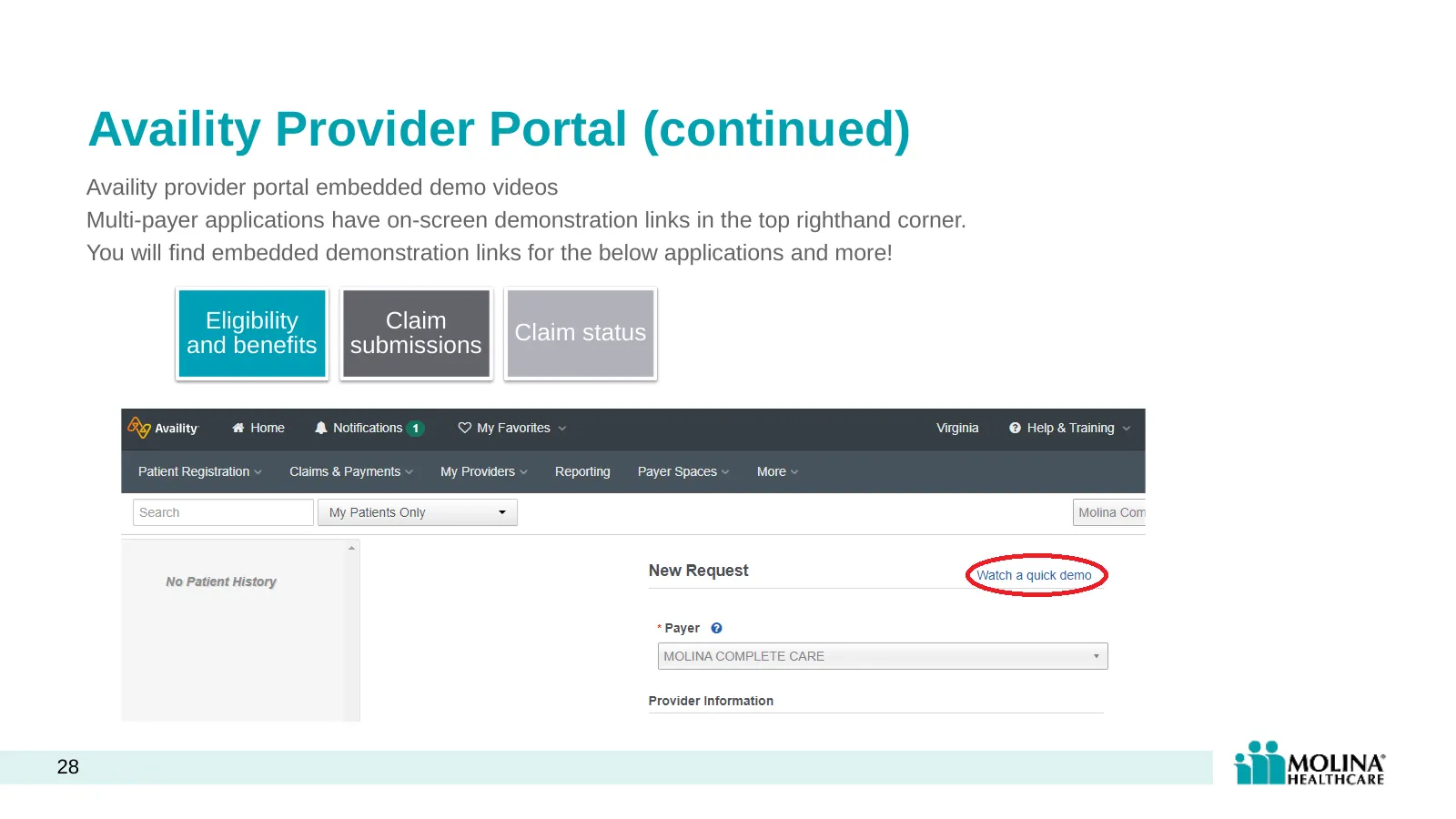
Availity Provider Portal (continued) Availity provider portal embedded demo videos Multi-payer applications have on-screen demonstration links in the top righthand corner. You will find embedded demonstration links for the below applications and more! Eligibility Claim Claim status and benefits subm
Slide 29: Availity Provider Portal (continued)
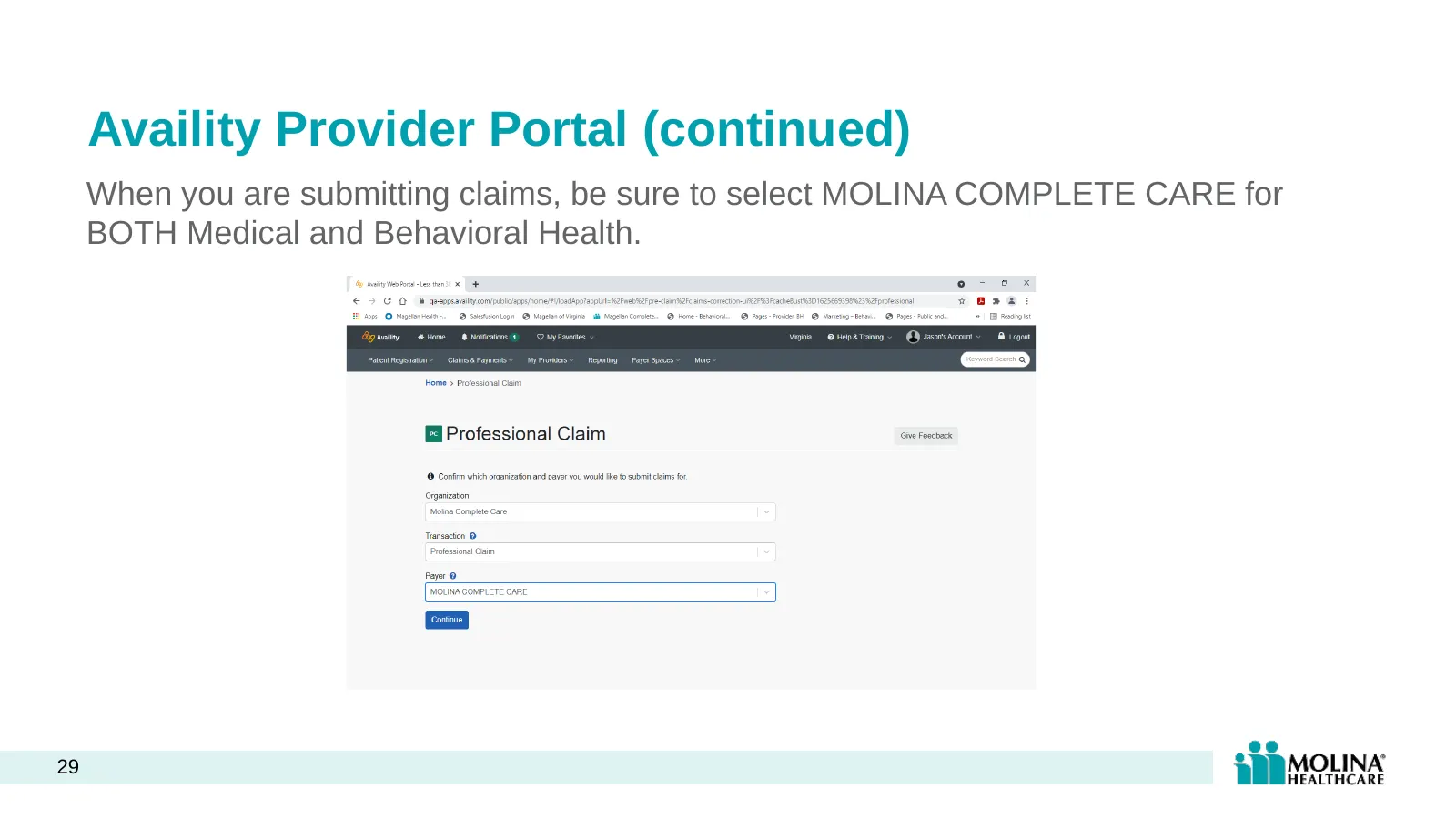
Availity Provider Portal (continued) When you are submitting claims, be sure to select MOLINA COMPLETE CARE for BOTH Medical and Behavioral Health. 29
Slide 30: Availity Provider Portal (continued)
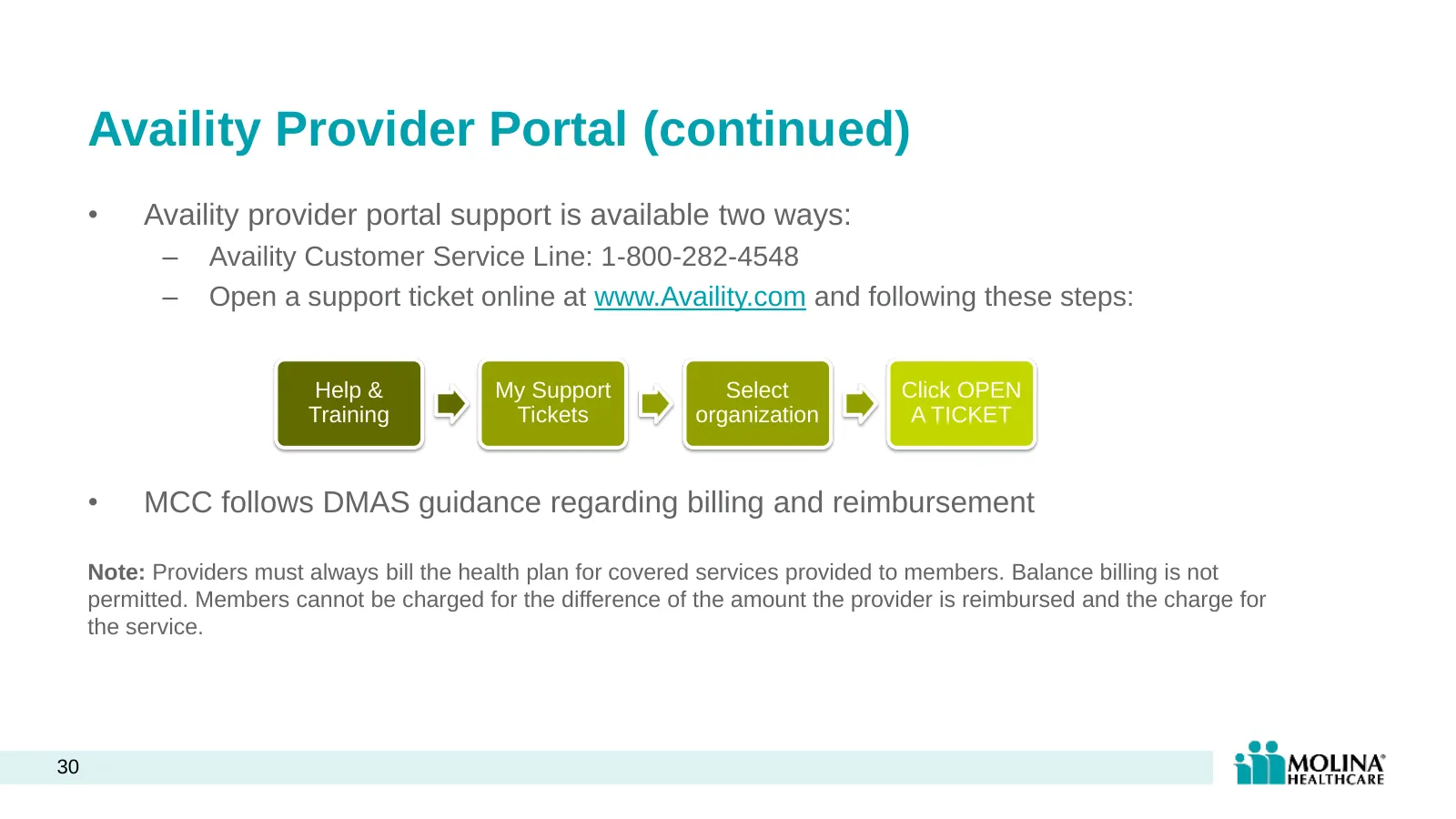
Availity Provider Portal (continued) • Availity provider portal support is available two ways: – Availity Customer Service Line: 1-800-282-4548 – Open a support ticket online at www.Availity.com and following these steps: Help & My Support Select Click OPEN Training Tickets organization A TICKET • M
Slide 31: MCC's Outside Vendors and Contact Information
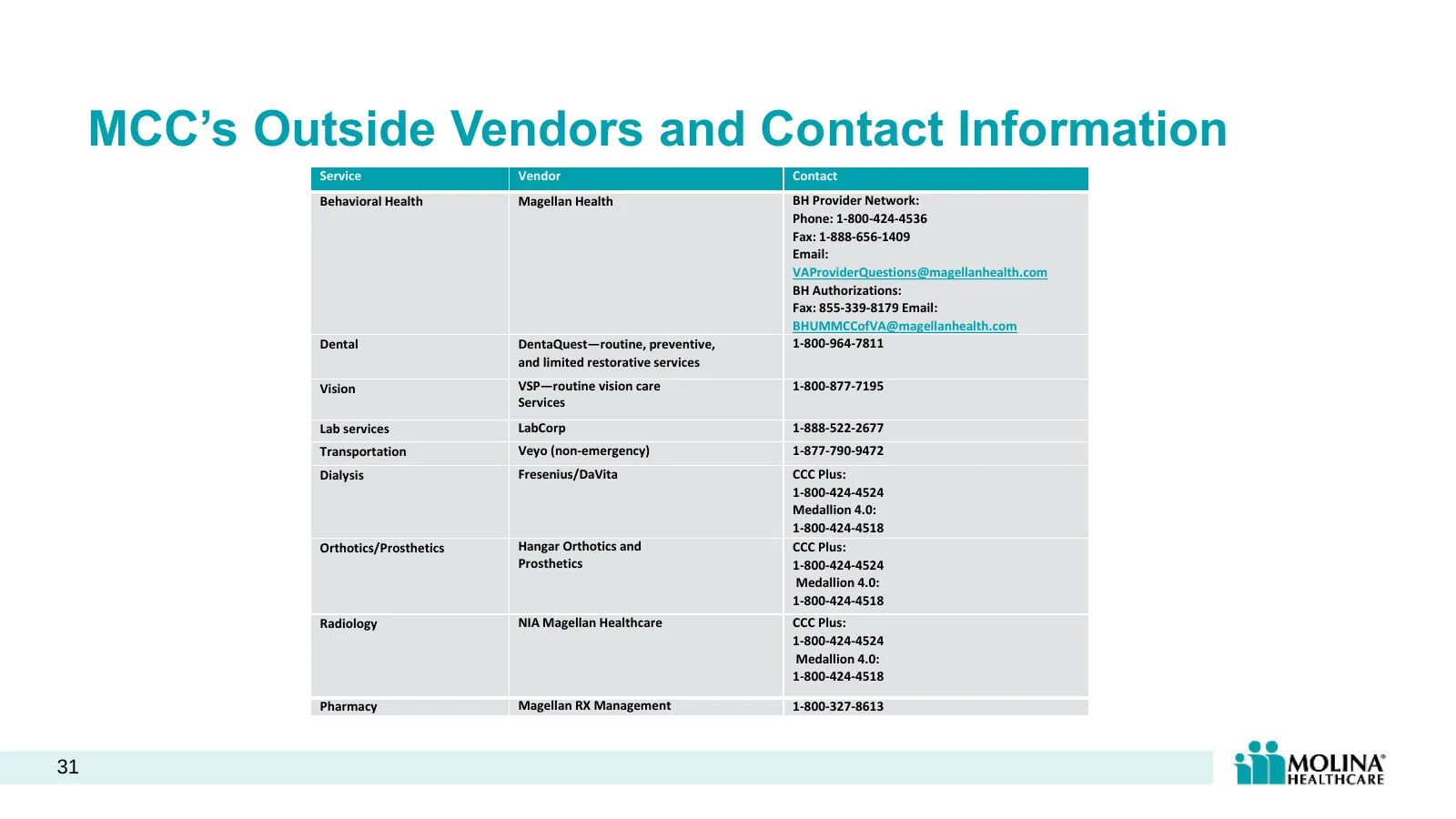
MCC’s Outside Vendors and Contact Information Service Vendor Contact Behavioral Health Magellan Health BH Provider Network: Phone: 1-800-424-4536 Fax: 1-888-656-1409 Email: [email protected] BH Authorizations: Fax: 855-339-8179 Email: [email protected] Dental DentaQ
Slide 32: Molina Complete Care Behavioral Health Information
Molina Complete Care Behavioral Health Information 32
Slide 33: Molina Provider Portal – Behavioral Health
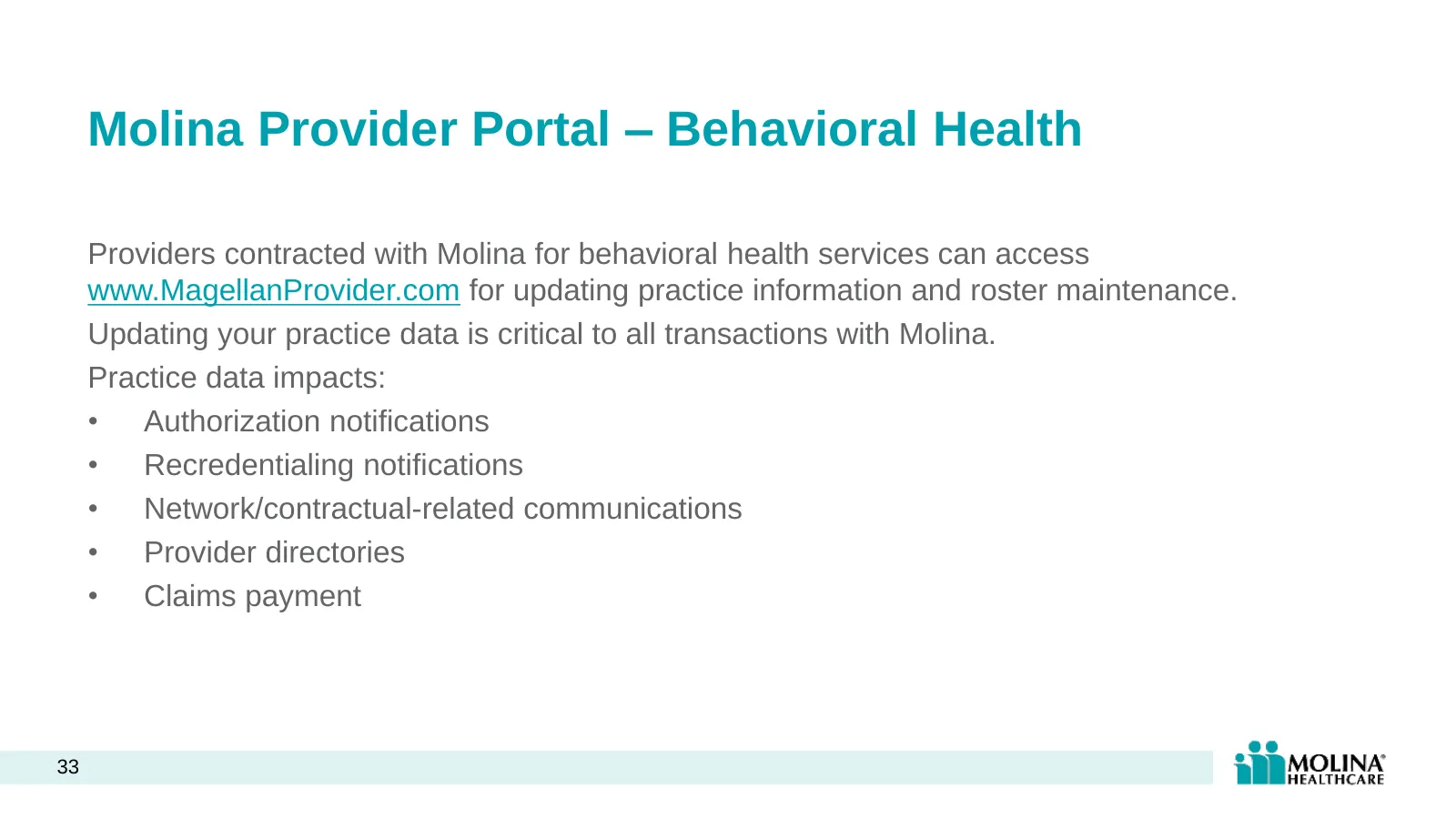
Molina Provider Portal – Behavioral Health Providers contracted with Molina for behavioral health services can access www.MagellanProvider.com for updating practice information and roster maintenance. Updating your practice data is critical to all transactions with Molina. Practice data impacts: • A
Slide 34: Molina Provider Portal – Behavioral Health (continued)
Molina Provider Portal – Behavioral Health (continued) Updating your practice data: what you need to do • Magellan’s mandatory online Provider Data Change Form (PDCF) allows you to update your information in real time – Go to www.MagellanProvider.com – Sign into the secure network – Click Display/Ed
Slide 35: Molina Provider Portal – Provider Data Change Form
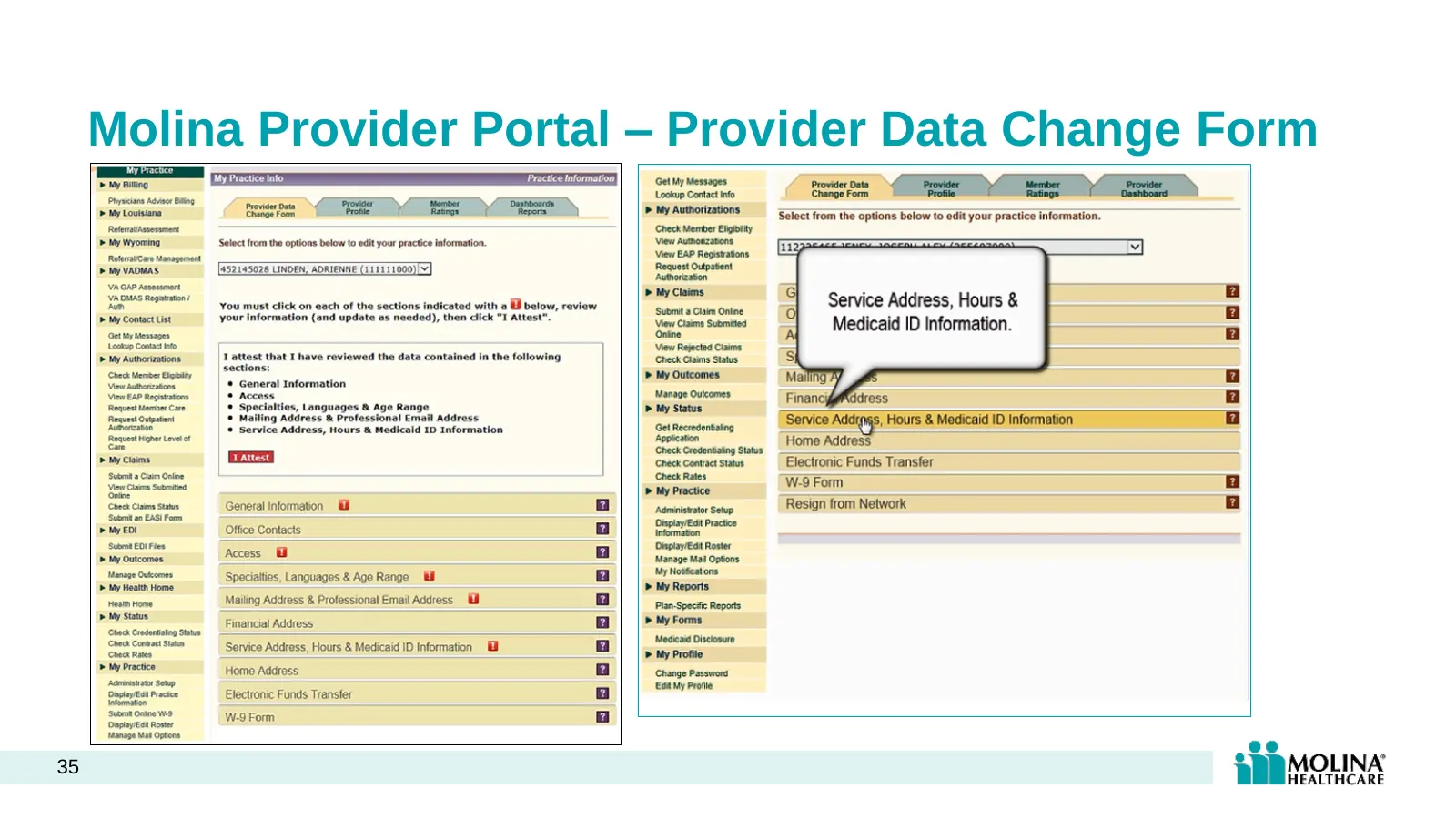
Molina Provider Portal – Provider Data Change Form 35
Slide 36: Molina Provider Portal – Roster Maintenance
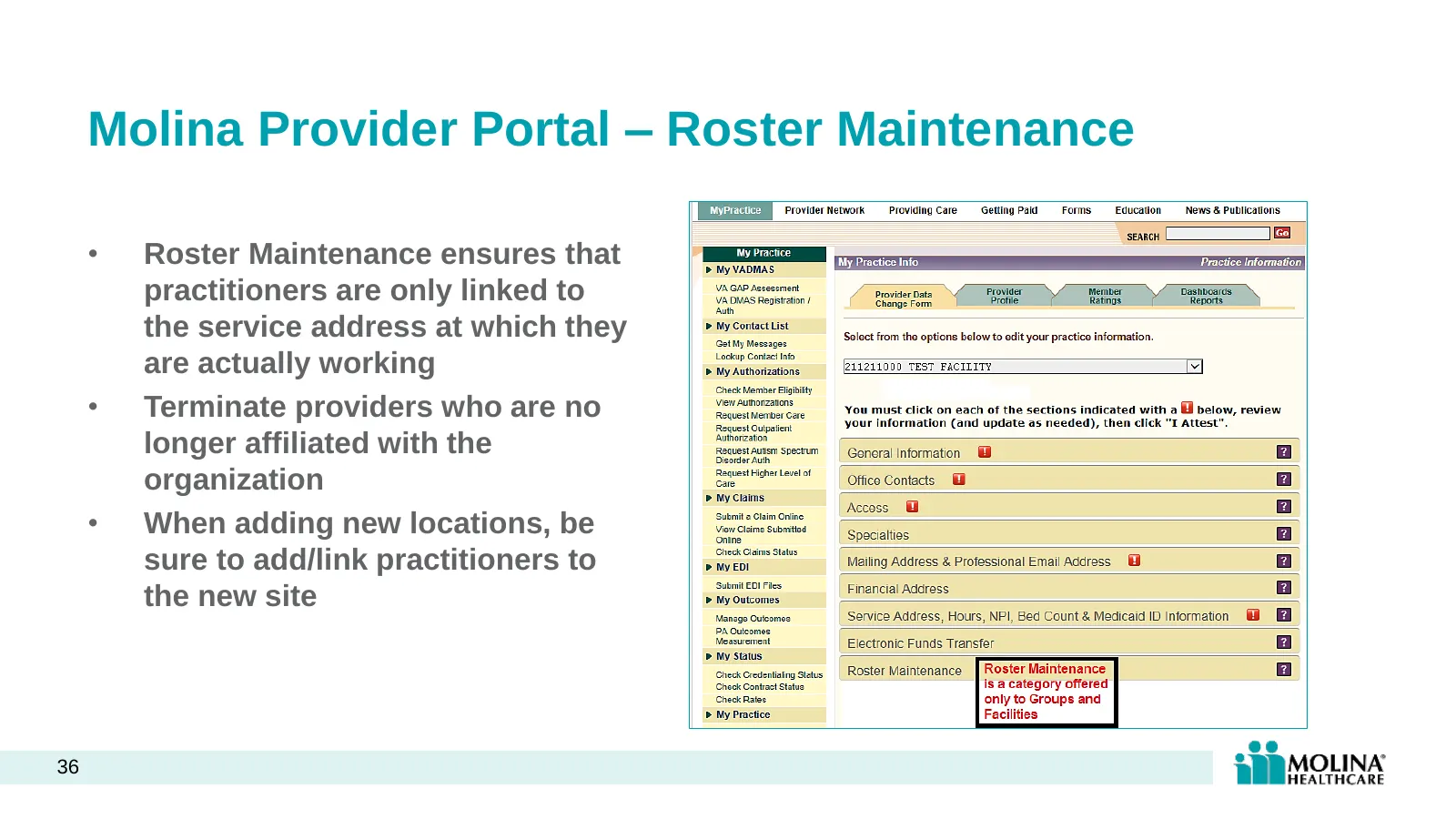
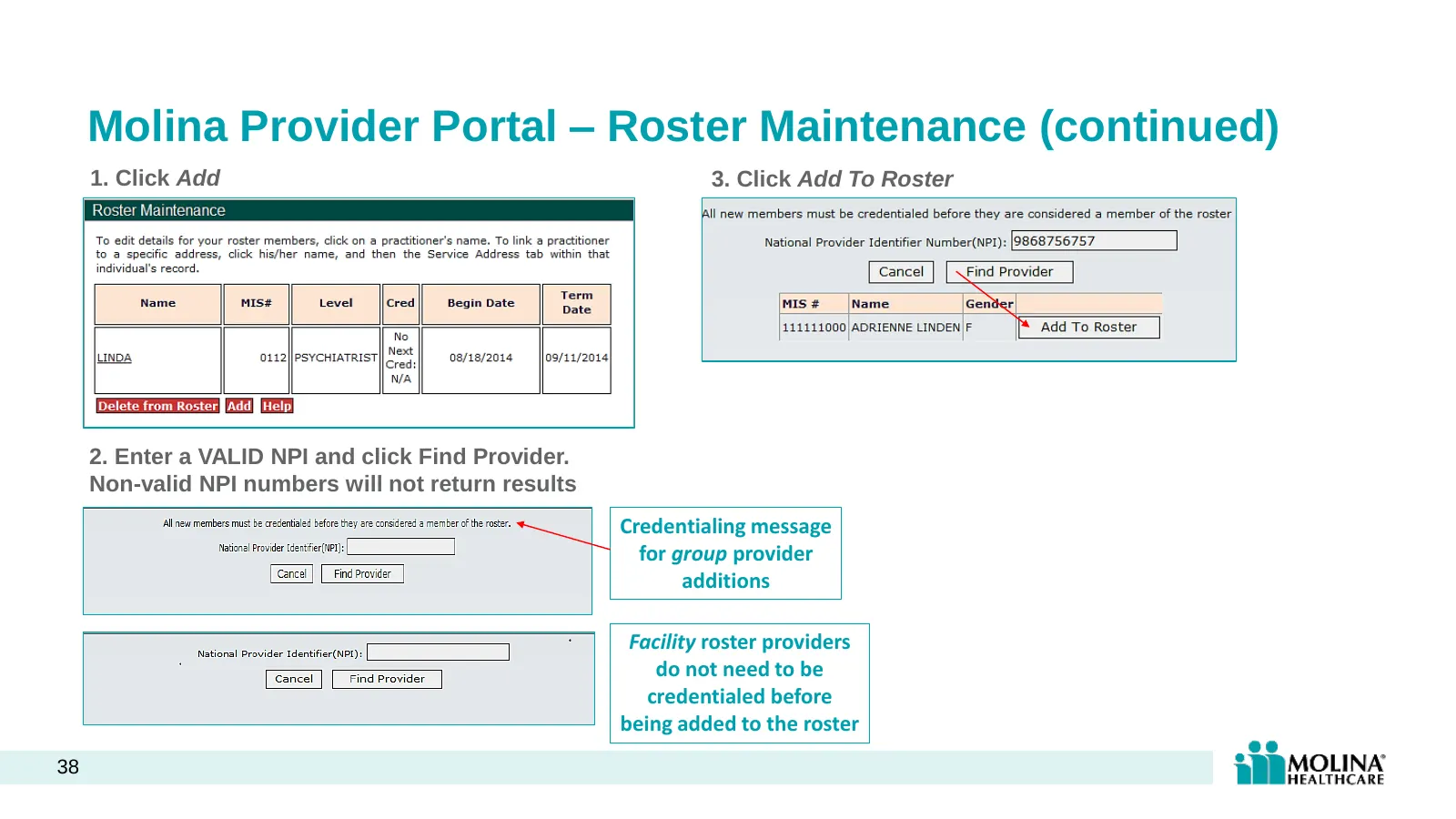
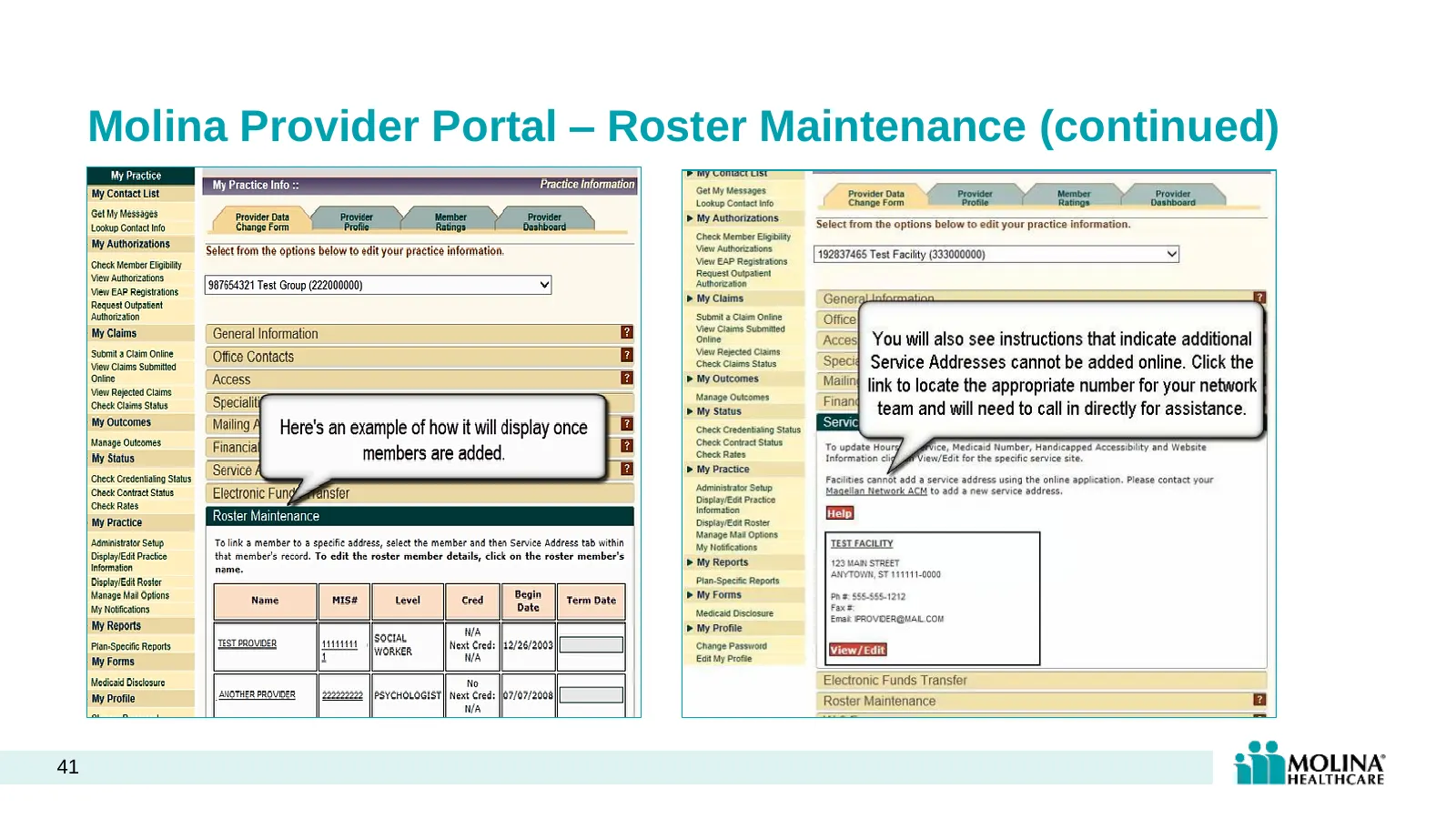
Molina Provider Portal – Roster Maintenance • Roster Maintenance ensures that practitioners are only linked to the service address at which they are actually working • Terminate providers who are no longer affiliated with the organization • When adding new locations, be sure to add/link practitioner
Slide 37: Molina Provider Portal – Roster Maintenance (continued)
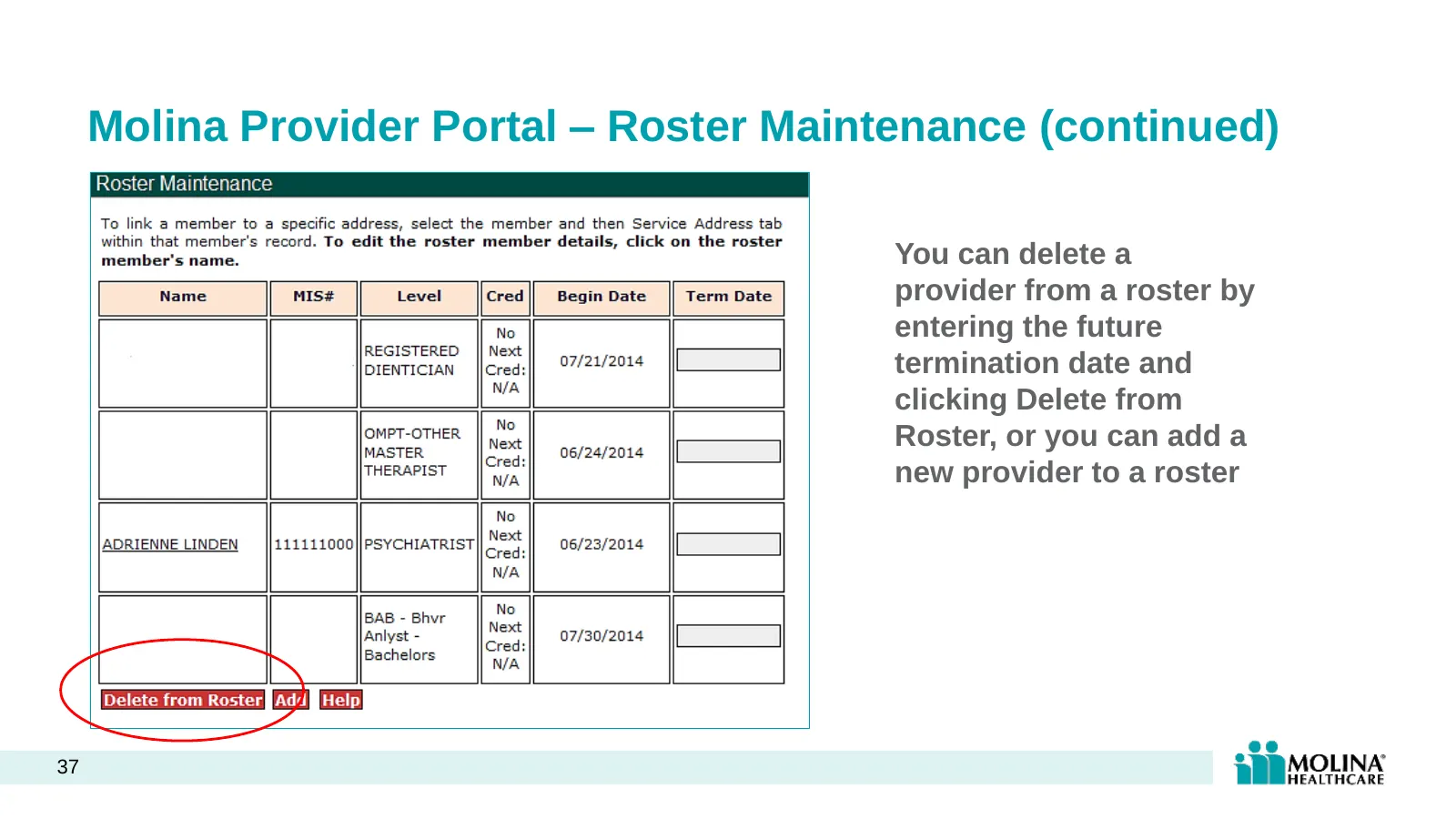
Molina Provider Portal – Roster Maintenance (continued) You can delete a provider from a roster by entering the future termination date and clicking Delete from Roster, or you can add a new provider to a roster 37
Slide 38: Molina Provider Portal – Roster Maintenance (continued)
Molina Provider Portal – Roster Maintenance (continued) 1. Click Add 3. Click Add To Roster 2. Enter a VALID NPI and click Find Provider. Non-valid NPI numbers will not return results Credentialing message for group provider additions Facility roster providers do not need to be credentialed before b
Slide 39: Molina Provider Portal – Roster Maintenance (continued)
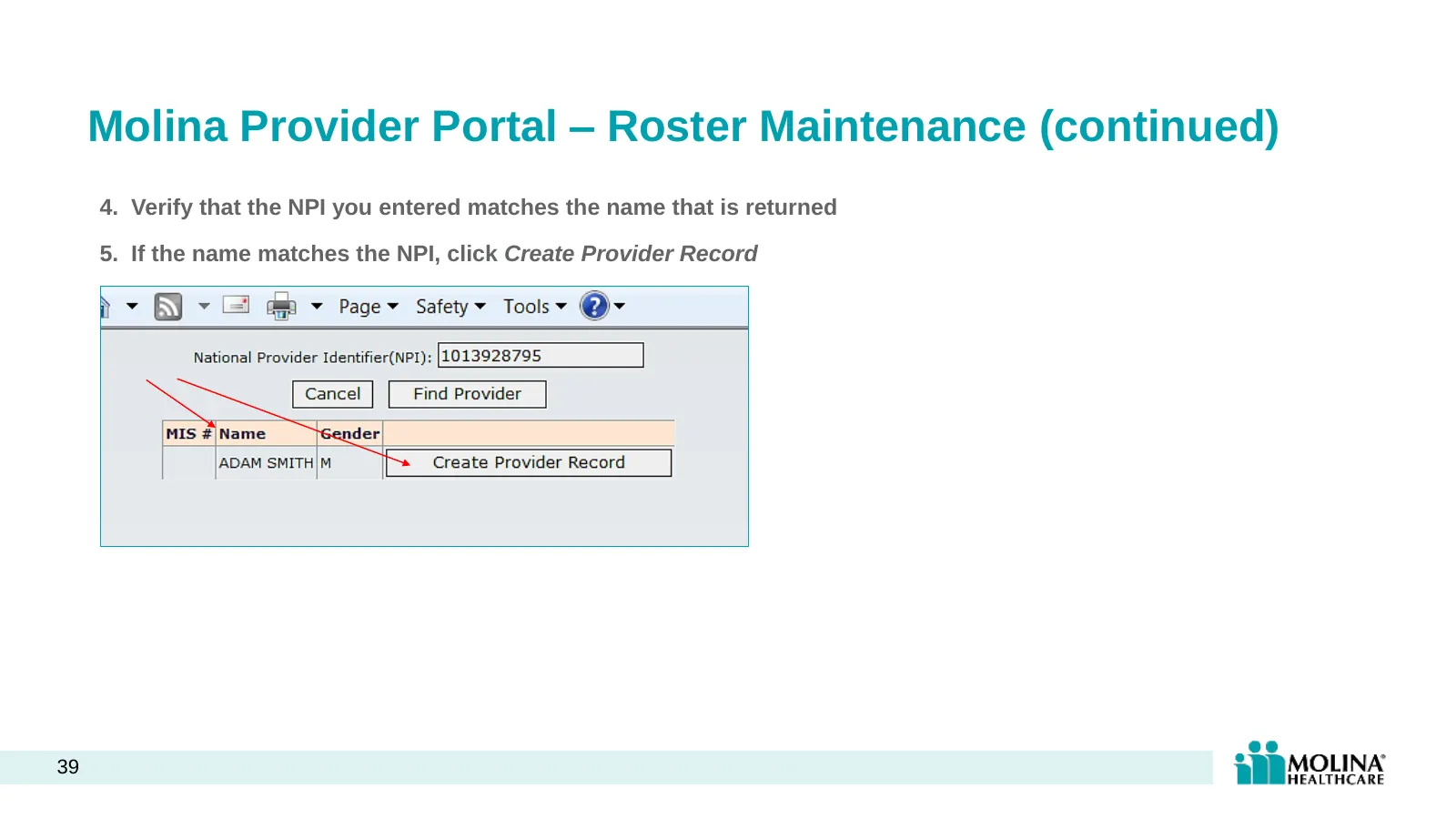
Molina Provider Portal – Roster Maintenance (continued) 4. Verify that the NPI you entered matches the name that is returned 5. If the name matches the NPI, click Create Provider Record 39
Slide 40: Molina Provider Portal – Roster Maintenance (continued)
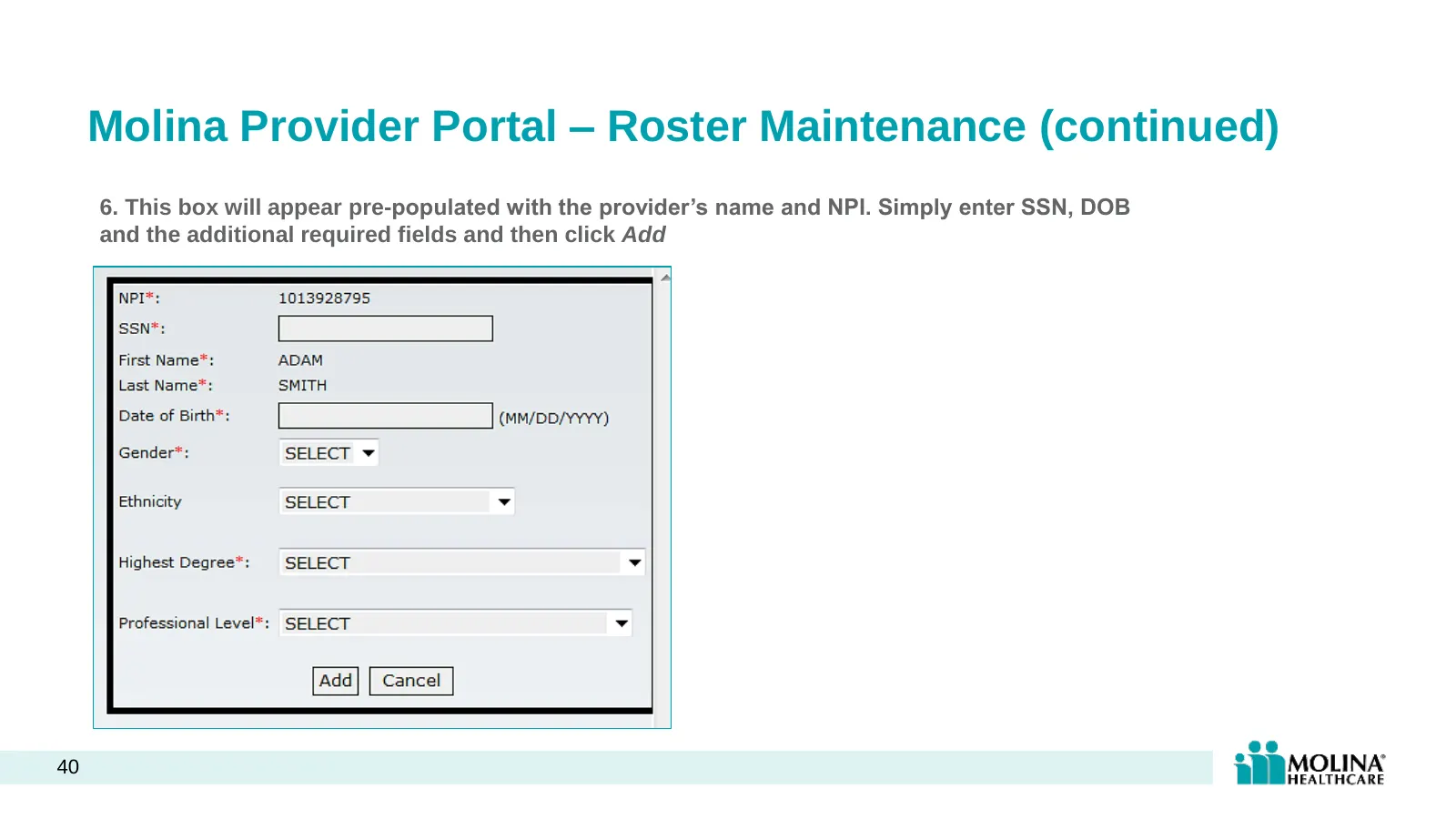
Molina Provider Portal – Roster Maintenance (continued) 6. This box will appear pre-populated with the provider’s name and NPI. Simply enter SSN, DOB and the additional required fields and then click Add 40
Slide 41: Molina Provider Portal – Roster Maintenance (continued)
Molina Provider Portal – Roster Maintenance (continued) 41
Slide 42: Authorization Information
Authorization Information 42
Slide 43: Availity Online Authorization
Availity Online Authorization Authorizations your way for Medical and Behavioral Health! Easy Fast Efficient Online 43
Slide 44: Authorization Requirements
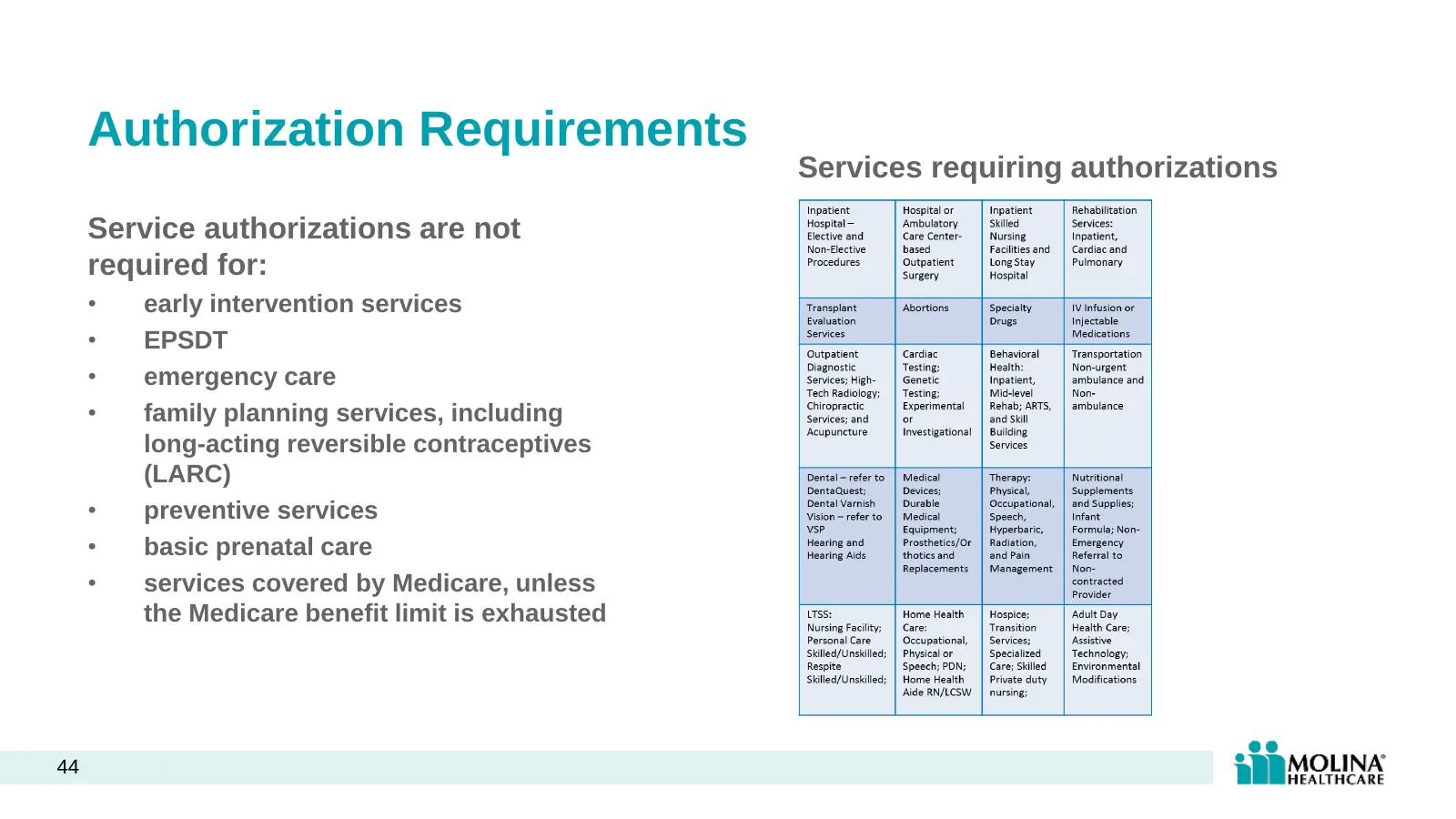
Authorization Requirements Services requiring authorizations Service authorizations are not required for: • early intervention services • EPSDT • emergency care • family planning services, including long-acting reversible contraceptives (LARC) • preventive services • basic prenatal care • services c
Slide 45: Service Authorization Review Timeframes
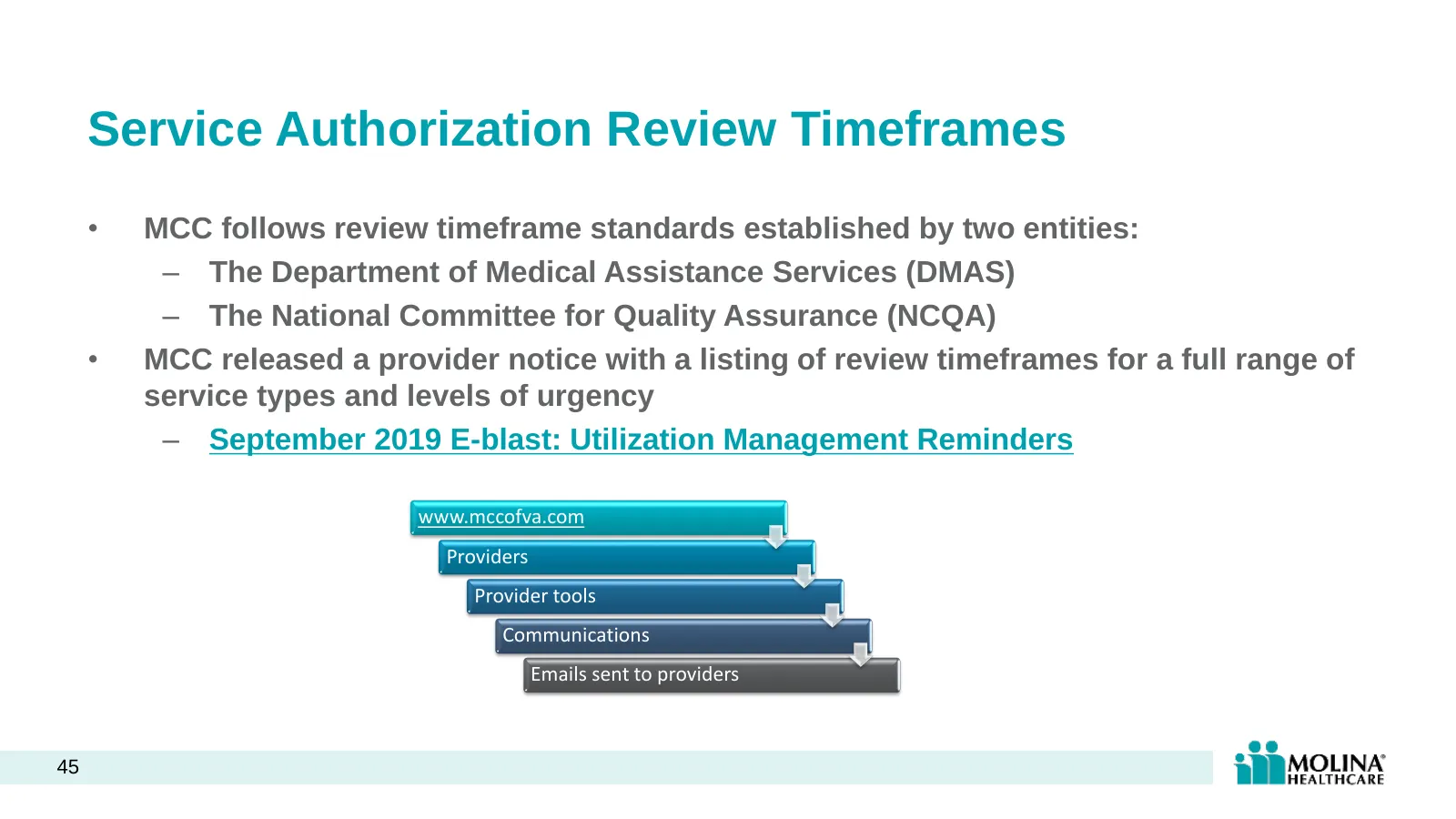
Service Authorization Review Timeframes • MCC follows review timeframe standards established by two entities: – The Department of Medical Assistance Services (DMAS) – The National Committee for Quality Assurance (NCQA) • MCC released a provider notice with a listing of review timeframes for a full r
Slide 46: Availity Online Authorizations
Availity Online Authorizations Are you ready to sign up? • Let us know you would like to participate – Tell your network representative – Email us [email protected] – Sign up for the Availity provider portal if you are not yet registered – Go to www.Availity.com – Click “Register”
Slide 47: Availity Online Authorizations (continued)
Availity Online Authorizations (continued) What are the advantages of online authorizations? • Submit service authorization requests in real time • Attach all clinical information via the portal for both initial requests and continued stays • Quick reference numbers assigned automatically • Fewer ph
Slide 48: Appeals and Grievances
Appeals and Grievances ee . . BRAM OHNE
Slide 49: Complaints, Grievances and Appeals Process
Complaints, Grievances and Appeals Process MCC is required to have a system in place to respond to grievances, appeals and complaints received from members. We are required to provide information about the grievances and appeals processes to all network providers and subcontractors. 49
Slide 50: Provider Appeals Process
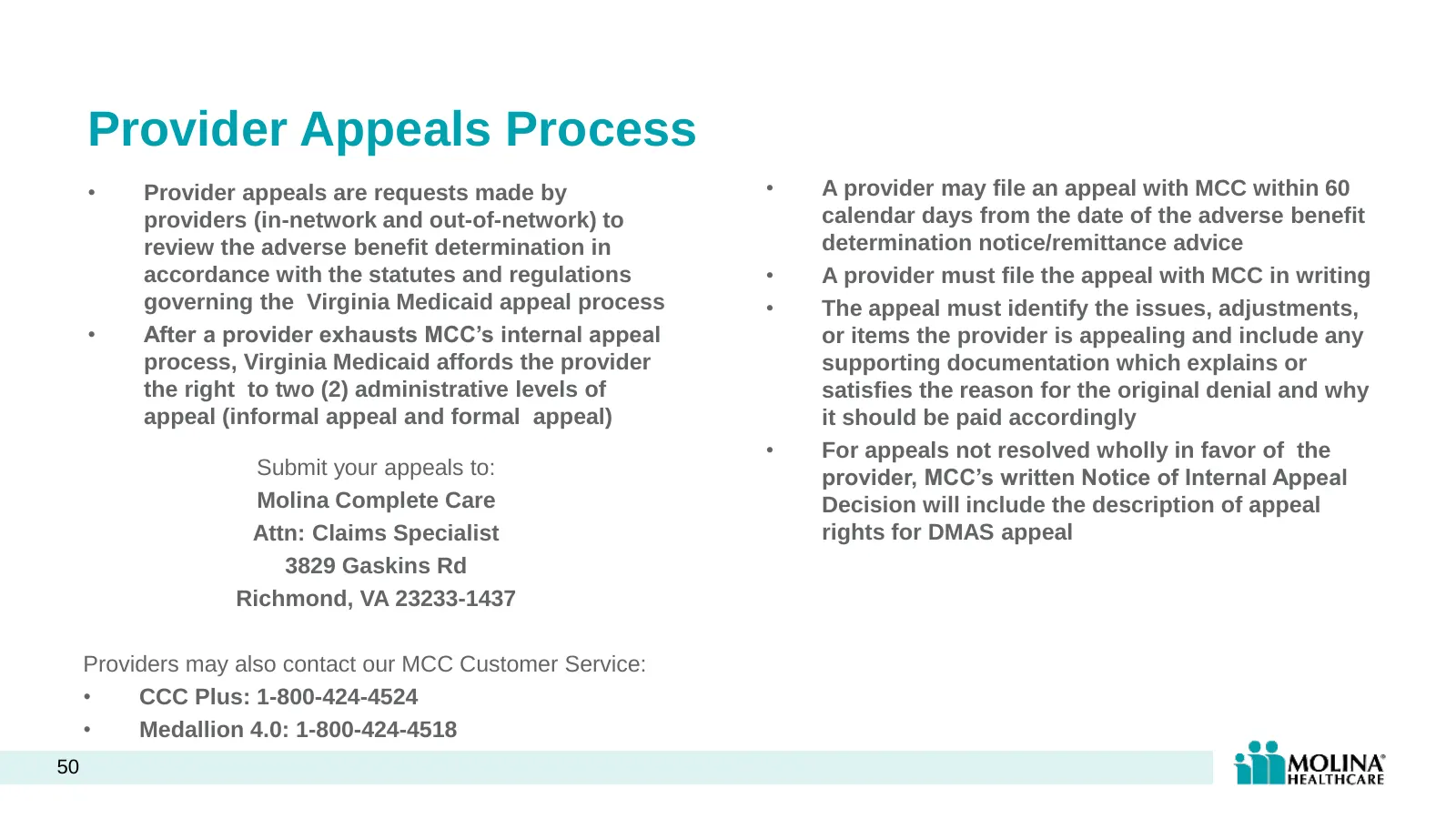
Provider Appeals Process • Provider appeals are requests made by • A provider may file an appeal with MCC within 60 providers (in-network and out-of-network) to calendar days from the date of the adverse benefit review the adverse benefit determination in determination notice/remittance advice accor
Slide 51: Provider Appeals and Timeframes
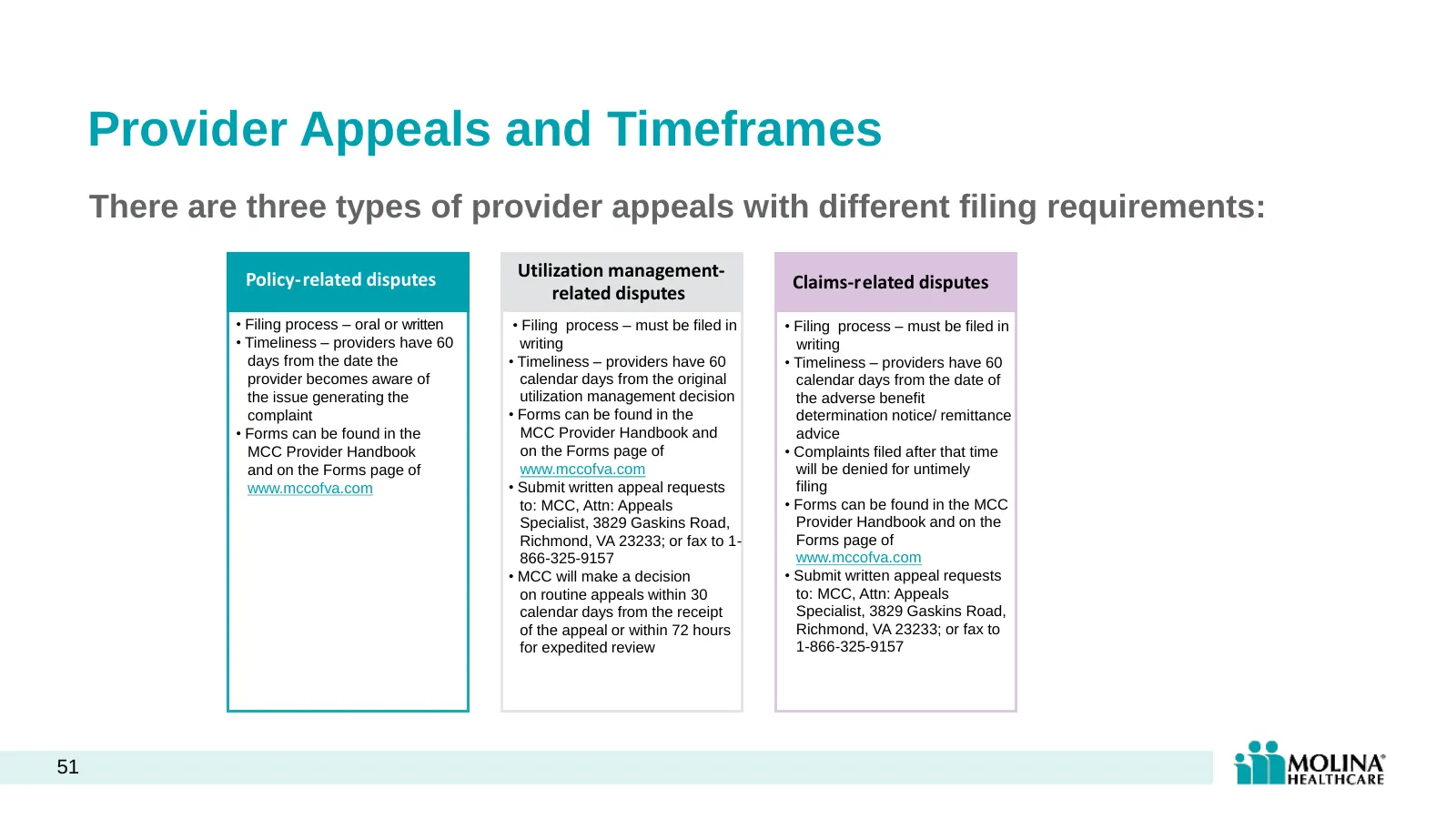
Provider Appeals and Timeframes There are three types of provider appeals with different filing requirements: Policy-related disputes Utilization management- Claims-related disputes related disputes • Filing process – oral or written • Filing process – must be filed in • Filing process – must be fil
Slide 52: Required Documentation for Submitting a Dispute
Required Documentation for Submitting a Dispute Insufficient documentation: • The Provider Appeals form instructs the provider to submit any information necessary to reconsider MCC’s initial claim or utilization decision • If additional information is needed, our Provider Appeals department will not
Slide 53: Provider Appeal Resolution Process
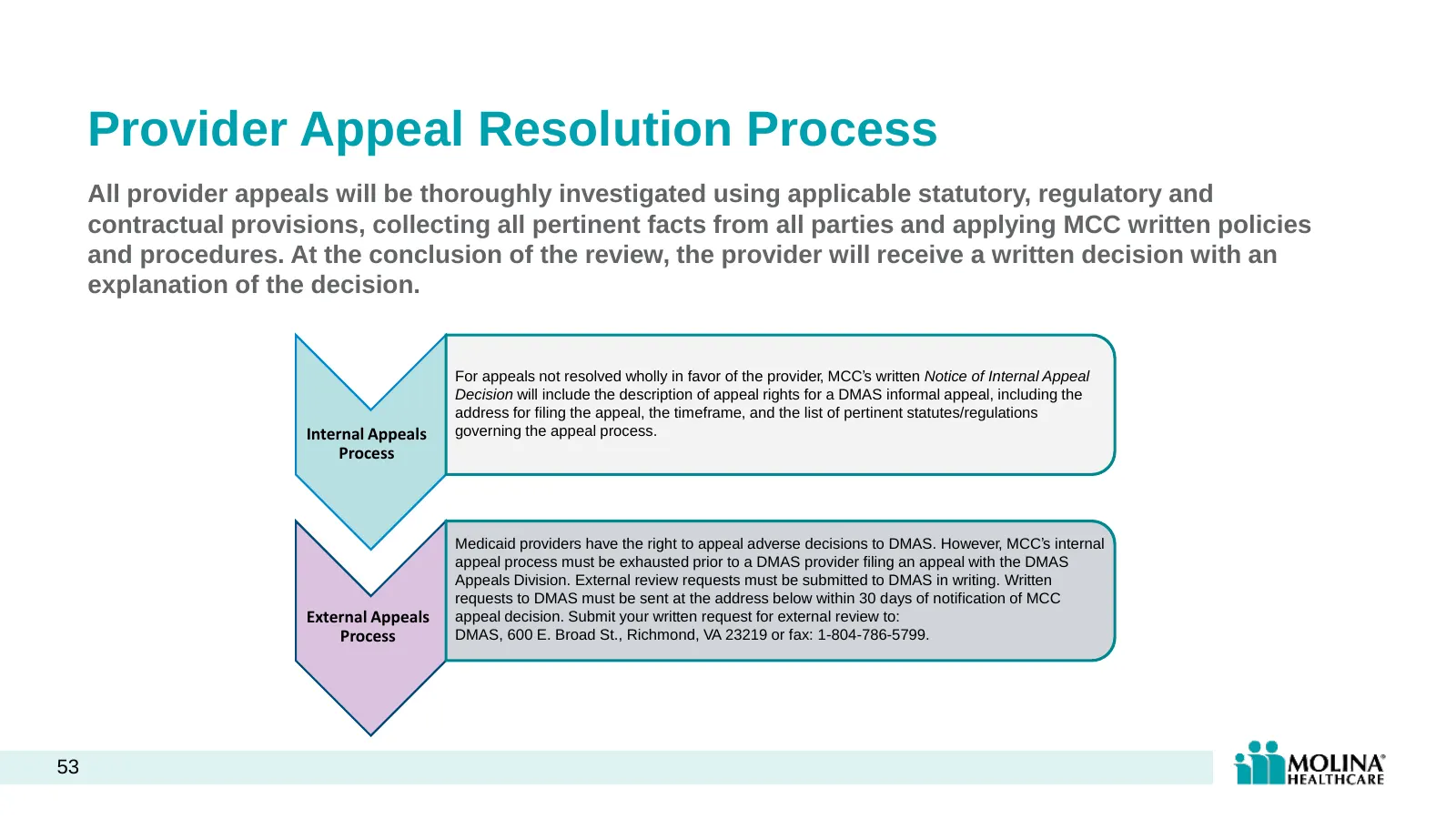
Provider Appeal Resolution Process All provider appeals will be thoroughly investigated using applicable statutory, regulatory and contractual provisions, collecting all pertinent facts from all parties and applying MCC written policies and procedures. At the conclusion of the review, the provider w
Slide 54: Provider Dispute Resolution Form
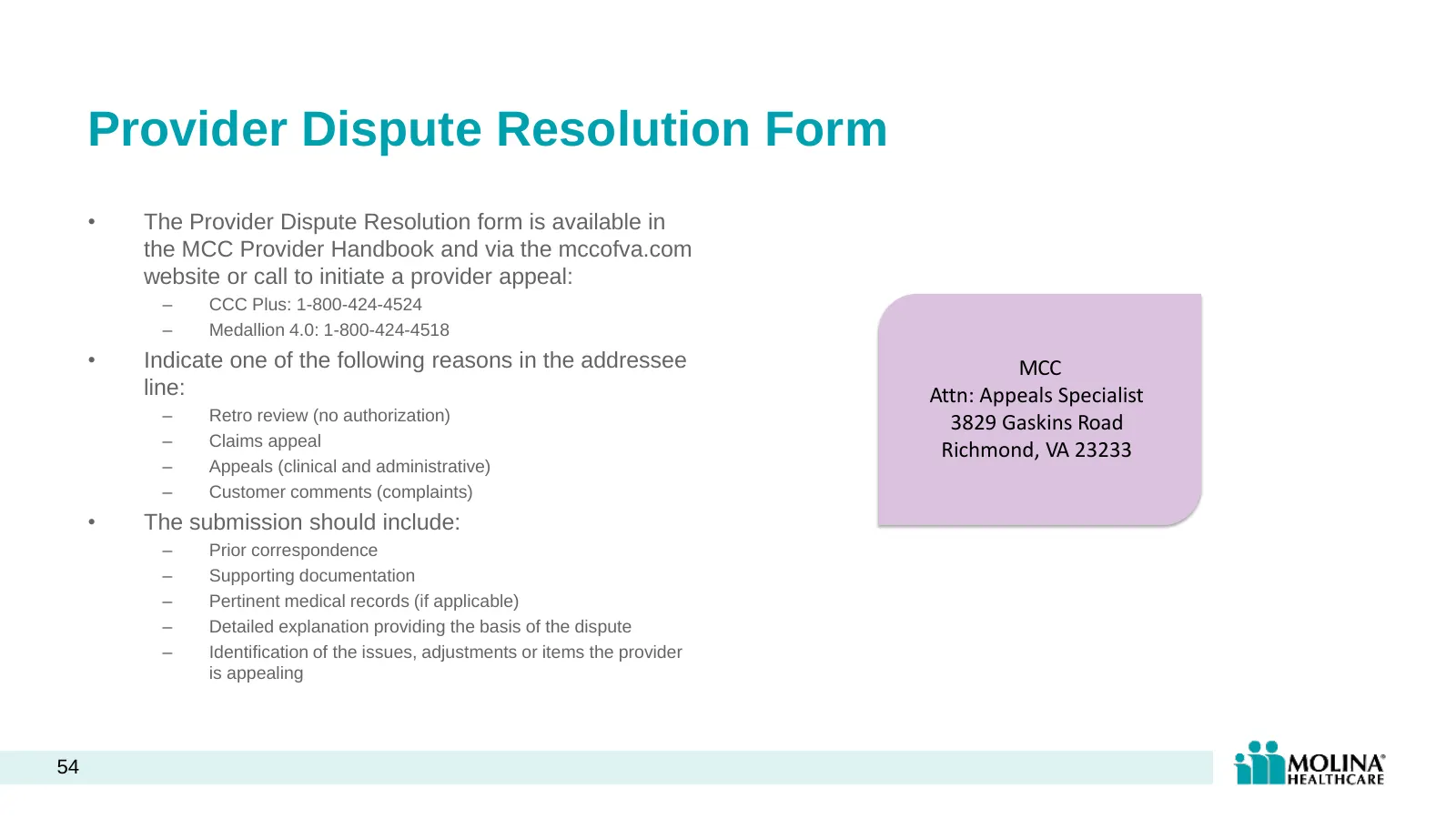
Provider Dispute Resolution Form • The Provider Dispute Resolution form is available in the MCC Provider Handbook and via the mccofva.com website or call to initiate a provider appeal: – CCC Plus: 1-800-424-4524 – Medallion 4.0: 1-800-424-4518 • Indicate one of the following reasons in the addressee
Slide 55: What is a Member Appeal?
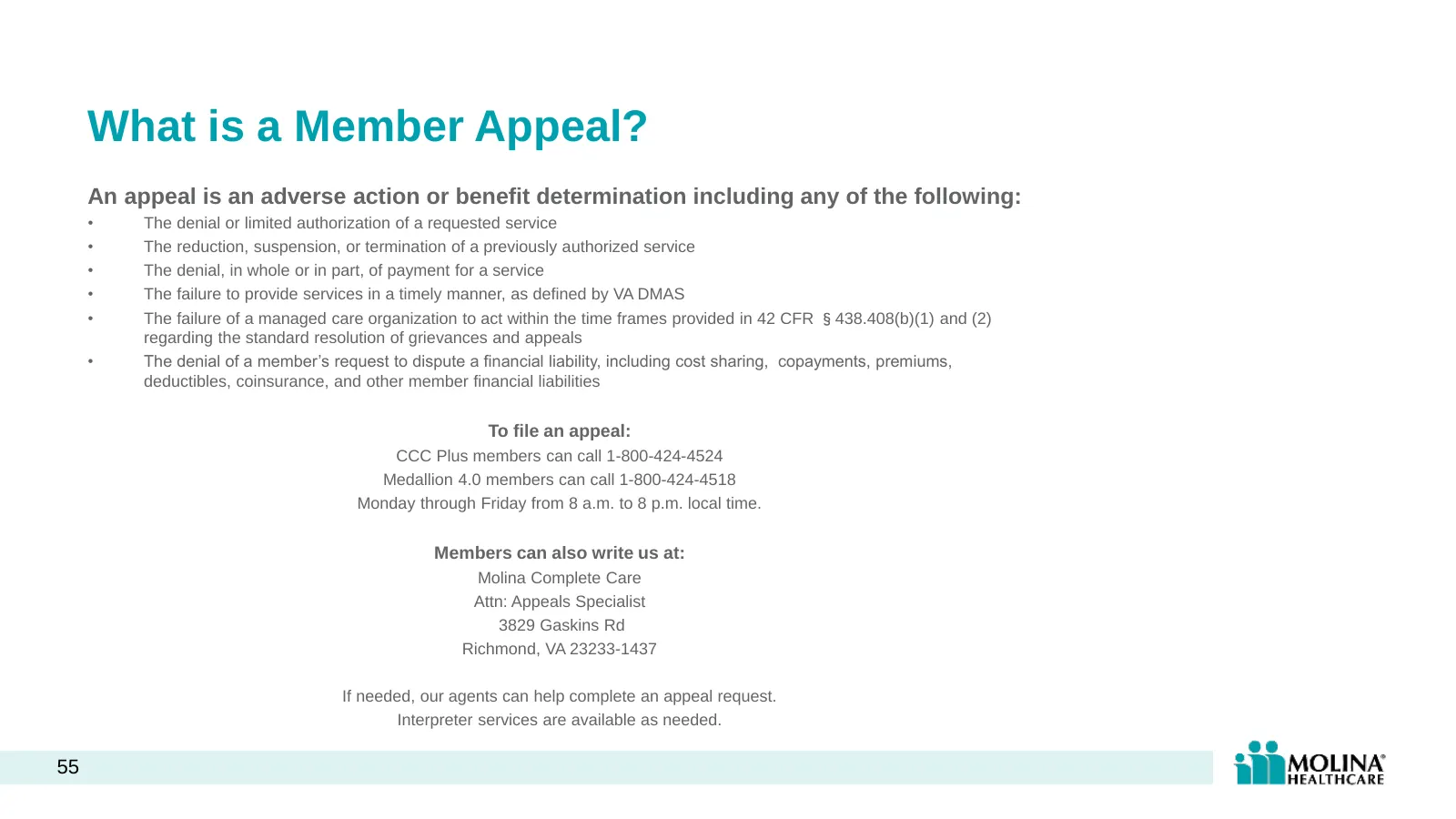
What is a Member Appeal? An appeal is an adverse action or benefit determination including any of the following: • The denial or limited authorization of a requested service • The reduction, suspension, or termination of a previously authorized service • The denial, in whole or in part, of payment f
Slide 56: Providers Appealing on behalf of Members
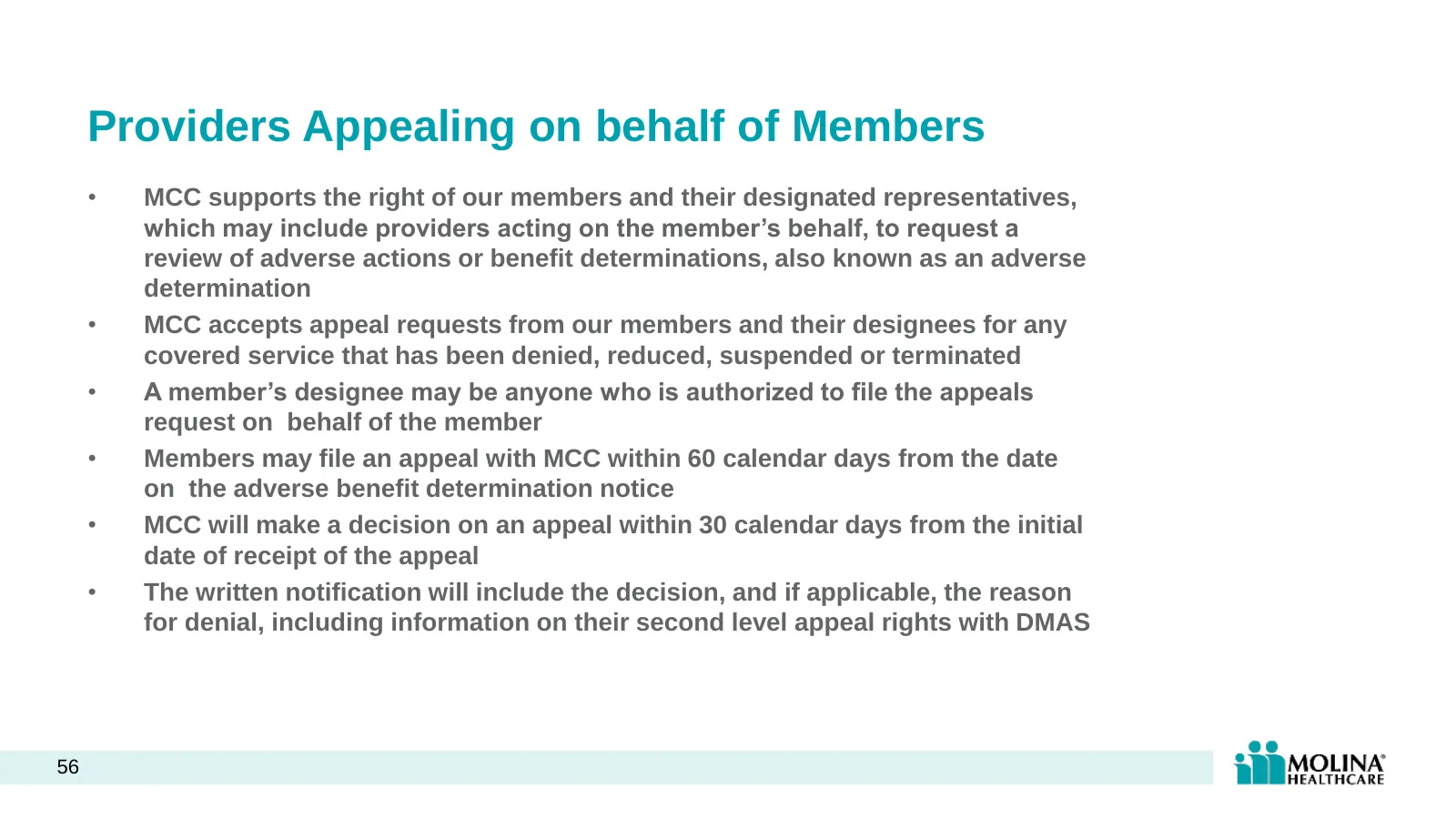
Providers Appealing on behalf of Members • MCC supports the right of our members and their designated representatives, which may include providers acting on the member’s behalf, to request a review of adverse actions or benefit determinations, also known as an adverse determination • MCC accepts app
Slide 57: What is a Member Grievance?
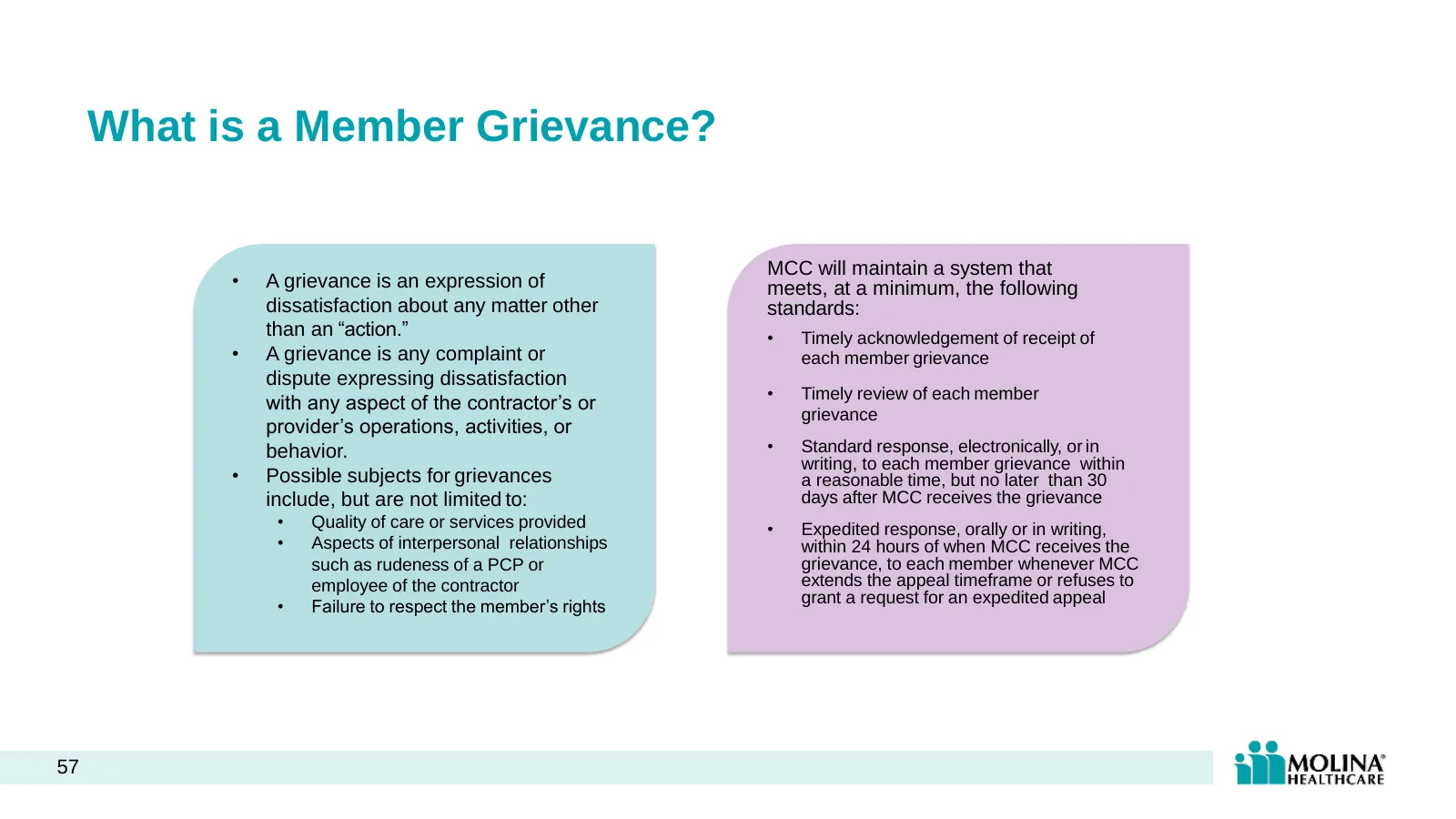
What is a Member Grievance? MCC will maintain a system that • A grievance is an expression of meets, at a minimum, the following dissatisfaction about any matter other standards: than an “action.” • Timely acknowledgement of receipt of • A grievance is any complaint or each member grievance dispute
Slide 58: State Fair Hearing Process
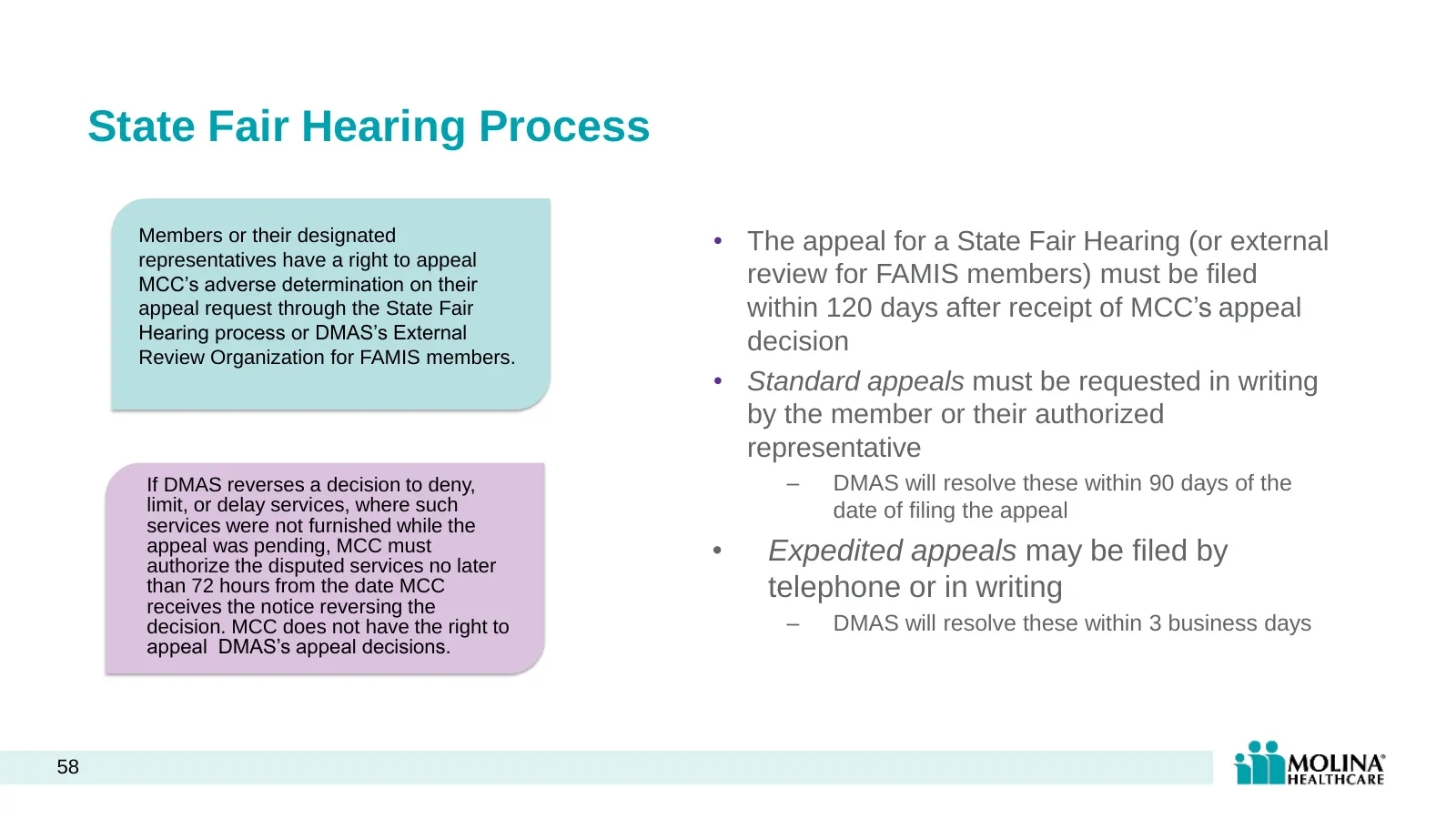
State Fair Hearing Process Members or their designated • The appeal for a State Fair Hearing (or external representatives have a right to appeal MCC’s adverse determination on their review for FAMIS members) must be filed appeal request through the State Fair within 120 days after receipt of MCC’s a

Slide 59: Compliance and Integrity
59 Compliance and Integrity AO) . BERMOLNS
Slide 60: General Compliance Program
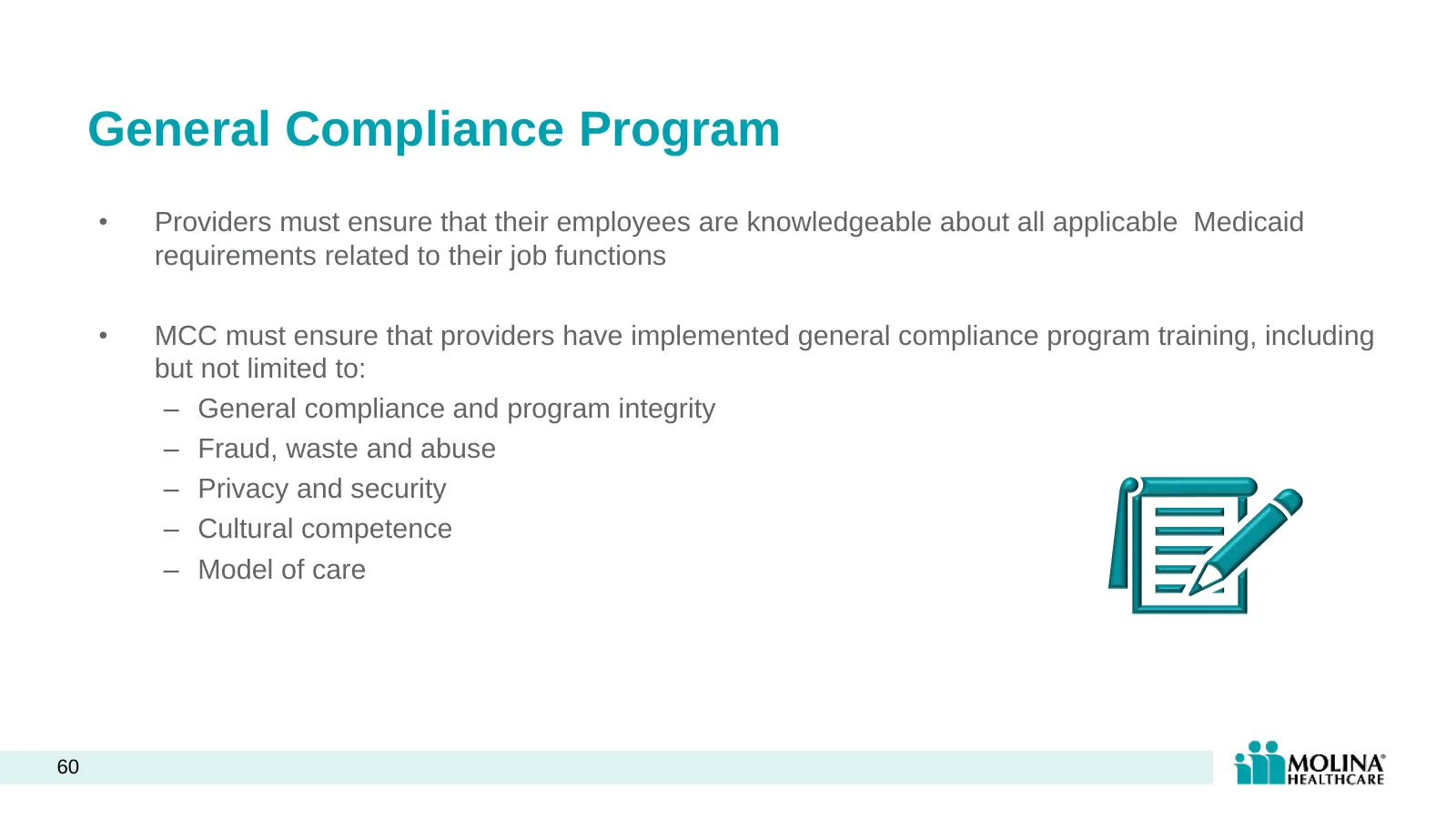
General Compliance Program • Providers must ensure that their employees are knowledgeable about all applicable Medicaid requirements related to their job functions • MCC must ensure that providers have implemented general compliance program training, including but not limited to: – General complianc
Slide 61: Confidentiality and HIPAA
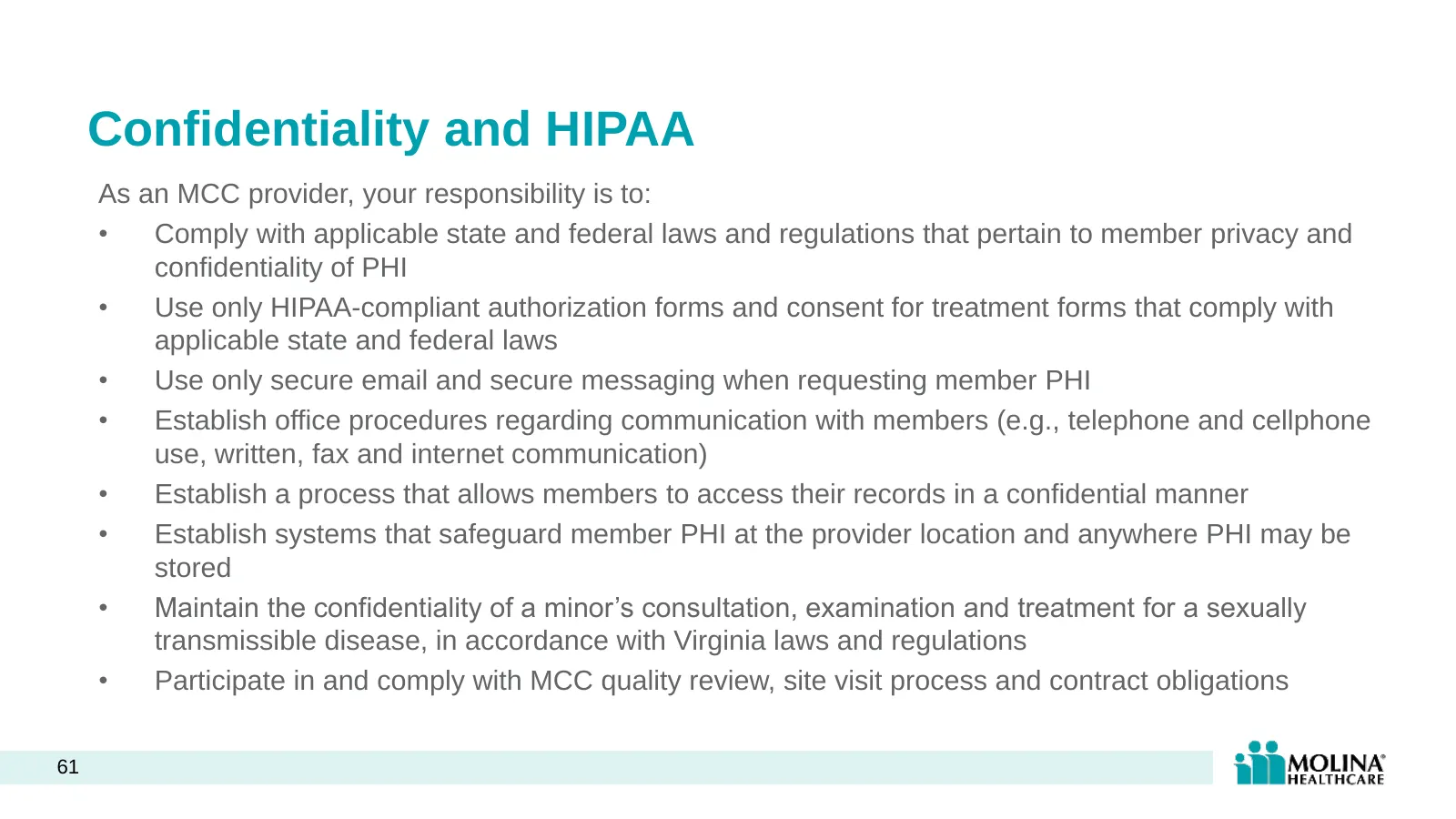
Confidentiality and HIPAA As an MCC provider, your responsibility is to: • Comply with applicable state and federal laws and regulations that pertain to member privacy and confidentiality of PHI • Use only HIPAA-compliant authorization forms and consent for treatment forms that comply with applicabl
Slide 62: Provider Responsibilities regarding Fraud, Waste and Abuse
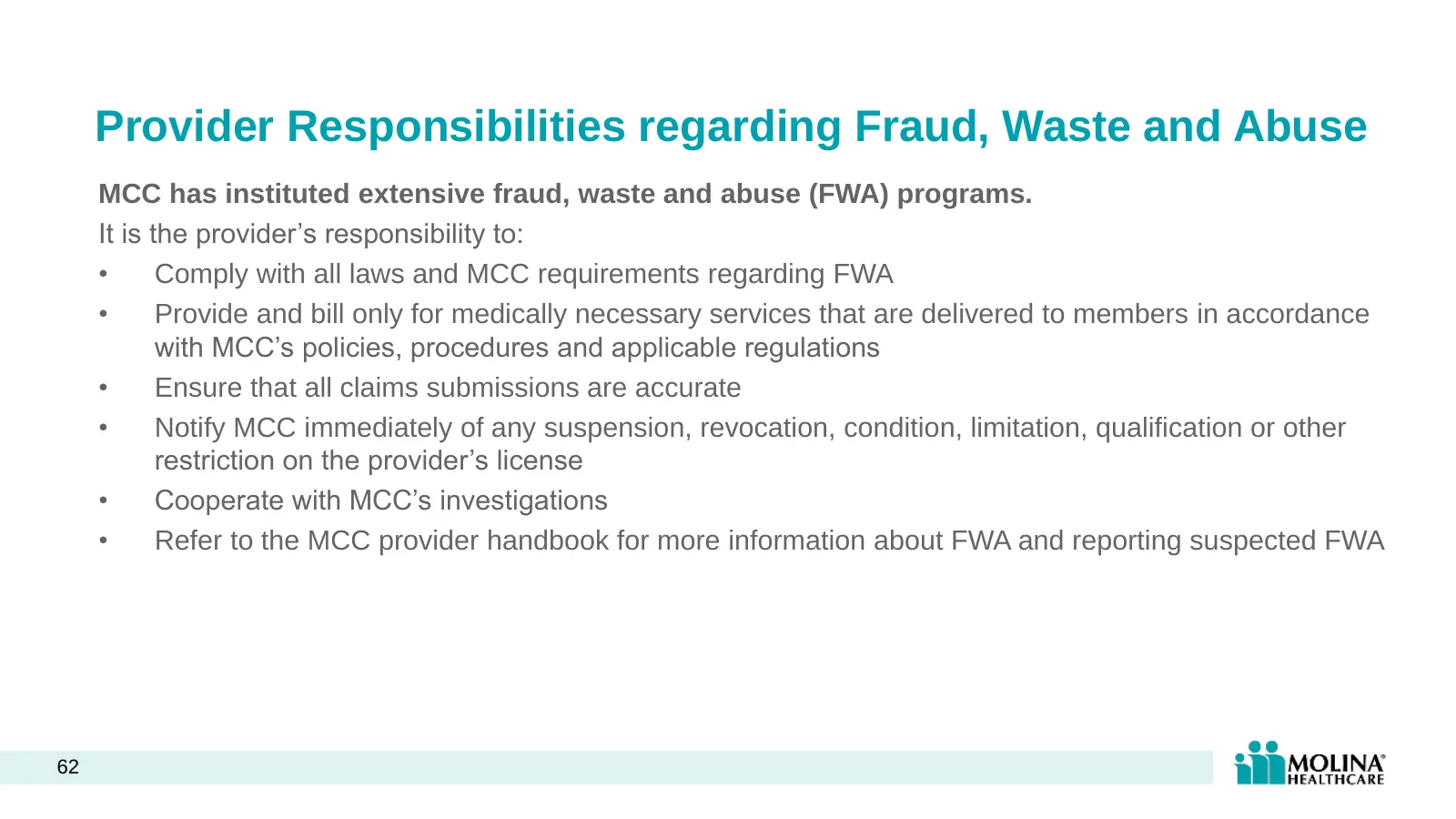
Provider Responsibilities regarding Fraud, Waste and Abuse MCC has instituted extensive fraud, waste and abuse (FWA) programs. It is the provider’s responsibility to: • Comply with all laws and MCC requirements regarding FWA • Provide and bill only for medically necessary services that are delivered
Slide 63: Reporting Fraud, Waste and Abuse
Reporting Fraud, Waste and Abuse Reports of FWA will be made to MCC via one of the following methods: • Molina AlertLine: 1-866-606-3889 • Website: https://molinahealthcare.alertline.com • Reports to the Molina AlertLine may be made 24 hours a day, 7 days a week. • Callers may choose to remain anony
Slide 64: MCC of VA (HMO SNP)
MCC of VA (HMO SNP) A MEDICARE ADVANTAGE SPECIAL NEEDS PLAN THAT BEGAN JANUARY 1, 2020 64
Slide 65: MCC of VA (HMO SNP) Introduction
MCC of VA (HMO SNP) Introduction MCC of VA (HMO SNP) is a Medicare Advantage Special Needs Plan, also known as a Dual-Eligible Special Needs Plan (D-SNP). This plan is available to individuals who are enrolled in CCC Plus and are eligible for Medicare Parts A and B. Members get their Medicare and Pa
Slide 66: Coordination with Medicare and Medicaid
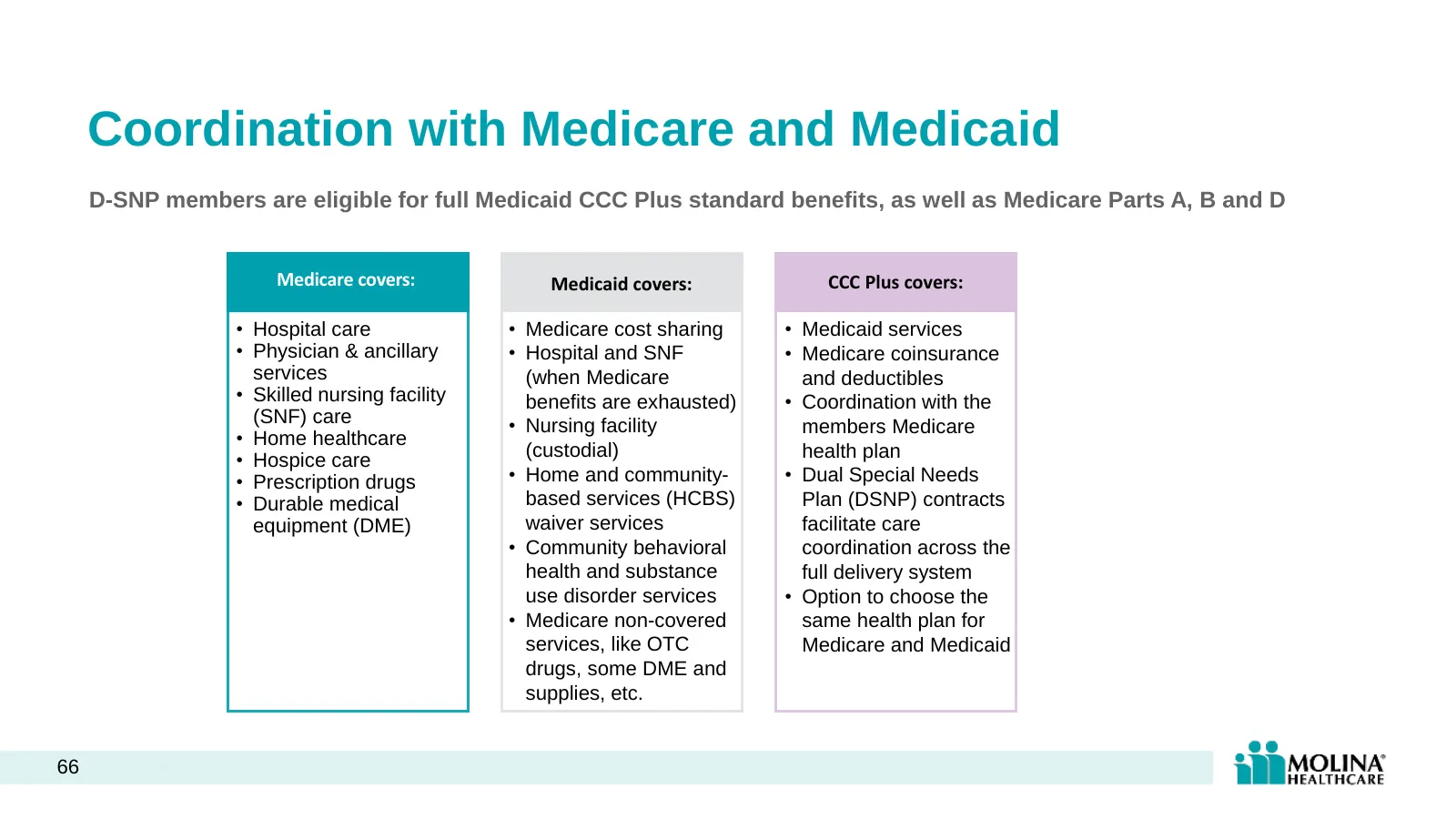
Coordination with Medicare and Medicaid D-SNP members are eligible for full Medicaid CCC Plus standard benefits, as well as Medicare Parts A, B and D Medicare covers: Medicaid covers: CCC Plus covers: • Hospital care • Medicare cost sharing • Medicaid services • Physician & ancillary • Hospital and
Slide 67: MCC of VA (HMO SNP) Customer Service
MCC of VA (HMO SNP) Customer Service MCC of VA (HMO SNP) customer service: 1-800-424-4461 Call this number for support with all your provider needs. For more information, please visit our MCC of VA (HMO SNP) website: www.mccofva.com/dsnp 67
Slide 68: MCC of VA (HMO SNP) Contact Information
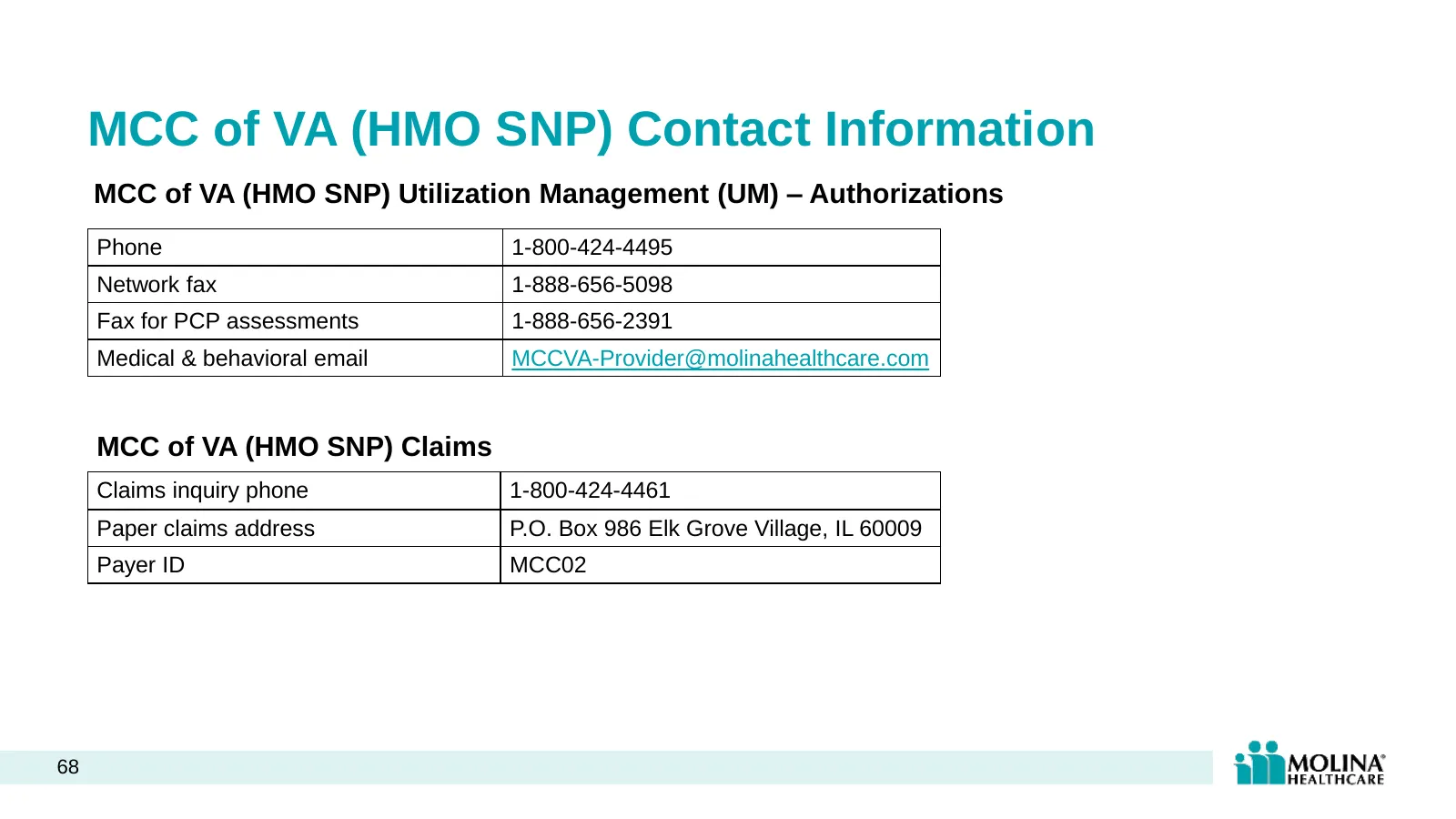
MCC of VA (HMO SNP) Contact Information MCC of VA (HMO SNP) Utilization Management (UM) – Authorizations Phone 1-800-424-4495 Network fax 1-888-656-5098 Fax for PCP assessments 1-888-656-2391 Medical & behavioral email [email protected] MCC of VA (HMO SNP) Claims Claims inquiry pho
Slide 69: MCC of VA (HMO SNP) Contact Information (continued)
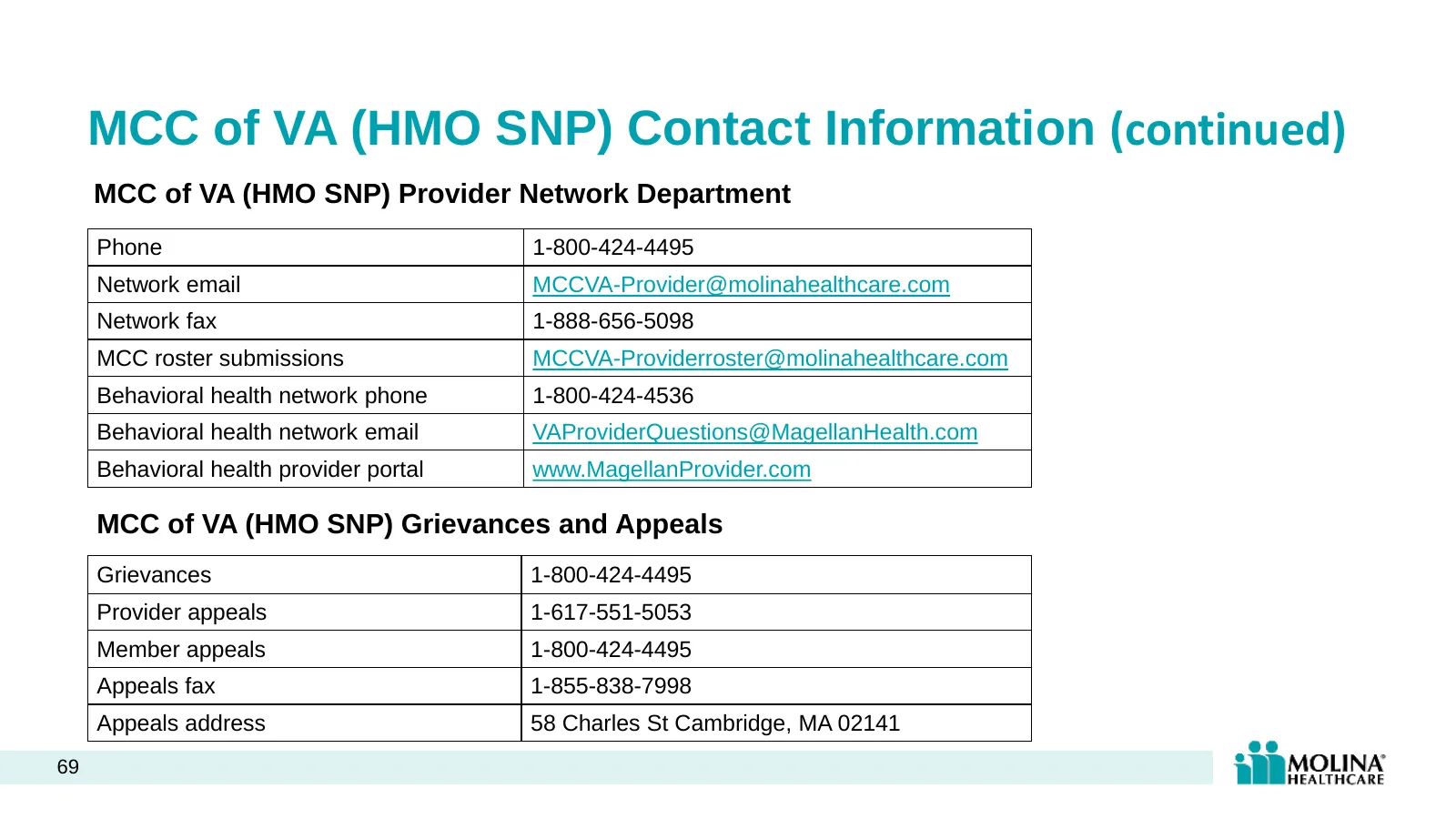
MCC of VA (HMO SNP) Contact Information (continued) MCC of VA (HMO SNP) Provider Network Department Phone 1-800-424-4495 Network email [email protected] Network fax 1-888-656-5098 MCC roster submissions [email protected] Behavioral health network phone 1-800
Slide 70: MCC of VA (HMO SNP) Contact Information (continued)
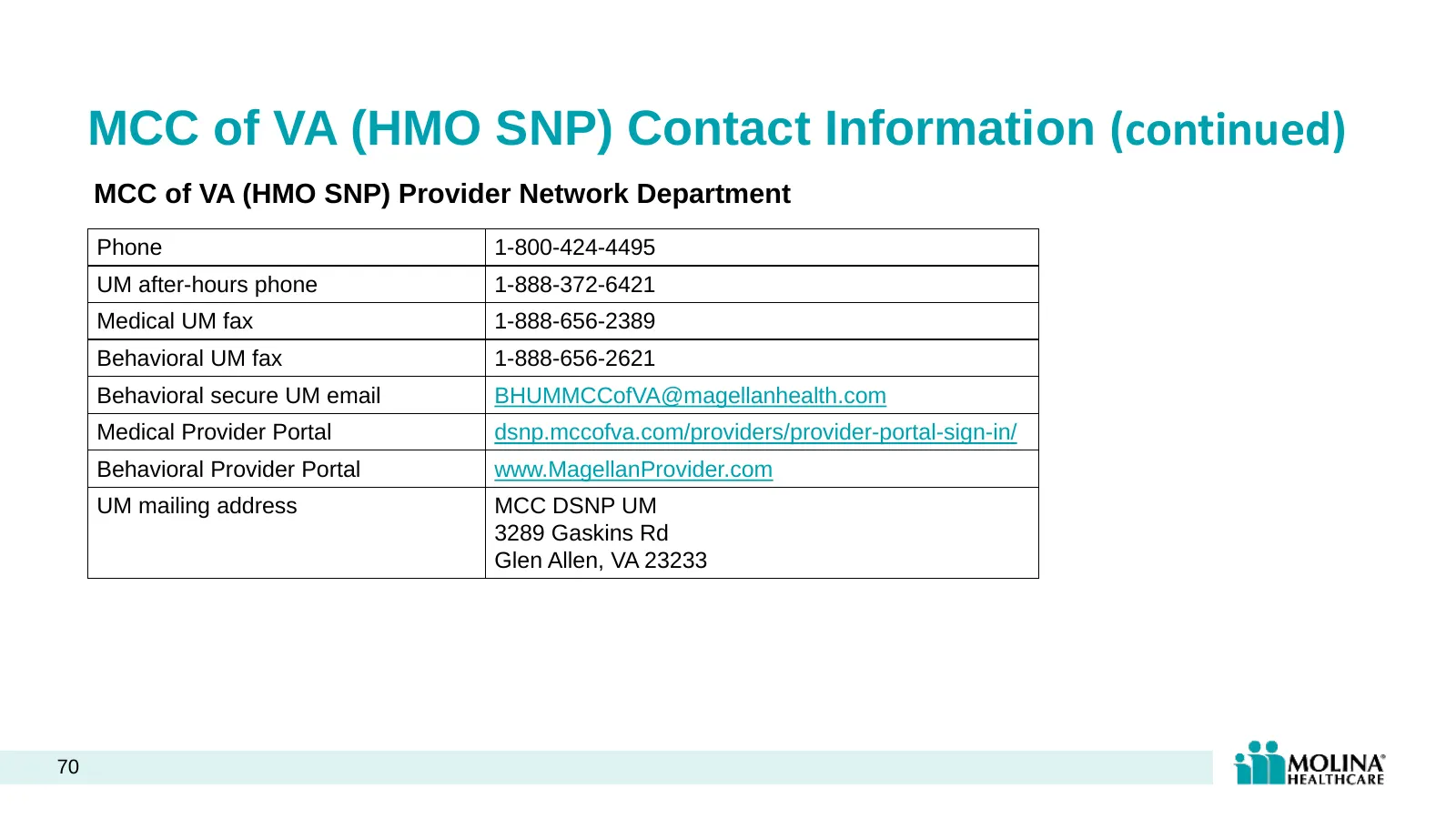
MCC of VA (HMO SNP) Contact Information (continued) MCC of VA (HMO SNP) Provider Network Department Phone 1-800-424-4495 UM after-hours phone 1-888-372-6421 Medical UM fax 1-888-656-2389 Behavioral UM fax 1-888-656-2621 Behavioral secure UM email [email protected] Medical Provider Porta
Slide 71: General Information
General Information AO) . BERMOLNS
Slide 72: Verify Member Eligibility and Benefits
Verify Member Eligibility and Benefits It is important that you verify eligibility and benefits for MCC members each time a member presents to your office or practice for care or prior to scheduling a care visit with a member. The member ID card alone can not be solely relied upon as a guarantee of
Slide 73: Provider Website
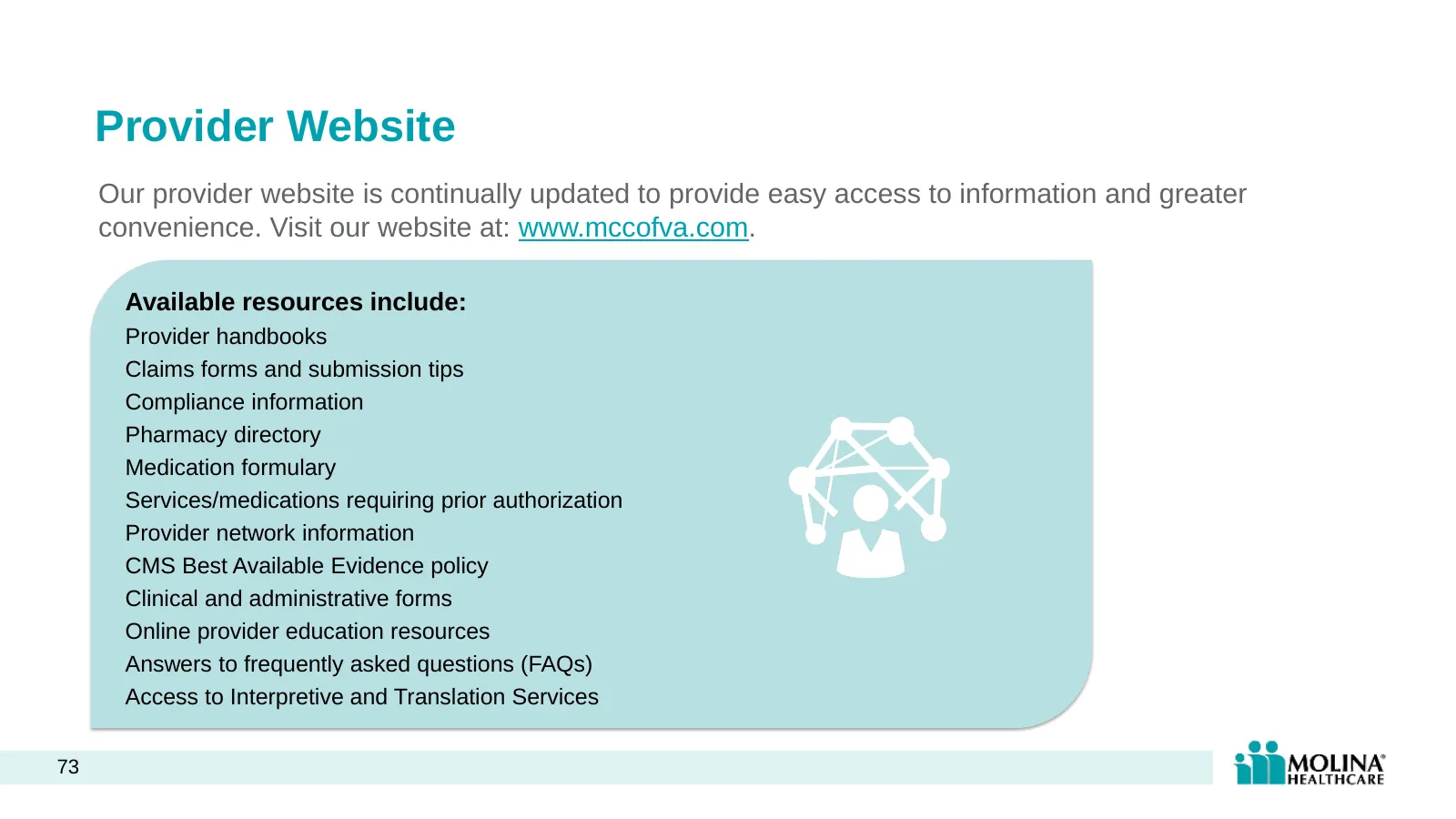
Provider Website Our provider website is continually updated to provide easy access to information and greater convenience. Visit our website at: www.mccofva.com. Available resources include: Provider handbooks Claims forms and submission tips Compliance information Pharmacy directory Medication for
Slide 74: Provider Tools
Provider Tools Visit www.mccofva.com for our Provider Tools page. In this section, you will find information and resources on: • Important Updates – EFT Registration – Availity Sign On Instructions • Provider training – Provider orientation – Claims education • Utilization management • Forms – Claim
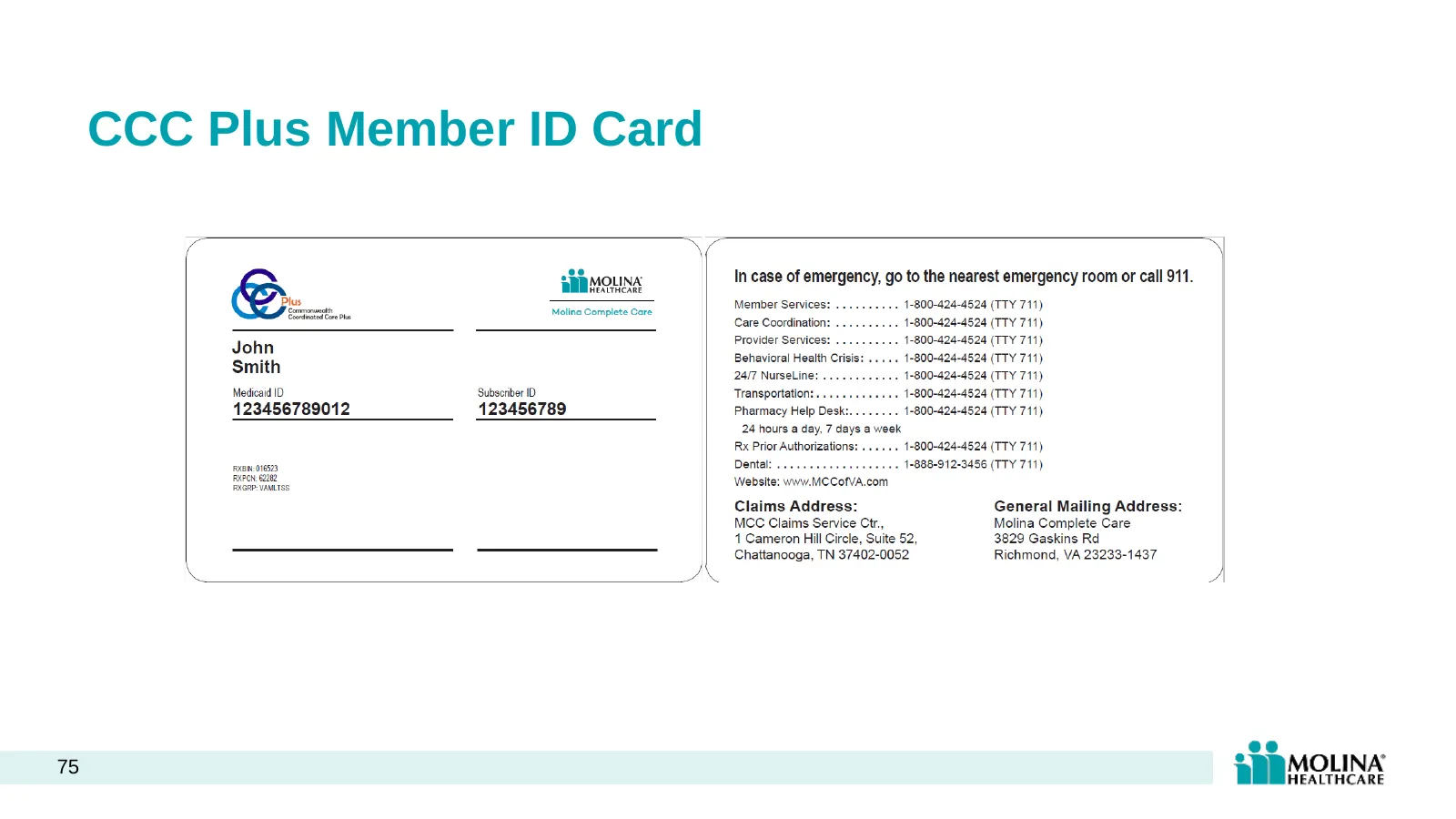
Slide 75: CCC Plus Member ID Card
75 CCC Plus Member ID Card ‘a \ abbMouns In case of emergency, go to the nearest emergency room or call 911. en Molina Complete Care 1-800-424-4824 (TTY 711) Seovncied Coe Ph « 1-800-424-4524 (TTY 711) = 1-800-424-4524 (TTY 711) gonn + 1-800-424-4524 (TTY 711) mi = 1-800-424-4524 (TTY 711) Medicaid
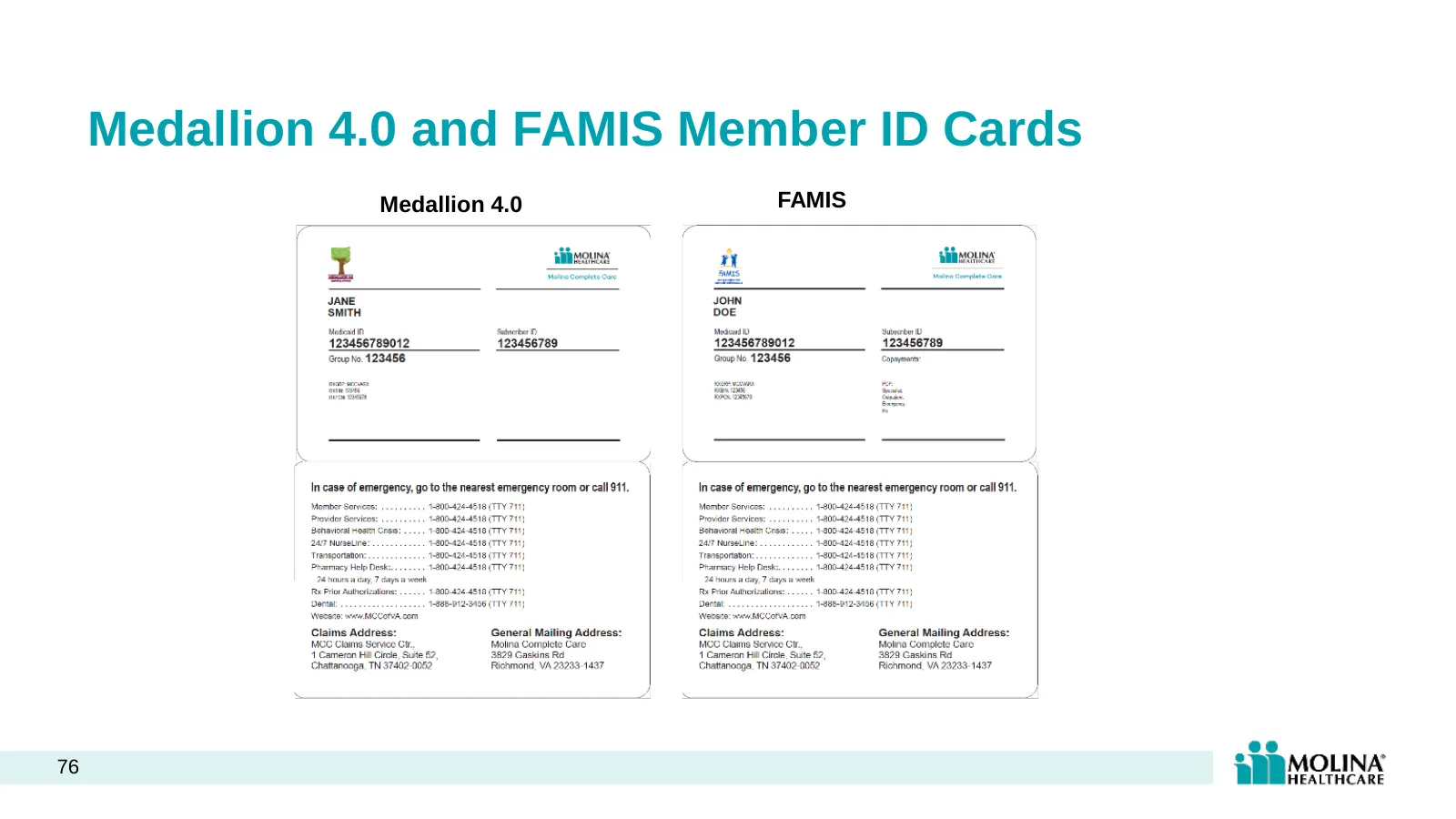
Slide 76: Medallion 4.0 and FAMIS Member ID Cards
Medallion 4.0 and FAMIS Member ID Cards Medallion 4.0 FAMIS 76
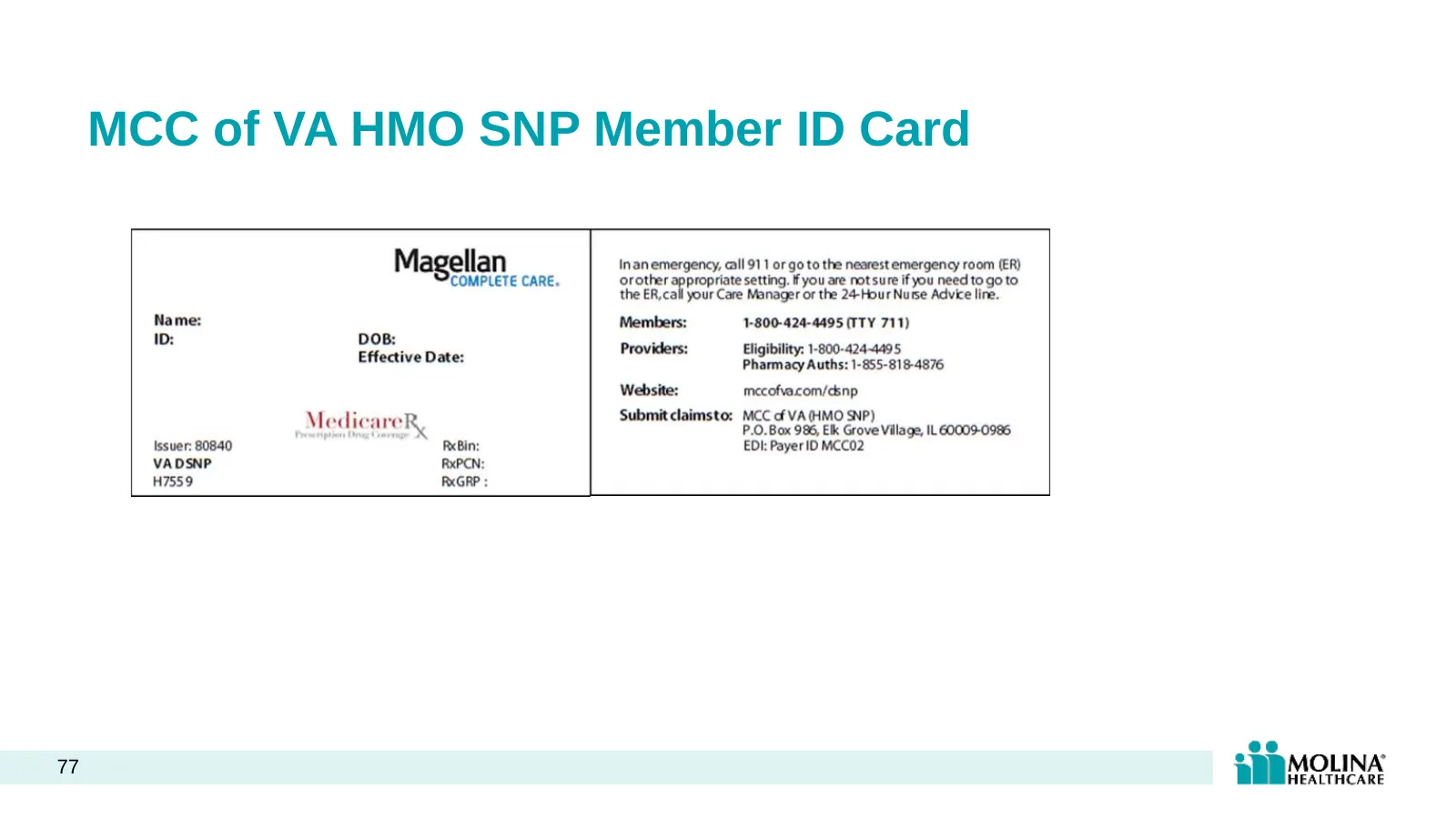
Slide 77: MCC of VA HMO SNP Member ID Card
MCC of VA HMO SNP Member ID Card 77

Slide 78: Q&A
78 Q&A MOLINA’ HEALTHCARE

Slide 79: Thank you for everything you do for our members
Thank you for everything you do for our members. 79
Slide 80: Legal
Legal This presentation may include material non-public information about Molina Healthcare, Inc. (“Molina” or the “Company”). By receipt of this presentation each recipient acknowledges that it is aware that the United States securities laws prohibit any person or entity in possession of material n
Slide 81: Confidentiality statement
Confidentiality statement By receipt of this presentation, each recipient agrees that the information contained herein will be kept confidential and that the information will not be photocopied, reproduced, or distributed to or disclosed to others at any time without the prior written consent of Mol
Slide 82: Confidentiality statement
Confidentiality statement The information presented in this presentation is confidential and expected to be used solely in support of the delivery of services to Molina members. By receipt of this presentation, each recipient agrees that the information contained herein will be kept confidential and
Source: Internet Archive copy of molinahealthcare.com
More decks from Molina Healthcare Inc
 Investor Presentation (August 2026)31 slides · August 2026
 Investor Day (May 2026)76 slides · May 8, 2026
 Investor Presentation (January 2026)54 slides · January 2026
 Investor Presentation (2026)56 slides · 2026
 Investor Presentation (June 2025)29 slides · Jun 30, 2025
 Molina Healthcare of Illinois — MHIL 2025 Provider Orientation Webinar70 slides · Mar 20, 2025